Creative tools & workflows
Canva Alternatives for Brand Work and Editable Handoffs
Adobe Express, Visme, VistaCreate, and automo designer as Canva alternatives: where brand controls sit, which exports stay editable, and what a team pays.
· · Diagram Studio Editorial
Your team just shipped a launch kit: six social sizes, a one-pager, and a deck. The images exported cleanly, so the campaign went out on time. Then the deck needed a revision. The person assigned to edit it opened the PDF, found the text locked, and sent the file back to the designer.
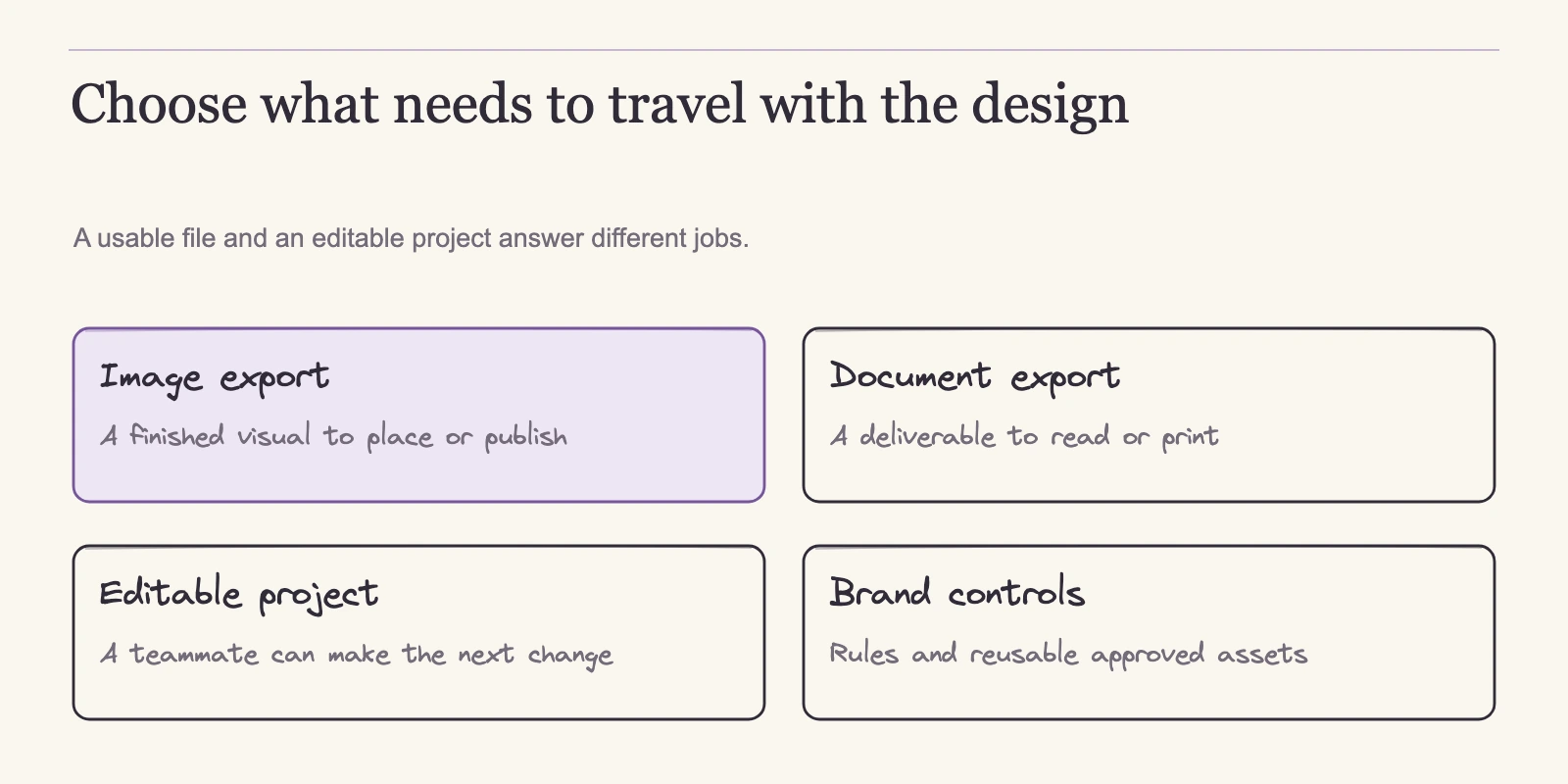
That moment separates a deliverable from a project. A downloaded image is finished at one size and one moment; a project is something another teammate can open and change. Most Canva alternative comparisons ask which editor has the most templates. The question that decides a fit is narrower: who edits the next version, and in what file?
This comparison looks at four tools through the handoff routes, plan tiers, and team costs that matter: Adobe Express, Visme, VistaCreate, and automo designer on desygner.com. Prices and plan details come from official product pages, checked on 4 November 2026. No app was installed or benchmarked here; the final check in this article is one you run with your own assets.
Direct answer
No single best Canva alternative exists; the four tools divide by who edits the next version. Use Visme Business when the next editor works in PowerPoint: editable PPTX export drops animations. Adobe Express presentations also export editable PPTX, with font-substitution caveats; Premium is documented for Brand Kits and resize, not as the PowerPoint-exit gate. Choose VistaCreate Pro at $10/month billed annually, covering up to ten editors. For large groups, automo designer's Team 100 flat $333/month beats per-user Business around 18 users. Confirm the plan gate before committing.
Who edits the next version?
The deck is the asset that keeps aging. It gets reviewed, revised, resized, and sent to people who never opened the original design. When only the designer can change it, every iteration becomes a dependency. Interface polish matters less than who holds editing rights for the next version. If the next editor works in the same shared space, the native project is the handoff. If the next editor uses PowerPoint, another application, or just needs a light edit, the export route decides.
All four candidates offer free plans, yet the capabilities that matter for brand work sit behind different tiers. Think of a plan gate as a capability that appears only at a specific subscription level. Adobe Express leaves resize and Brand Kits on Premium while its free tier stays at 5 GB storage and 10-day version history. Visme's Starter adds JPG, PNG, and PDF downloads; Business adds PPTX, HTML5, video, GIF, Brand Kit, analytics, and privacy controls.
VistaCreate's free Starter includes one seat, one Brand Kit, and 10 GB, while Pro adds unlimited brand kits, version history, and one-click resize. automo designer lists a free plan, but its own pages disagree on the number of free seats. These figures come from the official pricing and plan pages cited in each tool's section below.
A generic free-versus-paid comparison hides these differences. A team whose only output is social images may be served by a free tier. A team producing decks under brand rules will hit a paid gate quickly.
This comparison does not rank the tools by output quality, speed, or acceptance; the sources describe routes and prices, not measured results. The decision method starts with one question: where does an edit survive after export?
Where edits survive: four deliverable classes
When a team says it needs editable handoffs, the phrase can mean very different things. Before comparing vendors, separate the outcomes by what the recipient can actually do.
| Deliverable class | Documented example | What the recipient can do |
|---|---|---|
| Native project | Visme documents shared workspaces with view/comment/edit permissions | Open the same project in the same tool and revise anything the plan allows |
| Recipient-editable PPTX | Adobe Express exports PPTX from presentations; Visme exports PPTX that stays editable in PowerPoint | Revise the deck in PowerPoint; check font substitution in Express and dropped animations in Visme |
| Rendered still files | PDF, JPG, and PNG downloads, including unlimited downloads on VistaCreate Starter | Publish or archive; a PDF is not a native project, but Adobe Express and automo designer document PDF re-import with conversion limits (Adobe, automo). |
| Time-based or interactive delivery | MP4 and GIF downloads; Visme offline HTML5 retains animations | Watch or share; not a slide-deck source for editing |
For the launch-kit team, the deck is where the choice becomes visible. If the next editor works in PowerPoint, Visme's PPTX route gives them an editable file, with a stated caveat: animations do not carry over. Adobe Express also offers PPTX export, but only for presentations, and Adobe warns that fonts can substitute in PowerPoint when the receiving device lacks them. If motion in the deck matters, Visme's offline HTML5 retains animations, at the cost of being an interactive viewer experience rather than a slide-deck source.
Social sizes are simpler: a rendered still is usually sufficient. VistaCreate's free Starter already allows unlimited PDF, JPG, PNG, MP4, and GIF downloads, so download breadth is not the blocker there. The blocker is structure: one seat and one Brand Kit means a multi-person brand team outgrows the free plan even though its export list is generous.
A file that opens in another application is not proof that the whole project moved across. Adobe Express documents import of PPTX, PDF, PSD, INDD, INDDC, and AI into an editable Express file, with PDF batch limits and a warning about Figma-exported PDFs. automo designer documents PDF, image, and PPTX intake, a manual Brand Library rebuild, and possible adjustments to Canva-specific effects. These are intake and rebuild paths, not lossless migrations. Once you know which deliverable class your handoff belongs to, check which plan tier includes it and what that tier costs per team per year.
Adobe Express: a flat monthly price with premium gates
Adobe Express keeps the price simple and places the brand controls on a premium tier. Adobe's US pricing page sells Premium at US$9.99 per month, billed monthly with no annual commitment, plus a 30-day trial; a free plan exists. Express runs in a desktop browser and on mobile phones.
The free tier covers 5 GB storage, 10-day version history, and social scheduling to one account per network. Premium raises storage to 100 GB, extends version history to 30 days, allows scheduling to three accounts per network, and adds resize and Brand Kits. For brand work, the decisive gates are resize and Brand Kits on Premium.
Express accepts PPTX, PDF, PSD, INDD, INDDC, and AI and converts them into an editable Express file, according to its current import guide, updated 3 November 2026. The same guide caps PDF batches at 30 files, each under 500 MB and 250 pages, and warns that Figma-exported PDFs are not fully supported. These formats describe intake, not a promise that layers, effects, or typography arrive intact. None of this is a native Canva transfer, so inspect any converted file before treating it as the working source.
Handoff narrows at export. Express can export presentations as PPTX, but other document types get no PPTX route, and the legacy PPT format is unsupported, according to Adobe's presentation export help page. Even for presentations, fonts can be substituted in PowerPoint when the receiving machine lacks them.
For the launch-kit team, Express fits when the deck is a presentation, the recipient can accept PPTX, and the font set travels with it. If the next editor needs to revise a one-pager or a social post outside Express, the realistic paths are sharing the native project or exporting rendered images. Express answers the pricing question with one flat monthly rate per editor. Visme answers it per person and offers a wider set of export formats behind its Business tier.
Visme: per-seat plans and a PPTX-versus-HTML5 tradeoff
Visme approaches the same decision from another angle: per-person list rates and two handoff routes, each with a specific sacrifice. Basic is $0. On Visme's current yearly pricing view, Starter costs $12.25 per person per month, or $147 per year; Business costs $24.75 per person per month, or $297 per year; Enterprise is custom and starts at 10 users. These figures come from Visme's pricing page. Visme runs in a browser and offers a desktop app, and its FAQ lists presentations, infographics, documents, videos, and forms as the working content types.
The tier gates are sharp. Starter adds JPG, PNG, and PDF downloads. Business is where brand handoff begins: PPTX, HTML5, video, and GIF downloads, plus Brand Kit, analytics, and privacy controls. Enterprise adds approvals, governance, and SSO. A team that only ships social images may never leave Starter. A team that sends decks and interactive pieces starts with Business.
Visme's FAQ describes the central tradeoff. PPTX export yields an editable PowerPoint file, but animations do not carry over. Offline HTML5 export retains animations, but the result is an interactive viewer experience, not a slide-deck source. Downloaded files can be kept after cancellation; hosted links or embeds tied to a cancelled workspace may stop working. Export sizes also have limits: MP4 is documented for projects 1366×1366 or smaller, and GIF for 1500×1500 or smaller.
The launch-kit deck forces a choice. If the next editor works in PowerPoint, take PPTX and rebuild motion there. If the deck will be watched rather than edited, HTML5 preserves the animation. If account continuation matters, treat downloaded files as the durable deliverable and links as convenience.
Visme also documents shared workspaces with view/comment/edit permissions, so a team handing off inside the tool keeps one source of truth. Because prices are per person, seats multiply quickly: a ten-person Business team on yearly list rates comes to $2,970 per year ($24.75 × 10 × 12). Visme's value is the range of outputs in one place, but every route is conditional and the cost follows headcount. That shape stands against VistaCreate, which sells a flat Pro plan with a ceiling of ten seats and a free Starter limited to one seat and one Brand Kit.
VistaCreate: broad starter downloads, one seat, one brand kit
VistaCreate's free Starter plan is generous exactly where many free tiers are stingy: unlimited downloads of finished files. The limits sit elsewhere, in seats and brand kits. Plan details come from VistaCreate's Starter plan page and Pro plan page.
Starter costs $0 and includes one seat, one Brand Kit, and 10 GB of storage. From that free tier, you can edit in a synced web or mobile interface, upload your own media and fonts, schedule social posts, and download unlimited PDF, JPG, PNG, MP4, and GIF files. For one person producing finished social assets, this is a practical tool. The plan gates are not about output; they are about who shares the account and how much brand structure it can hold.
Pro costs $10 per month billed annually or $13 per month billed monthly, comes with a 14-day free trial, and covers up to 10 team seats. That ceiling matters: $10 is the price of one Pro plan, not a per-editor rate. The same plan adds unlimited Brand Kits and storage, version history, one-click resize, HD download, and AI-assisted tools. None of those features appears on Starter, so a team should not assume the free tier includes them just because its download list is broad.
The support pages document output formats, not project transfer. You can leave VistaCreate with a stack of rendered stills, videos, and animated GIFs, but the pages do not claim that a completed VistaCreate project can be handed to someone in another editor with every element editable. A shared project inside the tool and a downloaded file are different deliverables, the same distinction that runs through this comparison.
A six-person brand team with two brands would feel the ceiling on Starter quickly: one seat means one editor, and one Brand Kit means the account can hold a single brand structure. Download breadth does not solve that. Pro raises the ceiling to ten seats and removes the brand-kit cap, but it is still a flat plan with a stopping point: a 20-person team needs more than one Pro subscription.
automo designer: per-user business or a flat team plan
On desygner.com, the product now sells as automo designer; historical Desygner Pro+ rates predate that identity and do not apply. The current Desygner-domain product pages list a free plan, Business at $19 per user per month, and Team 100 at $333 per month flat for up to 100 users. Business is described as including all apps and unlimited projects. Billing commitment, discounts, tax treatment, and full app inclusion were not shown on those pages.
One figure in the official material conflicts. The pricing page hero advertises 20 team members on the free plan, while the pricing FAQ and switch guide both say 3 free workspace users. Neither figure is safe to build on until the seat count is confirmed in the current sign-up flow.
| Plan | Rate | 17 users | 18 users | 20 users | 100 users |
|---|---|---|---|---|---|
| Business | $19/user/month | $323/month | $342/month | $380/month | $1,900/month |
| Team 100 | $333/month flat | $333/month | $333/month | $333/month | $333/month |
The arithmetic exposes the shape. Business grows with headcount and is cheaper for small teams: at 17 users it costs $323, below the flat $333. At 18 users Business costs $342, and the flat plan becomes cheaper. On list rates the crossover sits at roughly 18 users because $19 × n × 12 equals $333 × 12 when n ≈ 17.5.
For Canva migration, the switch guide documents PDF/image and PPTX intake, then describes rebuilding the Brand Library by hand: logo, colors, fonts, and template libraries. It warns that complex Canva-specific effects may need minor adjustments. That is a realistic picture: files come in, but the brand structure and some effects get rebuilt. Marketing lines such as "pixel-perfect" and "import in minutes" are vendor claims, not verified outcomes.
PDF import and PDF editing should not be mistaken for proof that a native editable Canva template moves across intact. The current export-format inventory, native mobile support, cross-editor object fidelity, and animation preservation for automo designer were not part of this source review, so those properties remain open for your own acceptance check.
automo designer's two pricing shapes do not line up neatly with Visme's per-person rates or VistaCreate's flat seat ceiling. Comparing them fairly requires converting each quote to the same annual basis.
What each tool costs per team per year
The table below converts documented list rates to annual costs for a three-person team and a 20-person team. All figures are USD list prices from the official pages cited above. The arithmetic assumes one subscription per editor for per-person plans, counts flat plans once, and excludes discounts, taxes, and billing commitments that were not disclosed.
| Tool | Documented rate | Billing shape | 3-person annual | 20-person annual |
|---|---|---|---|---|
| Adobe Express Premium | $9.99/month billed monthly | Monthly, no annual commitment, one subscription per editor | $359.64 ($9.99 × 3 × 12) | $2,397.60 ($9.99 × 20 × 12) |
| Visme Business | $24.75/person/month, yearly view | Per person, yearly-view list rate | $891 ($24.75 × 3 × 12) | $5,940 ($24.75 × 20 × 12) |
| VistaCreate Pro | $10/month billed annually | Flat plan, up to 10 seats | $120 ($10 × 12) | Two separate plans needed; see note |
| automo designer Business | $19/user/month | Per user, per month; billing commitment not confirmed | $684 ($19 × 3 × 12) | $4,560 ($19 × 20 × 12) |
| automo designer Team 100 | $333/month flat | Flat plan, up to 100 users | $3,996 ($333 × 12) | $3,996 ($333 × 12) |
One caution: an annual-equivalent figure is a planning number, not a forecast. A tool that bills monthly with no annual commitment can be cancelled early, so the annual figure is what you pay only if you stay subscribed. A yearly-billed rate is not a monthly cancellation rate.
In the 3-person column, VistaCreate Pro is the least expensive because one flat plan covers all three seats at $120 for the year. Express is next at $359.64, assuming one subscription per editor, but the price does not change the plan gates: Brand Kits and resize are on Premium. Visme Business costs more than twice as much at this size because it is a per-person rate with a higher list price. automo designer Business sits between Express and Visme, and its Team 100 rate is plainly uneconomical at three users.
The 20-person column changes the shape. VistaCreate Pro covers up to 10 seats per plan; two Pro subscriptions would cost $240 per year, but those would be two separate plans, and the sources do not document that they pool into one shared 20-person workspace with common brand kits and governance. Confirm that structure with the vendor before treating $240 as a team cost. automo designer Business reaches $4,560 per year, which explains why Team 100 exists: at 20 users, the flat $333 per month, or $3,996 per year, is cheaper.
Teams near that size should confirm app inclusion, seat allowances, and cancellation terms on the flat plan since discounts and tax treatment are outside these list-rate calculations.
A lower annual figure is only useful if the plan includes the handoff route your next editor needs. Price sets the budget; it does not set the workflow. To keep the link between cost and deliverable honest, run a short acceptance test before committing.
Run a five-check acceptance test before you commit
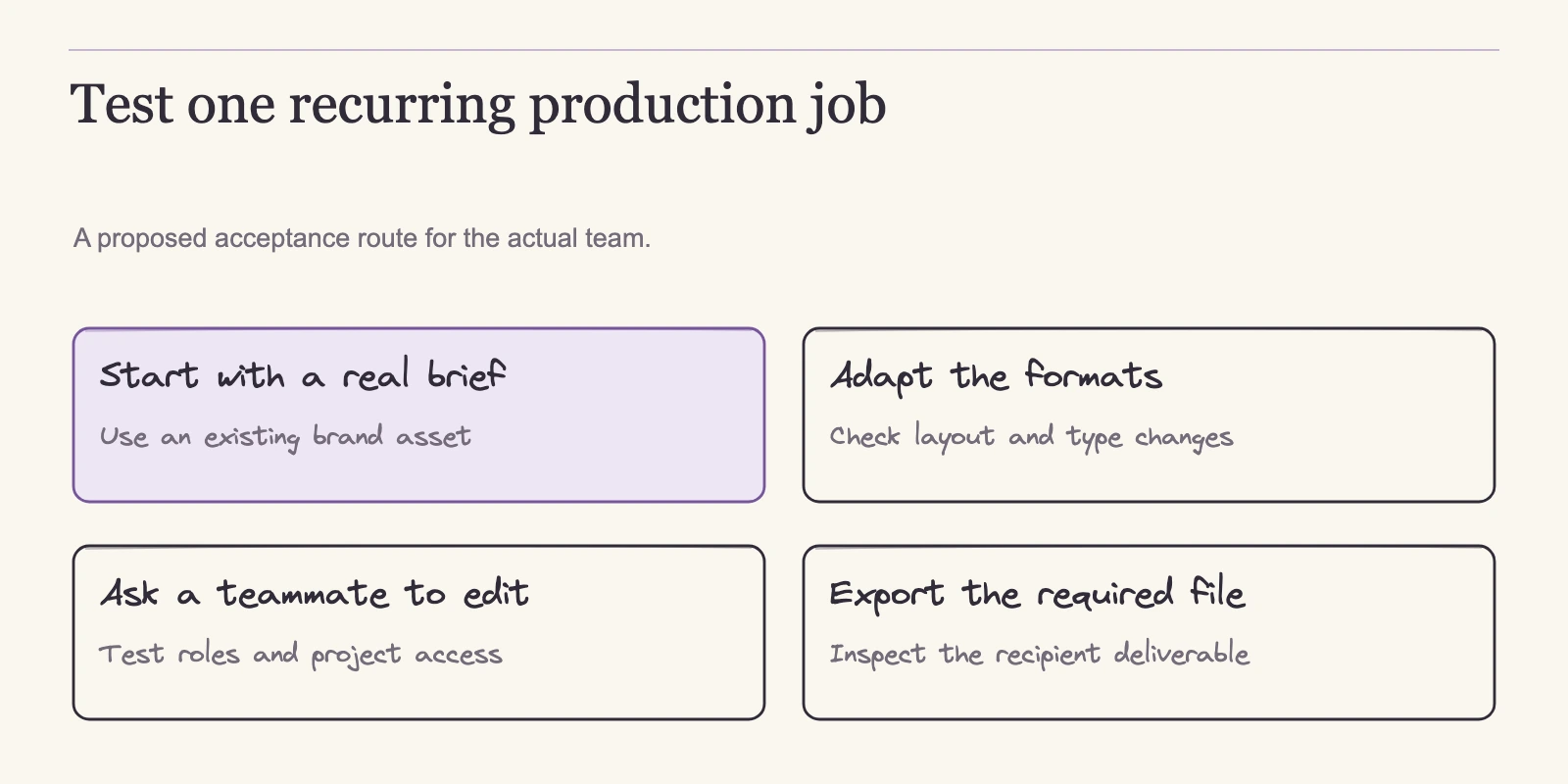
Official pages describe import routes, export formats, and plan gates, but they cannot tell you how your specific brand package will behave in a particular editor. A short acceptance test with your own files, your own team size, and the exact plan tier is the way to find out.
- Build one real brand package. Upload your logo, set your colors and type, and recreate the template set your team uses most. This reveals whether the tool's brand controls match your production pattern.
- Recreate one real presentation and one set of social assets. Use an actual campaign deliverable, not sample content, so you can see how your existing layout language transfers.
- Export the exact deliverable your next editor will open. If the next revision happens in PowerPoint, export PPTX and open it there. Record what moved, what reflowed, and what changed. If the next editor works inside the same tool, share the native project and test collaborative editing instead.
- Have a second person make a small edit to the editable deliverable. Ask them to change a headline and swap a color. Did the objects stay editable? Did the brand kit hold, or did the design break? This check separates a download from a project.
- Verify the plan itself. Confirm seat counts, billing periods, cancellation terms, and file retention on the exact plan you would buy. If review and approval routing matters, confirm where approval controls actually sit: Visme's pricing page places approvals at Enterprise, and Adobe's own comparison describes built-in reviews and approval workflows. Do not assume every Business-tier or Pro plan includes them.
Compare your observations against the stated loss points. Visme's FAQ says PPTX export is editable but animations do not carry over, and offline HTML5 retains animations while hosted links associated with a cancelled workspace may stop working. Adobe Express exports PPTX only for presentations, and fonts can substitute when missing on the receiving device; its import guide caps PDF batches at 30 files, each under 500 MB and 250 pages, and warns that Figma-exported PDFs are not fully supported.
VistaCreate's Starter plan states one seat, one Brand Kit, and 10 GB, though it allows unlimited downloads. automo designer's switch guide describes PDF/image and PPTX intake, a manual Brand Library rebuild, and notes that complex Canva-specific effects may need minor adjustments. A failed check often reflects one of these stated limits, not a flaw in your method.
Run each check on the plan that contains the capability you are testing. Adobe Express offers a 30-day Premium trial, and VistaCreate offers a 14-day Pro trial, so the paid-handoff checks can be run inside those trials.
Visme Basic is $0, but the PPTX, HTML5, video, and GIF routes live on Business; run this check on Business or on a trial whose Business access you have confirmed, rather than expecting Basic to exercise them. automo designer has a free plan whose seat count conflicts: the pricing hero advertises 20 team members, while the pricing FAQ and switch guide say 3 free workspace users. Confirm the entitlement in the current sign-up flow before relying on it.
Frequently asked questions
What is the difference between a downloaded image and an editable project?
A PNG or JPG is a finished rendering at one size. An editable project stays inside the tool or travels through a documented interchange route, such as Visme's PPTX export, which remains editable in PowerPoint but drops animations. If a teammate must revise the next version, the deliverable must be a project or an editable format, not an image.
Which plan includes an editable slide handoff?
Adobe Express documents PPTX export for presentations; its sources do not state which tier gates that export, so confirm it on the plan you intend to buy. In Visme, Business adds PPTX, HTML5, video, and GIF downloads. VistaCreate documents download formats rather than native project transfer. automo designer's current export inventory is not documented in the sources linked above.
Can I move existing Canva files into these tools?
Partially, and not losslessly. Adobe Express documents import of PPTX, PDF, PSD, INDD, INDDC, and AI into an editable Express file, with PDF batch limits and a warning about Figma-exported PDFs. automo designer documents PDF/image and PPTX intake, a manual Brand Library rebuild, and possible adjustments to Canva-specific effects. Neither route transfers a native Canva project intact.
Is a free plan enough for a small brand team?
It depends on the gate your team hits. Adobe Express free includes 5 GB and 10-day version history, but Brand Kits and resize are on Premium. Visme Basic is $0 but does not include the PPTX, HTML5, video, and GIF downloads that Business adds. VistaCreate Starter is free with unlimited downloads but one seat and one Brand Kit. automo designer has a free plan with a documented seat-count conflict.
What happens to delivered files if we cancel a plan?
Visme documents that downloaded files can be retained, while hosted links and embeds associated with a cancelled workspace may stop working. Cancellation and retention behavior for the other three tools is not documented in the sources linked above, so confirm it during your trial.
What does a 10-person team pay annually?
Use the same formulas. Visme Business on the yearly view: $24.75 × 10 × 12 = $2,970 per year. Adobe Express Premium: $9.99 × 10 × 12 = $1,198.80, assuming one subscription per editor. automo designer Business: $19 × 10 × 12 = $2,280. VistaCreate Pro covers up to 10 seats for $120 per year at the annual rate.
Conclusion
There is no best Canva alternative in the abstract. Each tool pairs plan gates with handoff routes and a cost shape, and the right fit depends on where the next revision will be made: inside the shared tool or in another application. If the next editor works in the same workspace, test native collaboration. If they work elsewhere, the export route decides, and stated losses such as dropped animations in PPTX or font substitution become part of the tradeoff.
Pick one candidate and run the five-check acceptance test with a real brand package and a real deck. Have a second person edit the exported deliverable, then verify seat counts and billing terms on the exact plan before committing to a paid subscription. If the first candidate fails a check, move to the next with the same checklist. That sequence converts a vendor comparison into a decision your team can defend.