Creative tools & workflows
Descript Pricing: Media Hours, AI Credits, and Seats
A practical breakdown of Descript's current self-service plans, seat pricing, media and AI meters, top-ups, export boundaries, and worked workload estimates.
· · Diagram Studio Editorial
When you open Descript’s pricing page, the first prices you see are $16 for Hobbyist, $24 for Creator, and $50 for Business. Those are the monthly equivalents when you pay annually, not the standard monthly checkout prices. Each card’s price covers one paid Editor seat; Creator and Business allow up to three and five seats respectively, each billed separately. The cards also split usage into media hours and AI credits, so the value of a plan depends on how you use the Drive.
A team comparing cards will not find its own bill on the page. That bill follows from four quantities you can measure from your production calendar: how many people actually edit, how many raw media hours you record or upload, how much AI processing you apply, and which export formats you require. This article explains the current plans, the two meters, and the top-up options, then works through three workload estimates and a worksheet you can use. All prices are USD list prices from Descript’s official pricing and help pages, checked November 4, 2026; confirm the checkout total for taxes and account-specific terms.
Direct answer
Descript bills each Drive separately, and its subscription price scales with paid Editor seats. Current USD list prices: Free $0, Hobbyist $24, Creator $35, Business $65 per editor per month; annual equivalents are $16, $24, and $50 per editor per month. Your bill depends on how many editors you pay for, raw media hours, AI credits consumed, and export requirements. Free includes 1 media hour and 100 one-time AI credits.
What Descript costs now: monthly, annual, and the price toggle
Descript’s current self-service lineup has five tiers: Free, Hobbyist, Creator, Business, and Enterprise. The pricing page displays annual rates first, so the first numbers you see are the per-editor monthly equivalents when you commit to a year. Switch the toggle to monthly, and the same plans show the higher per-cycle price. Both are genuine billing options: annual commits you for twelve months at the lower rate; monthly renews each cycle at the card price.
| Plan | Monthly price | Annual monthly equivalent | Media hours per editor/month | AI credits | Paid editor cap | Video output |
|---|---|---|---|---|---|---|
| Free | $0 | $0 | 1 | 100 one-time | No paid seats | 720p, watermark |
| Hobbyist | $24 | $16 | 10 | 400/month | 1 | 1080p, no watermark |
| Creator | $35 | $24 | 30 | 800/month | up to 3 | 4K, no watermark |
| Business | $65 | $50 | 40 | 1,500/month | up to 5 | 4K, no watermark |
| Enterprise | Custom | Custom | Custom | Custom | Contract-specific | Contract-specific |
On paid plans, the AI credit allowance is per paid Editor; Free’s 100 credits are one-time. Prices are USD list rates as of November 4, 2026, before tax, discounts, and negotiated Enterprise terms. The annual column is the per-editor monthly rate under annual billing, not the monthly checkout price. For one editor, the annual commitments are $16 × 12 = $192 for Hobbyist, $24 × 12 = $288 for Creator, and $50 × 12 = $600 for Business. On monthly billing, those same plans annualize to $288, $420, and $780.
How plan changes are charged
Subscriptions are paid upfront at the start of each cycle. Adding an Editor or upgrading to a higher plan takes effect immediately and is prorated; the unused portion of the previous plan is credited toward the new charge rather than refunded as cash. Descript’s help center gives a concrete example: adding a second $65 monthly Business Editor halfway through a cycle costs $32.50 immediately, then both Editors renew at $130 per month.
Switching from monthly to annual billing also applies immediately with a prorated credit. Moving from annual to monthly is different: the change-term help page says it takes effect at the end of the current billing cycle. Because prices attach to Editor seats, the next question is who on your team actually needs a paid seat.
Who pays and who edits: seats, viewers, and the per-editor bill
In Descript, the unit of billing is the Drive. Each Drive has its own subscription, and one account can own several Drives. Buying a plan for one Drive does not give you Editor access on another. The role that consumes the plan is the Editor. The card price covers one Editor, and any additional Editor is billed as a separate seat.
Roles on a Drive
The Drive roles help page distinguishes three working roles:
- Editors are paid seats. They can create, edit, export, record, import, and consume usage resources.
- Viewers are free. They can view and comment but cannot edit, export, or consume media or AI features.
- Project collaborators can be invited to a single project without a paid Drive seat and without access to the rest of the Drive. Their access is limited to that project, so a team that relies on shared editing should verify the exact capabilities before buying fewer seats than its headcount suggests.
The owner controls billing and roles. Count people who genuinely produce, record, import, edit, or export, not stakeholders who only review a draft.
The per-editor multiplication
Allowances belong to paid Editor seats, so they scale with seat count. The pricing page sets the caps: Hobbyist includes one Editor, Creator supports up to three, and Business supports up to five. Three editors on one Creator Drive cost 3 × $35 = $105 per month on monthly billing. On annual billing, the commitment is 3 × $288 = $864. That same Drive pools 3 × 30 = 90 media hours and 3 × 800 = 2,400 AI credits per month. “Up to three editors” describes the cap, not three included seats.
These numbers assume all editors share one Drive, use list prices, and have no tax or discount adjustments.
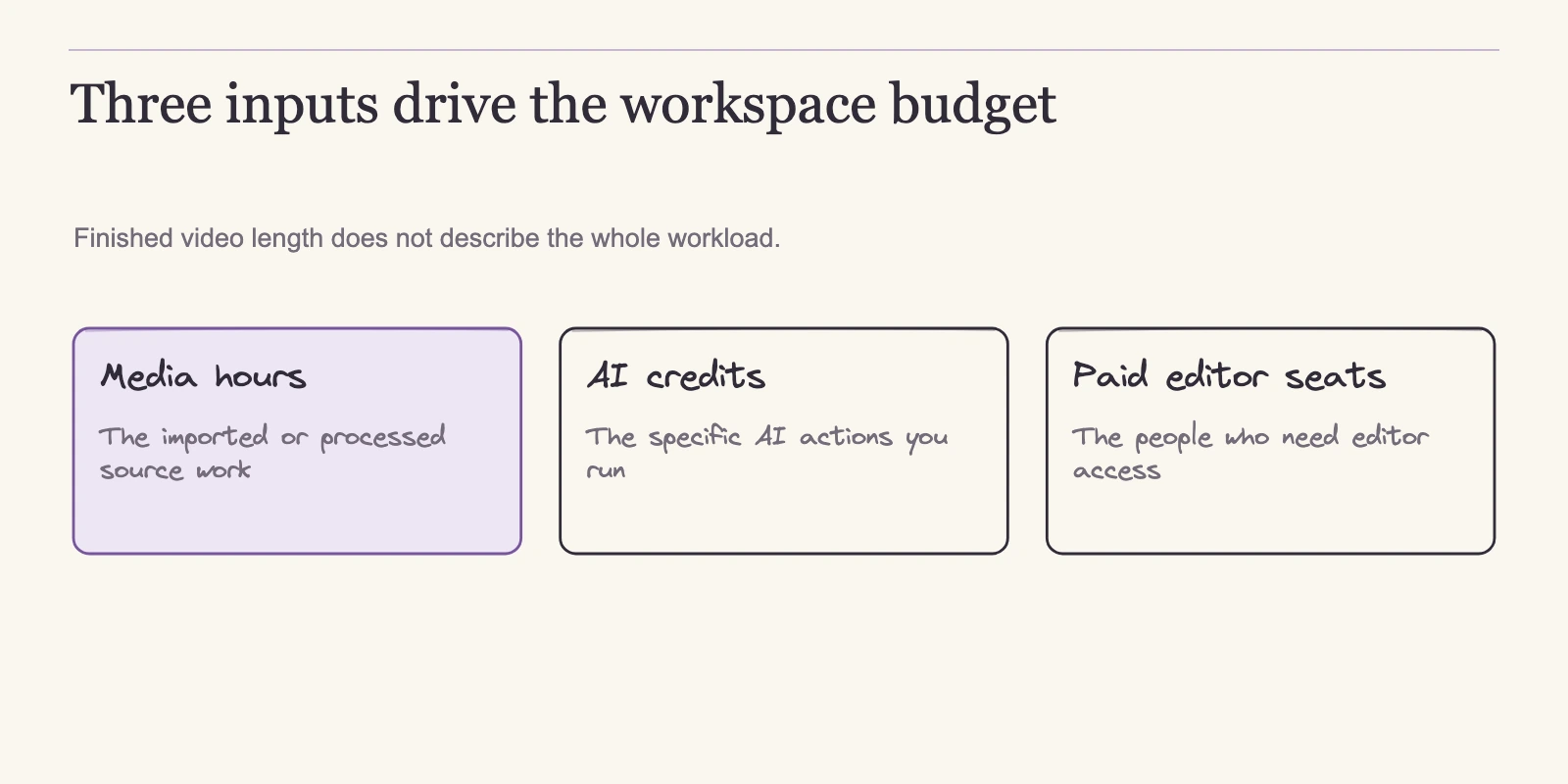
Seats set the fixed part of the bill. The variable part comes from two separate meters: media hours and AI credits.
What counts as media hours
Media hours track the material you put into a project, and AI credits track the processing you apply to it. The media meter counts inputs, uploads, recordings, captures, and imports, not finished minutes. Both meters are shared across the Drive.
What the meter counts
Descript calls the first meter media minutes, and media hours are the same quantity at 60 minutes per hour. The usage help page says the meter moves whenever you upload or record video or audio, capture a screen, webcam, or microphone, host a Rooms session, or import through the API or MCP. Still images count as one second each. Descript’s pricing FAQ adds that uploads count whether or not you transcribe them. Because the meter records input, a file counts whether or not you use it in the final edit.
Raw input is where budget estimates usually go wrong. A 30-minute episode rarely costs 30 media minutes. If you record a 30-minute interview, keep a 30-minute rehearsal take, and capture 15 minutes of screen footage, you have consumed 75 minutes, or 1.25 media hours, before editing begins. Finished runtime is a poor predictor of the meter because editors record more than they publish, keep multiple takes, and import b-roll and screen captures.
Rooms, remote recording, and pooling
Two details matter for teams that record guests or remote contributors. First, Rooms counts a session once regardless of participant count: an hour with five people uses 60 minutes, not 300. That exception belongs to Rooms sessions, not to separately uploaded files, so do not extend it to footage you import individually. Second, remote recording hours are capped per Drive, not per editor: Free includes 2, Hobbyist 5, Creator 15, and Business 25 each cycle. Recordings in Rooms draw from the media allowance too, so a heavy interview schedule can hit the recording-hour cap even when the media pool looks ample.
Allowances pool across the Drive, so every paid Editor adds their share to the common meter. Two Creator editors have 60 media hours per month, not 30. What does not carry over is unused included usage: whatever you do not use in a cycle expires when the counter resets. The Usage tab shows where the time went, and non-Free plans can export up to 366 days of history to CSV. That history is useful before committing to a plan, because a few months reveal whether your raw load is steady or seasonal.
The allowance is advertised per month, so confirm the reset date in the Usage tab for your account; the help pages do not establish an annual upfront usage pool.
What spends AI credits: caps, variability, and how to estimate
AI credits are the second meter, spent by AI features rather than by raw footage. Studio Sound and Remove Filler Words each have a published cap of 30 credits per file or application, and no per-minute rate for either tool is listed in the usage documentation, so budgeting the full cap is the safe assumption. Underlord, the agent assistant, follows a different rule: it charges for the agent’s work plus the tools it uses, and the price varies with the task. No fixed credits-per-minute or credits-per-edit conversion exists in the documentation, and none is presented here.
Converting 800 credits into a promised number of finished edits would invent a rate the company does not publish.
Where credits apply
The two pools share boundaries. API and MCP imports consume media minutes like any other upload, and Underlord edits made through those channels draw from the same media and AI allowances as work inside the app. It is not a separate per-API-minute tariff, nor a way around the meters.
Credit allowances differ by plan. The Free plan’s 100 credits are one-time, not monthly. Paid plans receive a monthly allowance per editor: 400 for Hobbyist, 800 for Creator, and 1,500 for Business. Like media hours, included credits reset at the billing cycle and do not roll over.
Estimating credit demand
Credits attach to tasks rather than runtime, so estimate demand by counting applications of each tool per file. A team that applies Studio Sound and Remove Filler Words once to each of four episodes should budget up to 4 × (30 + 30) = 240 credits. That is a ceiling, not a measured bill: each application costs at most 30 credits, and the actual charge depends on the input and the run. Re-running either tool can add further charges up to the same cap. Underlord work is estimated separately and receives no fixed credit count here.
| Feature | Credit behavior |
|---|---|
| Studio Sound | Up to 30 credits per file or application |
| Remove Filler Words | Up to 30 credits per file or application |
| Underlord chat | Variable; charges for agent work plus tools |
The table lists the only caps Descript publishes for these tools and leaves the variable service variable. Once you can estimate both meters, the next question is what happens when a month exceeds the included allowance. That is where top-ups and upgrades take different paths.
When included usage runs out: rollover, top-ups, and upgrade math
Included media hours and AI credits reset each billing cycle and do not roll over, so surplus in one month is not a buffer for the next. When a month exceeds the plan, the decision is which mechanism spends best: a top-up bundle or a higher tier.
Top-ups are purchased bundles of media hours or AI credits, available on current Creator and Business plans only, not Free, Hobbyist, or Legacy/Sunset plans. They are bought at the Drive level and shared across the Drive’s editors, become available immediately, and are used only after the included monthly allowance is exhausted. Unlike included usage, unused top-up balance carries over for 12 months after purchase, and top-ups are nonrefundable. Purchase happens in Settings → Usage → Top up.
The top-up help page sets the effective unit rates:
| Bundle | Price | Unit rate |
|---|---|---|
| 5 media hours | $25 | $5/hour |
| 20 media hours | $80 | $4/hour |
| 50 media hours | $150 | $3/hour |
| 350 AI credits | $35 | $0.10/credit |
| 1,000 AI credits | $80 | $0.08/credit |
| 4,000 AI credits | $200 | $0.05/credit |
The cheapest unit rate requires the largest minimum purchase. Ten extra hours cannot be bought at $3 per hour; the real options are two 5-hour bundles for $50, one 20-hour bundle for $80 with 10 hours held valid for 12 months, or one 50-hour bundle for $150. The same rule applies on the credit side: the $0.05 rate requires the 4,000-credit bundle at $200, not an arbitrary credit purchase. Every bundle purchase has two consequences: cash leaves the account now, and whatever you do not use sits as a balance expiring 12 months after purchase.
The cheapest unit rate only helps if the whole bundle is consumed; the efficient purchase is the smallest bundle you expect to exhaust before that expiry.
Upgrade math should compare the same gap. A Creator editor who needs 5 extra media hours once pays $35 + $25 = $60 for that month on monthly billing. Raising that same seat from Creator to Business moves its monthly price from $35 to $65, adding $30 per month and bringing 10 more media hours, 700 more AI credits, a larger per-Drive recording allowance, and room for additional editor seats. A one-off shortfall favors the top-up.
The recurring version of the same gap is a purchase-strategy question, not a single number. Buying a fresh 5-hour top-up every month costs $25 per month, or $300 over a year, but that strategy buys the smallest bundle at the worst unit rate every cycle. Because top-up balance carries over for 12 months, a team can instead stock up. A 50-hour pack ($150) plus two 5-hour packs ($50) supplies 60 hours for $200, enough to cover five extra hours per month for a year if every purchased hour is consumed before expiry and the cash is available upfront.
The one-seat upgrade from Creator to Business costs $360 per year on monthly billing, or $312 per year on annual billing, and it keeps adding 10 media hours and 700 AI credits every month whether or not you use them. Which path wins depends on your cash position, whether you can reliably spend the balance within 12 months, and whether the credit pool or editor cap is also tight. A steady five-hour gap can be cheaper with bundles, but the upgrade gives you a fixed charge, more headroom, and fewer purchasing decisions.
Do not price arbitrary hours at the lowest bundle rate unless you are actually buying that bundle and expect to use all of it.
Overage math matters only if the plan otherwise fits. Output gates can force a higher tier even when usage fits.
Output gates and plan boundaries
Resolution and watermark rules act as hard filters. Free exports 720p video with a watermark; Hobbyist exports 1080p without one; Creator and Business export 4K without one. Web-link duration follows the same split: one hour on Free and Hobbyist, three hours on Creator and Business, with unlimited audio duration. The pricing comparison also lists 25 transcription languages and gates batch export to Creator and Business, placing it on the same self-service boundary as timeline handoff.
| Plan | Video output | Watermark | Web-link duration | Timeline handoff |
|---|---|---|---|---|
| Free | 720p | Yes | 1 hour | No |
| Hobbyist | 1080p | No | 1 hour | No |
| Creator | 4K | No | 3 hours | Yes |
| Business | 4K | No | 3 hours | Yes |
| Enterprise | Contract-specific | Contract-specific | Contract-specific | Yes |
For common finishing routes, these rules translate directly: a 1080p video completed inside Descript clears at Hobbyist; 4K output and batch export begin at Creator; timeline handoff also begins at Creator. Paying for a format you do not use wastes money, and staying on a lower tier when a client requires 4K or editable Premiere XML saves nothing.
Timeline handoff is a different deliverable from a rendered video. It is available on Creator, Business, and Enterprise only, and exports a structured project file with an optional media folder, preserving supported edits and source timecode. Formats include Premiere XML, Premiere native .prproj (Beta), Resolve XML, Final Cut FCPXML, Reaper EDL, Audition SESX, and Pro Tools/Logic AAF. The timeline exports help page warns that handoff is not a perfect interchange: effects, animation, titles, and other elements may not transfer, and Premiere native Beta is not enabled on all accounts. Confirm the target editor’s import behavior with one representative sequence before choosing a plan for this feature.
Local export and publishing are separate routes. As the export overview explains, local export writes video, audio, GIF, text, and subtitles to your device; publishing creates a Descript-hosted web page or sends the project to connected platforms. The destination chosen in the export menu decides which runs, and audio-only compositions may not offer video options.
Cancellation, downgrades, and refunds
Cancellation, according to the cancellation help page, moves the Drive to Free at the end of the current paid cycle, and a downgrade takes effect at the same boundary. Projects remain accessible, but plan-restricted features stop then. The owner selects the correct Drive in Settings → Plan → Change plan → Downgrade to Free and confirms; cancelling one Drive does not cancel other subscriptions on the account.
Remaining top-up balance is retained at cancellation but unusable on Free, and the 12-month expiry keeps running. The cancellation documentation says upgrading to a paid plan restores access to that balance; it does not confirm whether Hobbyist qualifies, and new top-up purchases require Creator or Business. If a pause is likely, treat a top-up as money that must be spent within twelve months.
Refunds follow narrow windows. The refund policy allows plan-purchase refunds only within 48 hours of the invoice date and added editor-seat refunds within 7 days; top-ups are never refundable. There is no prorated refund for unused time after cancelling or downgrading: the paid term runs to its end. Requests must go through support from the account-associated email, not by clicking Cancel. Pending cancellations can be reversed before cycle end, and deleting the account is separate from cancelling a subscription. The refund context matters for the annual price: the per-editor discount trades a year of prepaid commitment for a lower rate, and the saving cannot be recouped mid-cycle.
Match your workload to a plan: three estimates and a worksheet
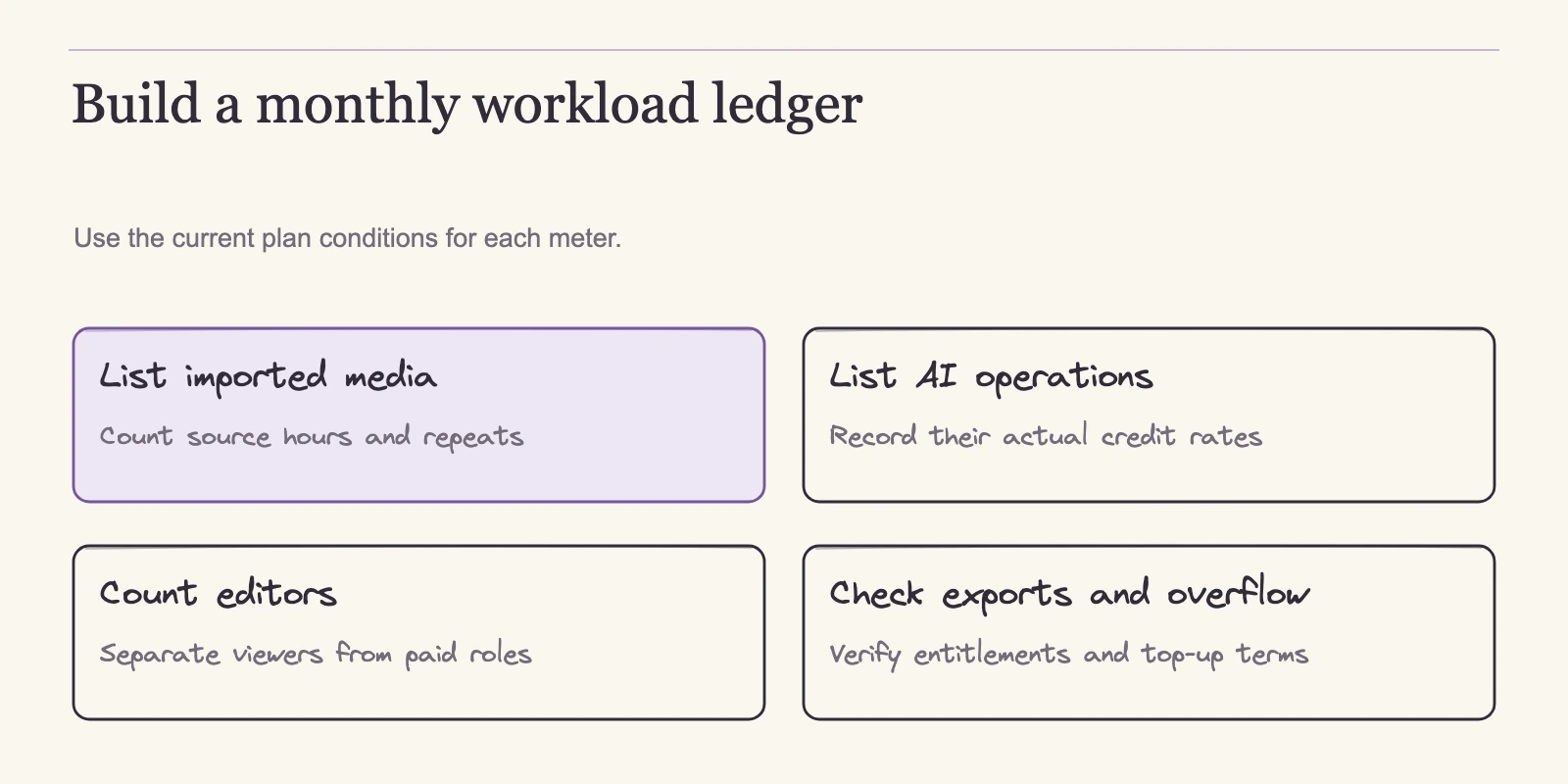
With prices, seat rules, both meters, top-up bundles, and output gates in place, plan selection becomes a check you can run from your own records. Count the people who actually produce on the Drive. Add the raw media hours your calendar consumes, separating local and imported material from Rooms sessions. Estimate AI credit spend by task. Then test your required output against each tier. The least expensive plan that clears every constraint is the one to buy; if no single plan clears, the gap tells you whether a top-up, an extra paid editor, or an upgrade costs least.
Constraints include the editor cap, the pooled media and AI allowances, the per-Drive recording limit, and the output requirements.
The following estimates are illustrative arithmetic, not observed customer usage or a guarantee of your results. Prices use the same list-rate basis as the table above. Raw hours are source footage or recordings, not finished runtime. AI credit figures are ceilings: each row assumes one Studio Sound pass and one Remove Filler Words pass per file, both at the 30-credit cap, with Underlord excluded. If your team records guests in Rooms, also check the per-Drive remote-recording allowance: 15 hours on Creator, 25 on Business. A large media pool does not by itself prove a remote-recording workload fits.
| Team profile | Paid editors | Raw media hours | AI credits | Output needs | Plan match | Monthly bill | Annual-billing commitment |
|---|---|---|---|---|---|---|---|
| Solo podcast editor | 1 | 8 | Up to 240 | 1080p or audio | Hobbyist | $24 | $192 |
| Two-person video agency | 2 | 55 | Up to 1,200 | 4K + Premiere XML | Creator | $70 | $576 |
| Five-person content team | 5 | 150 | Up to 6,000 | 4K + timeline handoff | Business | $325 | $3,000 |
The first row is a solo podcast editor producing eight raw media hours a month and applying Studio Sound and Remove Filler Words once to each of four episodes. The credit ceiling is 4 × (30 + 30) = 240. Hobbyist gives one editor 10 media hours and 400 AI credits, covers 1080p or audio output, and costs $24 on monthly billing or $192 per year on annual billing. The check is one editor times 10 hours and one editor times 400 credits. Those eight hours fit if they are local recordings or imported files.
If they come from Rooms, the separate per-Drive cap applies: Hobbyist allows 5 recording hours, so a heavier remote-recording schedule would exceed the plan’s recording allowance even while total media hours fit.
The second row is a two-person video agency with 55 raw hours and a credit ceiling of 1,200, equal to twenty files cleaned with both tools. Creator allows up to three editors, but each seat is paid separately; two seats cost 2 × $35 = $70 per month. The pooled allowances are 2 × 30 = 60 media hours and 2 × 800 = 1,600 AI credits, and Creator unlocks 4K output plus timeline handoff. The annual commitment for two seats is 2 × $288 = $576. “Up to three editors” describes the cap, not included seats.
The agency’s 55 raw hours fit the 60-hour pool, but if 25 of those hours came from Rooms, the per-Drive recording cap of 15 would be the binding constraint.
The third row is a five-person content team with 150 raw hours and a credit ceiling of 6,000, equal to one hundred files cleaned with both tools. Business caps at five editors and provides 5 × 40 = 200 media hours and 5 × 1,500 = 7,500 AI credits. The bill is 5 × $65 = $325 per month, or 5 × $600 = $3,000 per year. 4K and timeline handoff are available on the plan. Rooms fit only if at most 25 of those 150 raw hours came from live Rooms sessions; the limit belongs to the Drive, not to each editor.
When a clean match is close: a gap example
Most teams land between tiers. Suppose a two-editor Creator team hits 62 raw hours in one month. The base pool is 60 hours, so two hours exceed it. A 5-hour top-up costs $25 and is available immediately, making that month $70 + $25 = $95. Moving both seats to Business would cost $130 per month on monthly billing, or $100 per month on annual billing, $60 or $52 more than Creator. If the shortfall is occasional, the top-up wins. If shortfalls recur, compare the cost of actual bundle purchases over a year with those upgrade deltas.
For a two-hour monthly gap, a 20-hour bundle and a 5-hour bundle cover a year for $105, far below the $720 or $624 upgrade cost, as long as the balance is consumed before expiry. If the AI credit pool is also tight, or you need more than three editors, the upgrade deserves another look. Frequency, cash position, and the other cramped constraint decide the cheaper path, not the plan name. Recheck the same gap against the per-Drive Rooms limit: 15 hours on Creator, 25 on Business, if your interviews are recorded live.
Usage worksheet
Run the same method on your own numbers:
| Input | What to measure | Your number |
|---|---|---|
| Paid editors | People who create, record, import, edit, or export on the Drive. Reviewers can stay free Viewers. | ___ |
| Raw media hours | Uploads + recordings + Rooms sessions + screen/webcam/mic captures. Sum minutes and divide by 60. | ___ |
| Rooms recording hours | Live Rooms session hours, counted once per session regardless of participants. Check this against the plan’s per-Drive limit, not the pooled media allowance. | ___ |
| AI credit estimate | Studio Sound and Remove Filler Words each cost up to 30 credits per file or application. Count one application per file as a ceiling; estimate Underlord separately. | ___ |
| Output gates | Required export resolution, watermark tolerance, web-link length, and timeline handoff. | ___ |
| Candidate plan | Compare pooled allowances, editor caps, and the per-Drive recording limit against the measured totals. | ___ |
| Gap | Difference between measured need and included allowance. | ___ |
| Fix | Cheapest option: a top-up bundle, an extra paid editor, or the next tier. | ___ |
The help pages describe usage in monthly cycles, not annual buckets. Reset timing is visible in your account, so check the Usage tab’s reset date for the exact period. This worksheet estimates the next production cycle; actual usage will shift with projects, so rerun it when the team, show format, or delivery requirements change.
Frequently asked questions
How much does Descript cost monthly, and what do the annual prices mean?
The current self-service list prices are Free $0, Hobbyist $24, Creator $35, and Business $65 per editor per month. Billed annually, Hobbyist is $16 per editor per month, Creator $24, and Business $50, charged as $192, $288, and $600 per editor per year. The card price describes one editor. Multiply by paid editors and add any top-ups; taxes and discounts appear at checkout.
Is Descript priced per user or per workspace?
A Drive is a separately billed workspace, and you pay per paid Editor seat. Hobbyist includes one Editor, Creator allows up to three, and Business up to five. Paid Editors can create, edit, export, record, import, and consume usage resources. Viewers are free for review and comment. Project collaborators can be invited to a single project without a paid Drive seat, but their access is narrower than a Drive Editor’s. Allowances pool across the Drive.
What counts against media hours? Does transcription use them?
The media meter counts uploaded or recorded media minutes, including Rooms, screen/webcam/mic captures, and API/MCP imports. Still images count one second. It counts raw material, so files count whether or not they are transcribed or used in the final edit. Rooms count session duration once, not once per participant. Transcription does not exempt uploads from the meter.
I used my included media hours or AI credits. Can I buy more?
Yes, on current Creator and Business plans. Top-ups are bundles purchased at the Drive level: 5 media hours for $25, 20 for $80, 50 for $150; 350 AI credits for $35, 1,000 for $80, 4,000 for $200. They become available immediately, are used only after included monthly usage, carry over for 12 months, and are nonrefundable. Free and Hobbyist cannot purchase top-ups, and included monthly usage never rolls over.
If I add an editor mid-cycle, what do I pay?
Added editors are prorated and take effect immediately. Descript’s official example: adding a $65 monthly Business Editor halfway through a cycle costs $32.50 right away, and the two Editors then renew at $130 per month. Upgrades also apply immediately. Downgrades, cancellations, and annual-to-monthly switches wait until the current cycle ends.
Which plans export 4K and timeline handoff?
Free exports 720p video with a watermark; Hobbyist exports 1080p without one; Creator and Business export 4K without a watermark. Timeline handoff, structured exports for Premiere, Resolve, Final Cut, Reaper, Audition, and Pro Tools/Logic, is available on Creator, Business, and Enterprise, not Free or Hobbyist. Handoff transfers supported edits and timecode, but effects, animation, and titles may not carry over, and Premiere native Beta is not enabled on every account.
The decision is arithmetic
Descript plan selection starts with measurements, not card prices. Your actual bill begins with how many people truly produce on the Drive, how many raw media hours the calendar consumes, which AI tasks you apply, and what must leave the tool. When one constraint falls short, compare fixes over the same period: a top-up bundle you expect to consume before its 12-month expiry, an additional paid seat when another editor joins production, or a tier move when gaps recur across media and AI or when the output format demands it. Because upgrades and seat additions apply immediately while downgrades and cancellations wait for cycle end, schedule changes deliberately.
The next step is to complete the worksheet for the current month before committing. Pull your upload and recording log, separate Rooms sessions, list the AI features per file, count real editors, and note required export formats. Then check the Usage tab’s reset date and verify the checkout total in your account. That combination resolves the choice without guessing.