Creative tools & workflows
HeyGen Pricing: Credits, Video Limits, and Team Costs
Budgeting HeyGen means pricing credits per generated minute, not just comparing the $29, $49, and $149 plans. This guide covers avatar rates, seat math, API meters, and export conditions with worked examples.
· · Diagram Studio Editorial
You are budgeting avatar videos for a client launch, translating training content, or producing a weekly explainer series. You open the HeyGen pricing page, see $0, $29, $49, and $149, and still cannot answer the question that brought you here: what will my work cost per month?
Start with the right frame: the list price is access, not output. HeyGen meters most work in credits charged per generated minute, and the rate depends on which avatar model and look generates the footage, whether the job runs on your subscription credits or the separate API meter, how many people share a Business pool, and which delivery gates the final file must clear. This article works through those variables using HeyGen's published rates as of 4 November 2026. It explains how to budget; it does not judge avatar realism, speed, or quality. Account quotes can vary by region and account-created date, so the pre-generation quote remains the final authority for what you pay.
Direct answer
HeyGen sells plan access plus credits per generated minute. As of 4 November 2026, Creator is $29/month with 600 credits, Pro starts at $49/month with 1,000 credits, and Business is $149/month with 1,500 shared credits plus $20 per added seat. Avatar IV runs 16 credits/minute photo and 31 video; Avatar V video is 48. The API is a separate dollar-per-minute meter. Budget billable engine seconds, add rework and export gates, then confirm the account quote.
What a Credit Actually Buys Before You Choose a Plan
Before you can convert anything, you need to know what the meter measures. The pricing page states how many credits each plan includes: 600 for Creator, 1,000 for Pro, 1,500 for Business. The rate table that turns those credits into generated seconds lives in HeyGen's help documentation, which is why comparing sticker prices alone fails. A credit is a metered unit of generation. For avatar and translation work it is charged per generated minute at a rate tied to the model and look you choose, so the same 30 seconds of footage draws very different amounts from your balance.
At the standard UI rates, 30 seconds of Avatar IV's video look costs 15.5 credits (31 credits per minute), while 30 seconds of Avatar V's video look costs 24 credits (48 credits per minute). Neither figure describes a finished video; both describe engine time billed while the avatar is generated.
Why the meter runs on engine seconds
Charges follow actual avatar-generation seconds, which can be less than your final timeline's runtime, according to the Avatar IV guide. If you edit a two-minute video in which the avatar appears and speaks for roughly 45 seconds, the meter runs on that avatar-generated portion, not the full two minutes of project time. That is why HeyGen does not offer a reliable credits-per-finished-video number: the cost is a product of which model generates which seconds, not of total runtime alone.
Four variables therefore determine your real monthly spend:
- Engine and look rates. Different models and styles charge different credits per generated minute.
- UI versus API metering. Subscription credits cannot fund API or integration jobs; the API runs on its own dollar-per-minute meter with separate expiry rules.
- Team structure. Business includes one seat and 1,500 shared credits; each additional seat costs $20 per month and adds no credits.
- Delivery gates. Watermark allowances, export resolution, SCORM access, and Digital Twin consent decide whether a generation counts as a usable deliverable.
The plan baseline comes first: what every tier includes, what it costs, and where the listed price stops being the whole story.
Plans at a Glance: Prices, Credits, and Delivery Caps
The table reflects current list prices and plan structure as of 4 November 2026. Prices are before tax, and account-level quotes can differ by region and account-created date.
| Plan | Listed price | Included credits | Output resolution | Max per-video length | Export and brand notes |
|---|---|---|---|---|---|
| Free | $0 | No credit allowance; about 3 watermarked videos per month, up to 1 minute | Not listed | Up to 1 minute | Help docs qualify 1–3 watermarked videos by region |
| Creator | $29 per month | 600 | 1080p | Up to 30 minutes | Paid plan; 1080p output |
| Pro | From $49 per month | 1,000 base, tiers to 100,000 per month | 4K | Up to 30 minutes | 4K download requires a qualifying source and resolution |
| Business | $149 per month | 1,500 shared | 4K | Up to 60 minutes | First seat included; additional seats $20 each per month; SCORM export |
| Enterprise | Custom | Custom | Custom | Custom | Negotiated terms |
Three clarifications before you compare
First, read Pro's price as a starting point. Pro begins at $49 per month with 1,000 credits, and higher credit tiers rise to 100,000 credits per month with a rising price. Second, the video-length column caps a single video; it is not a monthly volume quota. Creator's 30-minute limit means one video cannot exceed 30 minutes; it does not mean 600 credits reliably produce 30 minutes of finished output. Third, annual billing is only partly verifiable from public pages.
The pricing page lists Creator at $24 per month when paid annually, and the budgeting section below uses that for a year-over-year comparison. Pro and Business annual totals are not verified in the sources used for this article, and the generic two-months-free banner is not sufficient evidence to derive them.
One more warning: some older pricing guides still quote an unlimited Creator plan and a $89 Team tier. Those plans come from the previous unlimited system and are not part of the current credit-based offer, so a budget built on them will misstate both the pool and the per-minute burn.
The table also omits the delivery conditions that decide whether output is usable. 4K export requires Pro, Business, or Enterprise plus a qualifying source, and SCORM export is restricted to Business and Enterprise. Those gates affect whether a cheap generation satisfies a client spec, and they return in the delivery section.
The table shows what each tier grants, not how fast credits spend. The rates that determine burn are the next part of the budget.
How the Credit Meter Works: Per-Minute Rates and What Counts as Billable Time
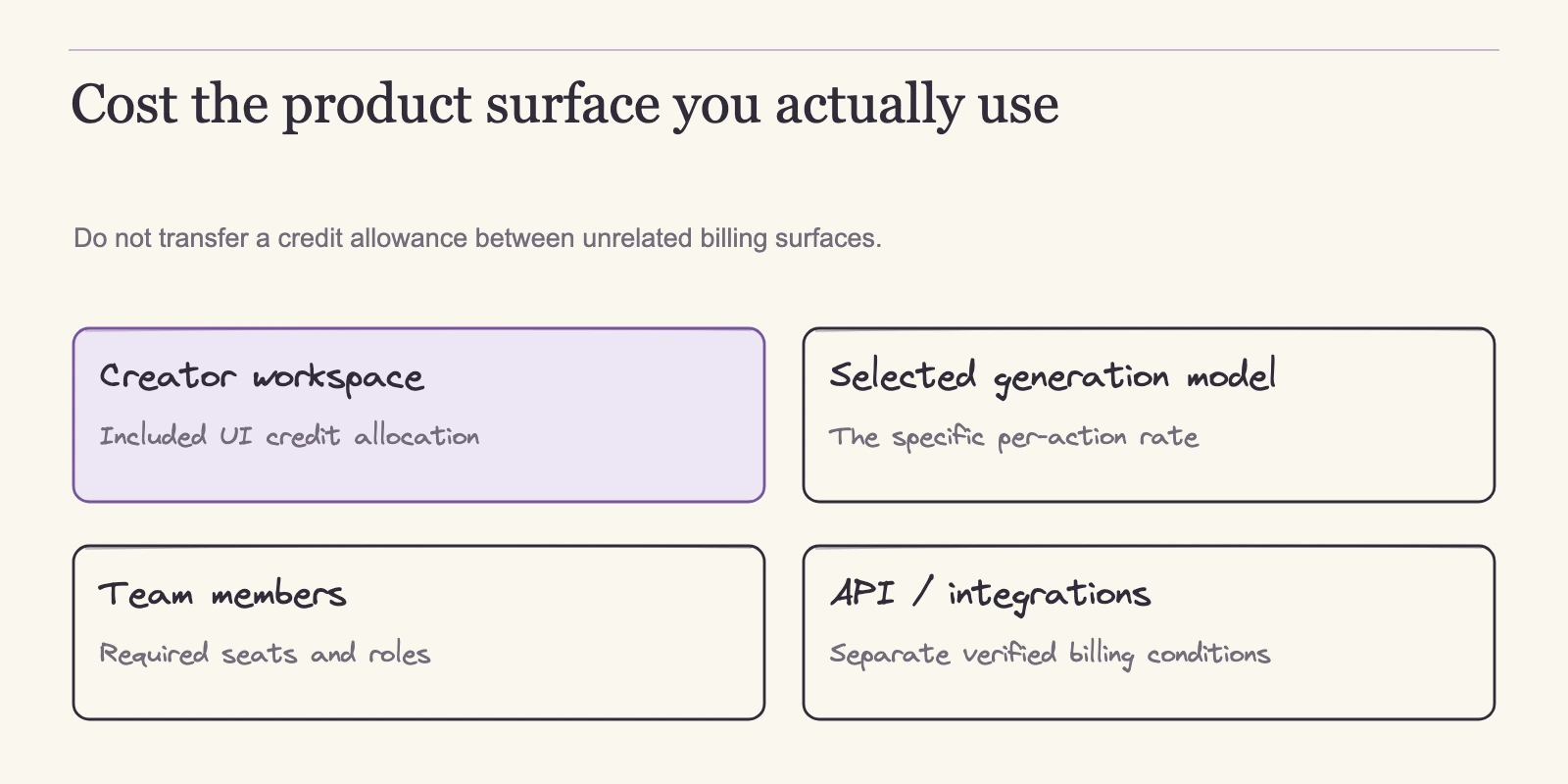
The rates that draw down your balance are defined in the credit help article. They are not one universal unit. Avatar and translation operations are priced in credits per generated minute, applied to billable engine seconds rather than the entire edited timeline. Other operations use their own units: Generate Look costs 1 credit per look, AI training costs 60 credits per action, and Video Agent jobs are quoted as estimate ranges per minute. These are standard rates on the published pages; your account quote may differ by region and account-created date.
| Generation type | Published UI rate |
|---|---|
| Avatar III Photo | 7 credits per minute |
| Avatar III Video | 4 credits per minute |
| Avatar IV Photo | 16 credits per minute |
| Avatar IV Video | 31 credits per minute |
| Avatar V (video look) | 48 credits per minute * |
| Translation, Speed mode | 6 credits per minute |
| Translation, Precision mode | 10 credits per minute |
| Translation, no lip sync | 4 credits per minute |
| Custom motion | 40 credits per minute |
| Generate Look | 1 credit per look |
| AI training | 60 credits per action |
- The published credit table includes an Avatar V Photo Look entry, but the Avatar V page says Avatar V serves video-based looks, not photo-based looks. Confirm an Avatar V photo-look rate in the product before relying on it.
Why generated seconds matter
Charges follow avatar-generation seconds, which can be shorter than the edited video's total runtime, per the Avatar IV guide. A two-minute timeline where the avatar occupies 45 seconds bills roughly that avatar-generated portion, not two full minutes. The same guide is explicit that no plan, Enterprise included, grants unlimited Avatar IV credits, so large workloads always face a finite credit ceiling.
Rollover, top-ups, and legacy plans
Monthly included credits roll one additional paid cycle while the subscription remains paid: the leftover enters the next month once and does not stack beyond that. Annual credits arrive monthly and accumulate until the annual renewal, and cancelling to Free ends rollover. Business top-ups come in 100-credit blocks for $5 with optional auto-reload; Creator and Pro cannot buy one-time UI packs under the current credit system, so upgrading tiers is the path to more credits.
The published pages do not state an expiry period for purchased UI credits, so confirm that term in your account before relying on a top-up balance. Older unlimited subscriptions remain only while active; cancellation or migration closes that arrangement permanently, per the plan explanation.
Budgeting With Worked Examples: Converting Credits Into Deliverables
Those rules start paying off when you convert a workload into a number. The general formula for a monthly credit burn is:
sum(billable engine seconds ÷ 60 × quoted engine/look rate) + separately billed assets/operations
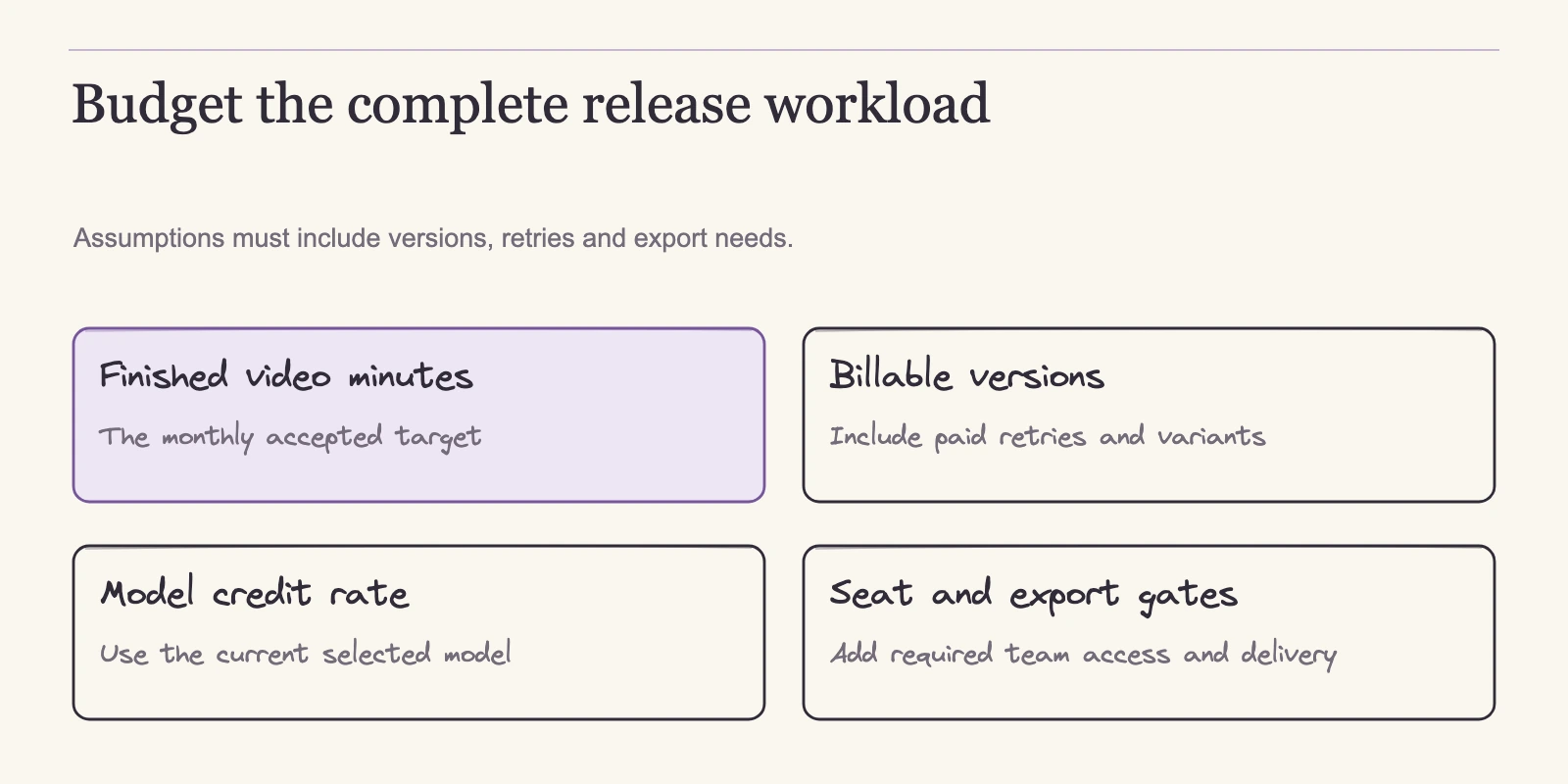
The meter runs when generation happens, not when you decide the output is acceptable. If you discard a completed render and generate again, the new attempt bills at the applicable quote; HeyGen's help pages do not define retry or refund treatment, and a failed or system-retried job may behave differently, so include expected rework in the budget before you commit to a plan.
As a sanity check, a 30-second Avatar IV Video clip is 30 ÷ 60 × 31 = 15.5 credits. Each scenario below assumes standard rates, exactly the named billable engine seconds, and no other generated assets or operations; these are planning calculations, not invoice quotes.
Pro solo mix: Avatar IV Photo plus Avatar V
A Pro subscriber producing a monthly client package estimates 20 minutes of billable Avatar IV Photo generation and 10 minutes of Avatar V video look generation:
- 20 × 16 = 320 credits
- 10 × 48 = 480 credits
- Total 800 credits, leaving 200 of the 1,000-credit allowance
The same runtime on a different model mix yields different numbers, which is why per-minute rates matter more than duration.
Translation workload: speed versus precision
A translator plans 30 minutes of billable no-lip-sync generation at 4 credits per minute and 10 minutes of Precision at 10 credits per minute:
- 30 × 4 = 120 credits
- 10 × 10 = 100 credits
- Total 220 credits
Precision mode costs 2.5 times the no-lip-sync rate, so the monthly cost of that choice appears in the arithmetic before you commit.
First-month versus ongoing costs: rollover and annual billing
Pro receives 1,000 credits each month. Following the rollover rule above, if month one uses 600, the remaining 400 roll into month two, making 1,400 available. Spent credits are consumed from the closest-to-expiry balance first, so if month two spends 600, it consumes the 400 carry plus 200 of the fresh 1,000, leaving 800 fresh credits to roll into month three. Month three then starts with 1,800 available. The balance does not automatically return to 1,000: each month adds a new allocation, and only the oldest unused cohort expires after its extra cycle.
This is a planning demonstration, not a guaranteed account figure. On billing cadence, Creator's annual equivalent is $24 per month: $24 × 12 = $288 versus $29 × 12 = $348, a $60 list-price difference, per the pricing page. Pro and Business annual totals are not published in the sources used here, so this article does not claim them.
Video Agent: estimates, not fixed costs
One generation path does not fit the per-minute table cleanly: Video Agent. Its costs are ranges, not accepted-video prices: 60–80 credits per minute for the standard model and 180–240 for Seedance, according to the Video Agent FAQ, with variation driven by assets, model, duration, and updates. Chatting, planning, and script or blueprint refinement are free; media and final generation consume credits. Manual layout, timing, or text edits alone do not necessarily add generation cost, but newly generated assets can.
For a team, the same monthly burn meets a different structure: a shared credit pool, a per-seat price, and no extra credits for added headcount.
Team Costs: Seats, Shared Pools, and the Arithmetic People Miss
Individual plans put the credit meter in one person's hands. Business runs differently: the monthly price buys a seat plus access to a shared workspace, and the pool does not grow when the team does. The plan help sets Business at $149 per month for the first seat with 1,500 shared credits, and each additional seat at $20 per month. Extra seats add no credits.
For a three-person team, one account owner and two editors, the monthly list price is:
$149 + 2 × $20 = $189 per month, before tax
for the same 1,500-credit pool. The team does not get 4,500 credits. Every hire raises the fixed cost while the balance stays flat, so per-person capacity falls as headcount rises. A pool that comfortably carries three people producing light monthly packages will exhaust much faster if all three suddenly run heavy client deliverables. For monthly-billed Business accounts, unused credits follow the same rollover rule: one additional paid cycle, then the oldest cohort stops carrying; under annual billing, included credits instead arrive monthly and accumulate until annual renewal, per the credit help article.
Seat math matters most when set against individual plans. Three Pro subscriptions at the starting tier cost $147 per month and provide 3,000 credits total across three separate 1,000-credit allowances, assuming each person fits the $49 tier. That arithmetic is correct, but it buys a different product. Pro is an individual plan; Business exists for teams that want one pooled budget plus shared workspace features such as central asset management, shared commenting and editing, consolidated billing, and the security or LMS controls some clients require.
If your need is collaboration and centralized control, three separate accounts do not replicate the workspace even though they deliver more total credits. If your need is simply more individual allowance with no workspace requirement, Business's credit volume is not the reason to buy it.
Digital Twin slots are a separate kind of capacity. Business defaults to 5 slots, sometimes 10 depending on account and region; Creator and Pro have 1 or 5 depending on account and region. Slots store avatar profiles; they are not seats, and they do not grant per-user credits. They also do not grant permission to replicate another person's appearance or voice, which is governed by consent rules.
Top-ups work in blocks, not units. Business can buy 100-credit blocks for $5 with optional auto-reload, per the credit help article. An overrun of 120 credits therefore needs two blocks at $10, delivering 200 credits and leaving 80 in the pool. Planning overage as 120 × $0.05 = $6 underestimates the bill, because smaller increments are not sold.
Some team workloads will never touch the UI pool. If the output is headed into your own product or an automated pipeline, the API is the relevant meter, and it has entirely different rates and rules.
API Pricing Is a Separate Meter: Dollar Rates, Expiry, and 4K Caveats
The API runs on its own balance. The API pricing article states that pay-as-you-go is separate from web subscriptions, that no paid UI plan is required, and that subscription credits cannot fund API or integration jobs. Free API credits have not existed since February 2026, so every API project needs its own funded balance.
API charges run per generated minute and bill by actual seconds. Current rates:
| Generation type | API dollars per minute | Credit equivalent |
|---|---|---|
| Avatar V Digital Twin | $7.20 | 144 |
| Avatar IV Photo | $2.31 | 46 |
| Avatar IV Digital Twin or Studio | $4.83 | 97 |
| Avatar III Digital Twin | $0.60 | 12 |
| Avatar III Studio/Photo | $0.99 | 20 |
Credit equivalents are rounded, so calculate with the dollar column. A 30-second Avatar IV Photo job costs 30 ÷ 60 × $2.31 = $1.155 before final invoice rounding; the published pages do not state how rounding is applied, so treat that as the pre-rounding estimate. These API rates are not directly comparable to UI credit prices because the surfaces, controls, and outputs differ; compare per deliverable once you know which meter the work will use.
Expiry depends on which credit bucket an account holds. PAYG API credits expire after 12 months; deprecated API Pro/Scale credits expire after 30 days. A long-running pipeline should confirm its bucket before banking credits. LiveAvatar streaming keeps its own pool, so standard API credits should not be assumed to cover live sessions.
"4K" on the API also deserves scrutiny. The API's 4K setting for Avatar IV and V produces an upscaled 1080p avatar inside a 3840×2160 file, charged at the 1080p rate. Native 4K detail is documented only for Avatar III with a qualifying 4K source, and that limitation applies to the API output path; Studio creation is not affected by it. If your deliverable specifies true 4K, confirm the model and source before paying for output that upscales the frame rather than rendering additional detail.
Because neither meter funds the other, a hybrid workflow needs a monthly estimate for each track. Treating the API as an extension of the UI allowance will leave one track unfunded. Once the pipeline is on the right meter, the next variable is whether the exported file actually satisfies the deliverable.
Delivery Conditions That Change Your Budget: Exports, Watermarks, Consent, and Rights
Many budgets break at export. An output that consumes credits correctly can still fail a client deliverable, and the failure modes are discoverable before you generate. Export returns video, audio, and SRT subtitle files, per the export help. The table summarizes the conditions that affect whether a file satisfies a spec.
| Delivery gate | What the current published pages state |
|---|---|
| Watermark | Free allowance: about 3 videos per month, up to 1 minute; help docs qualify 1–3 by region |
| 4K download | Requires Pro, Business, or Enterprise plus a qualifying resolution and source |
| SCORM | Business and Enterprise only |
| HDR | Not offered per the help material |
| API 4K (Avatar IV/V) | Upscaled 1080p avatar in a 3840×2160 file, billed at the 1080p rate |
These gates add a second qualification beyond credit burn. A Free-tier render is watermarked and capped at one minute, so it will not satisfy a deliverable that needs an unbranded or longer file. A training team that needs LMS packages must reach Business even if its volume fits Pro. A buyer who wants a 4K master has to confirm both the plan and the source footage before rendering. The help material does not list HDR output, so a 4K file is not HDR; HDR is a dynamic-range property, separate from spatial resolution.
On the API, "4K" output from Avatar IV and V is an upscaled 1080p file, as covered in the API section.
Consent and commercial responsibilities
Video-based Digital Twins carry a consent gate outside the credit meter. The consent guide requires the avatar subject to supply their own consent video matching the person in the footage. Creating a twin on someone else's behalf does not waive that consent; the Enterprise API offers a pre-recorded-consent route under its documented conditions. A custom-avatar slot is capacity, not permission to replicate another person's appearance or voice. For agency work, this is a scheduling constraint: the spokesperson must record consent before the twin exists, and a client who expects a clone of talent they do not control has an unmet requirement.
HeyGen's terms define the commercial boundary rather than granting blank rights. User input and output rights are assigned or retained subject to the terms; commercial output use is not restricted as a general category, but the user remains responsible for input permissions and third-party rights. Output can be nonunique, and likeness and voice consent rules plus distribution disclosure requirements still apply. None of this guarantees copyright, exclusivity, impersonation permission, or acceptance by a destination platform. A client asking for an exclusive avatar likeness, or for indemnification against a rights dispute, needs a conversation a standard subscription cannot settle.
Locking the budget
With delivery gates identified, the monthly budget becomes a five-line table: subscription plan, credit burn from your workload formula, seat costs for a shared pool, API spending for pipeline work, and the export conditions the deliverable must meet. Add rollover behavior if you intend to carry unused credits. Run the table against current list prices, then open the editor and read the pre-generation quote before subscribing or regenerating. Published rates fluctuate, and account quotes vary by region and account-created date, so the final number always belongs to the account.
Frequently Asked Questions
Does Pro really cost $49 per month for everyone?
No. Pro begins at $49 per month with 1,000 credits, and higher credit tiers rise to 100,000 credits per month with a rising price. Pro is an individual plan, so a large workflow should not assume the $49 tier covers it.
What happens when I run out of credits mid-month?
It depends on the plan. Business can buy 100-credit top-up blocks for $5, with optional auto-reload. Creator and Pro do not buy one-time UI credit packs under the current system; they upgrade to a higher tier. Monthly included credits roll one additional paid cycle while the subscription is paid, and cancellation to Free ends rollover.
Do additional Business seats add credits?
No. A Business seat is not a credit allowance. The $149 monthly price includes the first seat and 1,500 shared credits. Each $20 add-on seat draws from that same pool, so headcount never increases capacity.
Can subscription credits pay for API jobs?
No. API pay-as-you-go is a separate meter with its own dollar rates and expiry rules. Subscription credits cannot fund API or integration jobs, and no free API credits have existed since February 2026. Pipeline work needs its own funded API balance.
Do edits and retries cost extra?
Manual layout, timing, or text edits alone do not necessarily add generation cost, but newly generated assets can. Chatting, planning, and script or blueprint refinement are free. Video Agent estimates are 60–80 credits per minute standard and 180–240 for Seedance. Credits attach to generation attempts, so if you discard a completed render, the replacement attempt bills at the applicable quote; HeyGen's help pages do not define retry or refund terms, so confirm the charge in your account and include rework in your budget.
Is 4K export actually true 4K?
That depends on the path. Downloading a 4K file requires Pro, Business, or Enterprise plus a qualifying source. On the API, Avatar IV and V "4K" output is an upscaled 1080p avatar inside a 3840×2160 file, charged at the 1080p rate. Native 4K detail is documented only for Avatar III with a qualifying 4K source, and that rule applies to the API output path rather than Studio creation.
Conclusion
The question behind HeyGen pricing is how to turn list prices into a defensible monthly figure. The answer runs through every section: what you pay follows from the engine seconds your workload generates, the meter those seconds run on, the seats sharing a pool, and the delivery gates the output must clear. The easiest mistake is to stop at the sticker price. A Business team can pay $189 a month and still have 1,500 credits to split among three people, while a hybrid UI-plus-API project needs two funded balances.
Build your monthly table with the workload formula, add seat and API lines where they apply, and confirm export conditions before committing. Then open the editor and read the pre-generation quote. If the quote differs from the published rate, plan to the quote. The arithmetic here is a planning tool; the meter in the product is the authority.