Creative tools & workflows
4 Visio Alternatives for Editable VSDX Migrations
See what survived in draw.io and LibreOffice Draw, compare VSDX export options and use a checklist to test the diagrams your team needs to keep editable.
· · Diagram Studio Editorial
A Visio migration can look finished while the diagrams still need work. Open a copy of a process map, move an approval box and check whether its arrows follow. Then change a label, reopen the file and see whether the change stuck. If a colleague still uses Visio, their copy has to pass the same checks.
We used one public VSDX file to see how draw.io and LibreOffice Draw handle a label change and a reopen. The comparison also covers Lucidchart and SmartDraw's published import and export options for teams that need to send files back to Visio.
Direct answer
Start with draw.io for browser editing or LibreOffice Draw for an offline move to ODG. Both kept the changed label when we reopened a converted copy of the same VSDX fixture. If colleagues still edit in Visio, Lucidchart and SmartDraw document VSDX export. Open the returned file in Visio and check the labels, connectors and links your team uses.
Compare the four Visio alternatives
Start with the file your team needs to hand over. An internal move to a new editor can end in that editor's native format. A shared library that colleagues still edit in Visio needs a usable VSDX at the end of the workflow.
| Tool | Start here if you need | VSDX in | Native file or Visio handback |
|---|---|---|---|
| draw.io | A free browser editor for an internal migration | Opened and changed one fixture label in the editor | Reopened the edited XML as a .drawio file. The supported export list omits VSDX |
| LibreOffice Draw | An offline desktop workflow with ODG files | Converted the same fixture into an ODG with separate drawing and text objects | Reopened the edited ODG in Draw and rendered a PDF |
| Lucidchart | Shared editing and a documented VSDX handback on a paid plan | Free accounts can import and view. Editing imported files requires a paid plan | Visio export is available on Individual, Team and Enterprise |
| SmartDraw | A documented Visio import and VSDX export path | The vendor documents Visio import | The vendor documents VSDX export. Check your file on the plan you would buy |
The first two rows report an observed result on one page. The Lucidchart and SmartDraw rows summarize their documentation. Check the supported formats and plan rules before choosing a pilot. draw.io import formats · LibreOffice drawing formats · Lucidchart import rules · SmartDraw Visio import and export
What happened to the same Visio file
We opened the Apache POI project’s sample VSDX on November 12, 2026. It contains one page with short text labels, a group and a blue star. We changed the same label in both converted files. This sample lets you repeat the edit on a file you can share with your team. A connector-heavy or multi-page file deserves its own check. Apache POI source VSDX
1. draw.io for moving work into a browser editor
Dropping the VSDX on the draw.io canvas opened an editable page. We changed “This is a test.” to “Review approved”. The automated download attempt stalled, so we copied the XML through Extras → Edit Diagram, wrote it to a local .drawio file, then dropped that file into a fresh tab. The revised label was still there.
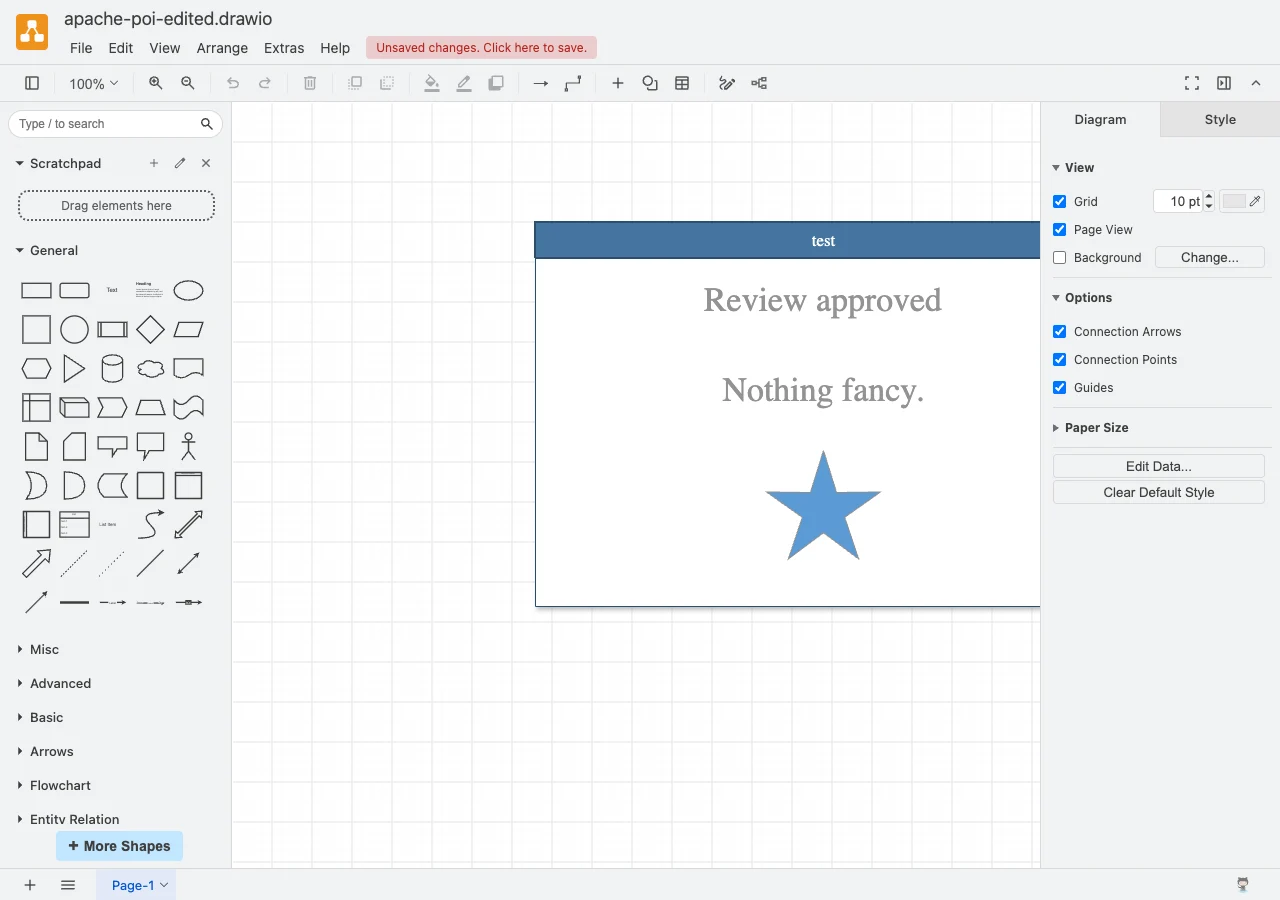
If your team can deliver a .drawio file, start with the browser editor. Try its standard save command on your own file and have a colleague open the result. The XML recovery step verified that the change persisted in the native format. Use the supported format list to check what you can send onward. draw.io export formats
2. LibreOffice Draw for offline editing in ODG
LibreOffice Draw 26.8.2.2 converted the same input to ODG on macOS. The output contained separate drawing groups, polygons and text boxes. We changed the label in the ODG's document XML, reopened that file in Draw and exported a PDF. The PDF displayed the revised label and the blue star. Text extraction also recovered the revised label.
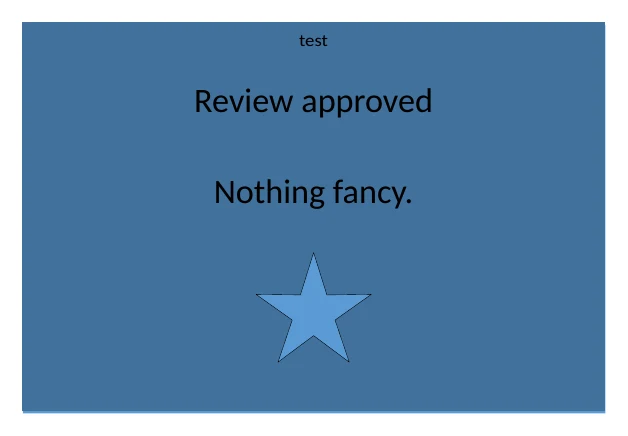
Draw suits a team that can keep its working files in ODG and deliver a PDF when someone only needs to read them. The test verified one structured conversion and a file-level text change. Try moving a connector and editing a label in the desktop interface before migrating a live process map. LibreOffice Draw guide
Options for sending a VSDX back to Visio
When someone has to edit the result in Visio, carry one test file through the entire round trip. A vendor's import and export options establish which plans are worth testing. The file your colleague receives shows whether the workflow works for your library.
3. Lucidchart for a shared workspace with Visio export
Lucidchart says free accounts can import and view Visio files. Editing an imported document requires a paid subscription. Visio export is available on Individual, Team and Enterprise. Budget for the accounts that will do the editing and handback. If your diagram uses links to other pages, layers or documents, check those links after export. Lucidchart lists web links as the supported action type for Visio files. Lucidchart import rules · Lucidchart export rules
4. SmartDraw for an explicitly documented VSDX export
SmartDraw documents import and VSDX export. Its export instructions show where to choose VSDX from the Home tab. Use the evaluation period to move a shape with two attached connectors, change a label and export. Ask a colleague to make a second change in Visio and send the file back. That second edit tells you whether the format is practical for ongoing collaboration. SmartDraw Visio import and export
Run a migration check on your own diagrams
Pick three files you use. A short flowchart exposes connector problems quickly. A swimlane lets you check whether a step stays with its owner when you move it. A multi-page diagram with grouped shapes and links shows what happens to the structure your team depends on.
- Open a copy and count the pages. Compare the original with the result. Select a label and a shape separately to see what you can still edit.
- Make the edit that would come up in real work. Move an approval step, change its owner and follow its links. Check that each connector stays attached to the shape it should point to.
- Save and reopen in a fresh session. Open the saved file from disk or a new tab. Ask a teammate to reopen it using the account or plan they would actually have.
- Check the return file if your team still uses Visio. Export a VSDX, reopen it in Visio and repeat the same edits. Record what happened to the pages, groups, labels and links.
Download the VSDX migration checklist and keep one result per file and tool. Record the plan alongside the file. If a free viewer lets you see a diagram but the editor is paid, a viewing test answers only the viewing part of the job.
Choose the license around the handoff
For an internal migration, count how many people need to change diagrams in the destination editor. Give the other readers the format they use for review, such as PDF. The main pilot question is whether the editor can keep the high-value files working.
For a team keeping Visio, list who will export, who will edit the returned file and which plan each person will use. Price the editing seats and confirm export entitlement on the same plan. Run the pilot with one live workflow before setting a retirement date for the old library. If the pilot requires repeated repairs, record which file classes cause them. That gives you a basis for migrating the simpler files first.
Frequently asked questions
Can I open a Visio file without Visio?
Yes, if the destination tool supports the file's version. draw.io lists VSDX among its import formats, and we opened one VSDX fixture in the web editor and in LibreOffice Draw. Check legacy VSD and VDX files separately. draw.io import formats
Can I edit an imported Visio file with Lucidchart Free?
Lucidchart Free lets you import and view. Lucid says editing an imported Visio file requires a paid subscription. Lucidchart import rules
Which alternatives can export a Visio file?
Lucidchart and SmartDraw document VSDX export. Lucidchart lists Individual, Team and Enterprise for this feature. Open the export in Visio and check the objects your colleague needs to edit. Lucidchart export rules · SmartDraw VSDX export