Motion and video tools
12 Best Remotion Alternatives in 2026: Agents, Code and APIs
Remotion's five limitations, twelve alternatives in one consistent format with screenshots and videos, a year-one cost table and a decision tree.
· · Diagram Studio Editorial
Remotion made a simple idea popular: a video can be code. Write React components, render them to MP4, and a launch video becomes something you can diff, review and regenerate. Then the team grows to four people and needs a licence, the marketer wants to change a headline without opening a pull request, and someone has to wire up voiceover, captions and a render farm.
This guide starts with those limitations, then ranks twelve alternatives in one consistent format: what each tool is, a look at it, its key features, a video, its price, which Remotion limits it removes and where it falls short. Every price and licence was read from the vendor's own pages on October 17, 2026.
Direct answer
The best Remotion alternatives in 2026 are CoAnimator for product demos and launch videos directed through an AI agent, HyperFrames for open-source HTML video, Motion Canvas and Revideo for MIT-licensed code, Shotstack, Creatomate and Plainly for hosted rendering at scale, and Manim for maths explainers. Remotion stays strongest for React teams rendering video inside their own product.
The limitations of Remotion
Remotion turns React components into MP4 files. It is actively maintained (version 4.0.536 shipped on October 16, 2026), its repository has about 64,700 GitHub stars, and for a React team that renders video inside its own product it is still the strongest choice. Its limits show up everywhere else.
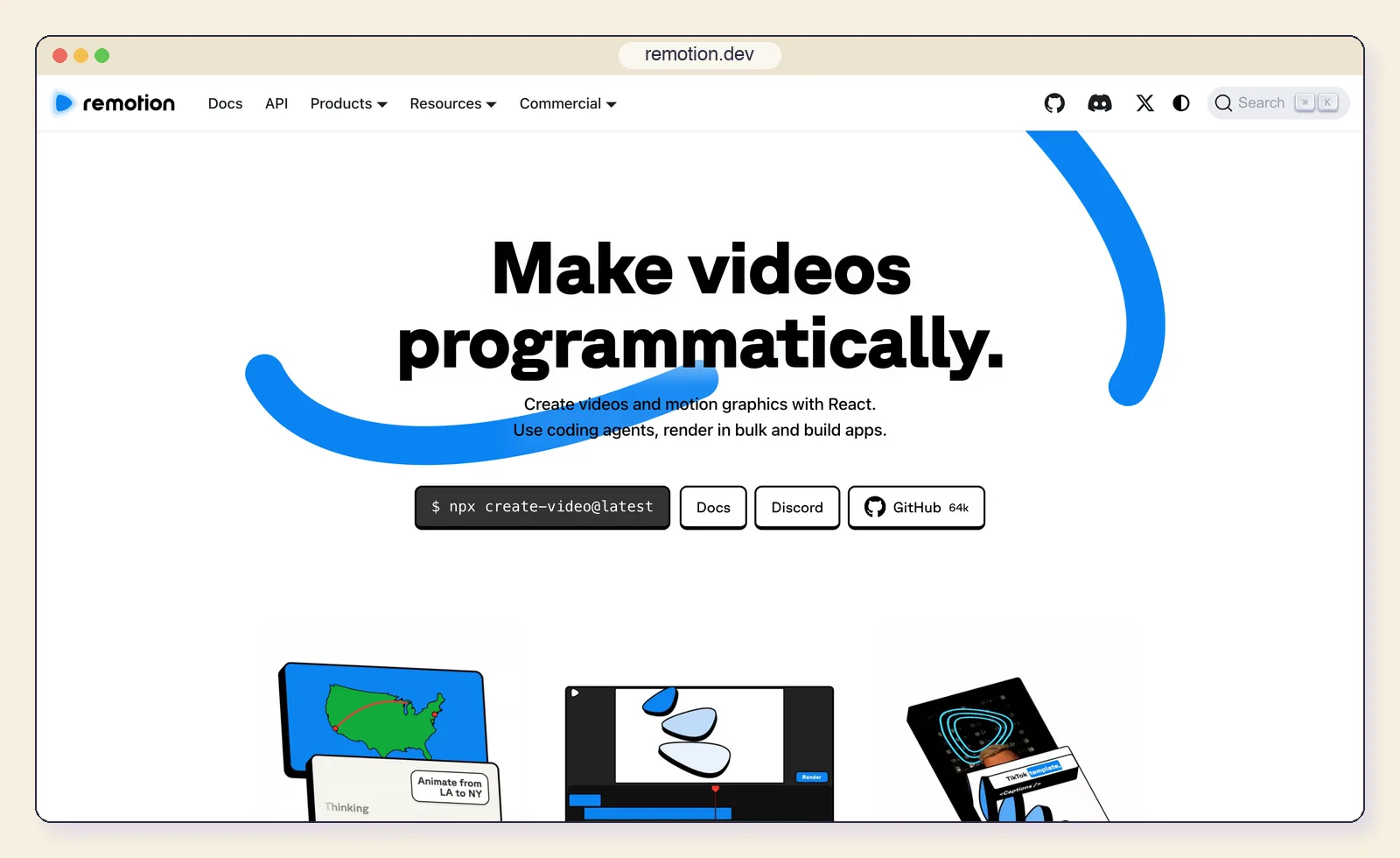
1. A paid licence from four people. Remotion's licence is free for individuals, non-profits and companies with up to three employees. Every larger company needs a Company License, and a draft change for Remotion 5.0 would also count contractors toward team size.
| Tier | Price | Meant for |
|---|---|---|
| Free License | $0 | Individuals, non-profits, companies with up to 3 employees |
| Creators | $25 per seat per month | People who write Remotion code, by hand or with agents |
| Automators | $0.01 per render, $100/month minimum | Apps and pipelines that render automatically |
| Enterprise | From $500 per month | Custom terms, private support, Editor Starter included |
Using an AI agent does not change the seat count. Remotion's FAQ is explicit:
It costs $25/month per person who writes Remotion code themselves or using agentic coding tools.
2. Every change goes through React. Each scene is a component that reads the current frame number. A marketer cannot change a headline, a designer cannot adjust timing, and existing HTML, CSS or GSAP animation has to be rewritten as React before it can be used.
3. No studio comes with it. Remotion is a framework. Its store sells a Timeline component for $300 and an Editor Starter for $600, and voiceover, music, caption styling, screen capture and publishing are yours to build or wire up.
4. Scale means running infrastructure. Remotion Lambda renders in parallel on your own AWS account. Its documentation lists a 15-minute function timeout (about 80 minutes of Full HD), an output cap of about 5GB and a default of 1,000 concurrent functions per region. Someone on the team has to own that setup.
5. AI help still produces a codebase. Remotion ships Agent Skills for Claude Code, Codex and Cursor, a Claude Code plugin and WebMCP support in Remotion Studio; its hosted MCP server was deprecated in favour of the skills. An agent can now write the code, but what you get back is React you review, maintain and license.
Remotion now has Agent Skills - make videos just with Claude Code!
— Remotion (@Remotion) View on X
Each alternative below removes at least one of these five limits. The entries share one format, and each says which limits it removes.
The 12 alternatives at a glance
The list splits into five families: an agent studio, code frameworks, hosted video APIs, visual editors and special-purpose tools. Every tool was maintained or on sale on October 17, 2026, and every price comes from the vendor's own page.
| Tool | How you make video | Licence | Starting price | Renders |
|---|---|---|---|---|
| 1. CoAnimator | Describe it to your agent; edit by chat or by hand | Proprietary, free tier | Free; $99 one-time licence | Local, unlimited |
| 2. HyperFrames | HTML, CSS and GSAP files, written by you or an agent | Apache-2.0 | Free | Local, Lambda, Cloud Run |
| 3. Motion Canvas | TypeScript generator functions | MIT | Free | Local editor |
| 4. Revideo | TypeScript scenes plus a render API | MIT | Free | Local, serverless |
| 5. Shotstack | JSON edit sent to an API | Proprietary | $39/month | Shotstack cloud |
| 6. Creatomate | Visual templates plus an API | Proprietary | $54/month | Creatomate cloud |
| 7. Plainly | After Effects templates plus an API | Proprietary | $69/month | Plainly cloud |
| 8. JSON2Video | JSON API | Proprietary | Free (watermark); $16.63/month | JSON2Video cloud |
| 9. Manim | Python scripts | MIT | Free | Local |
| 10. Jitter | Browser motion-design editor | Proprietary | Free; $15/editor/month | Jitter cloud |
| 11. Rive | Interactive animation editor | Editor proprietary, runtimes MIT | Free; $9/seat/month | Export from editor |
| 12. Screen Studio | Screen recording with auto zoom | Proprietary | $9/month billed yearly | Local (macOS) |
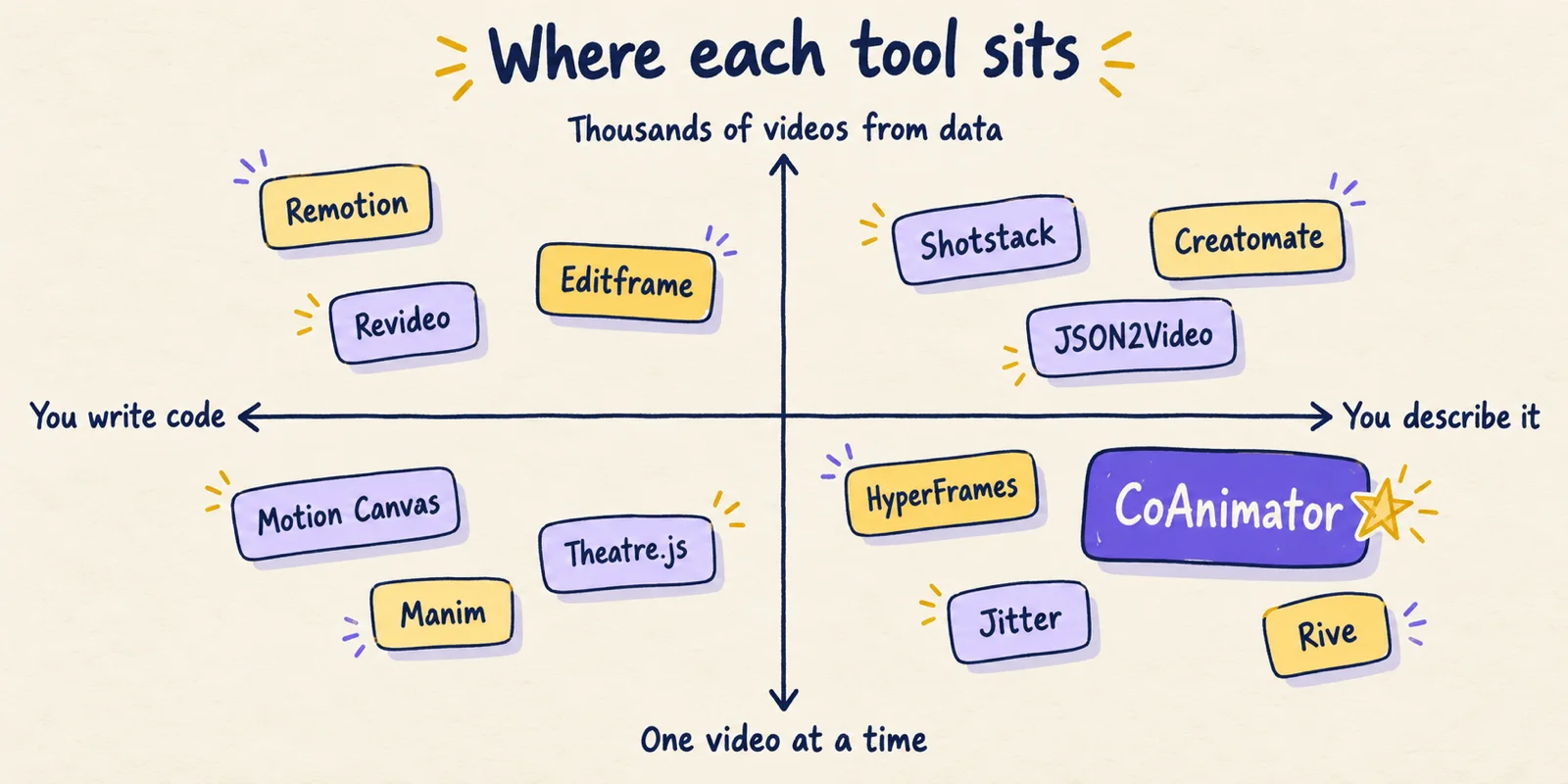
1. CoAnimator: the agent studio for product videos
CoAnimator is a desktop app where an AI agent you already use builds the video scene by scene while you watch and redirect it. It runs on macOS, Windows and Linux. Where Remotion hands you a framework and asks you to build the studio around it, CoAnimator is the studio: stage, timeline, voice, captions, rendering and publishing in one app, driven by your agent.
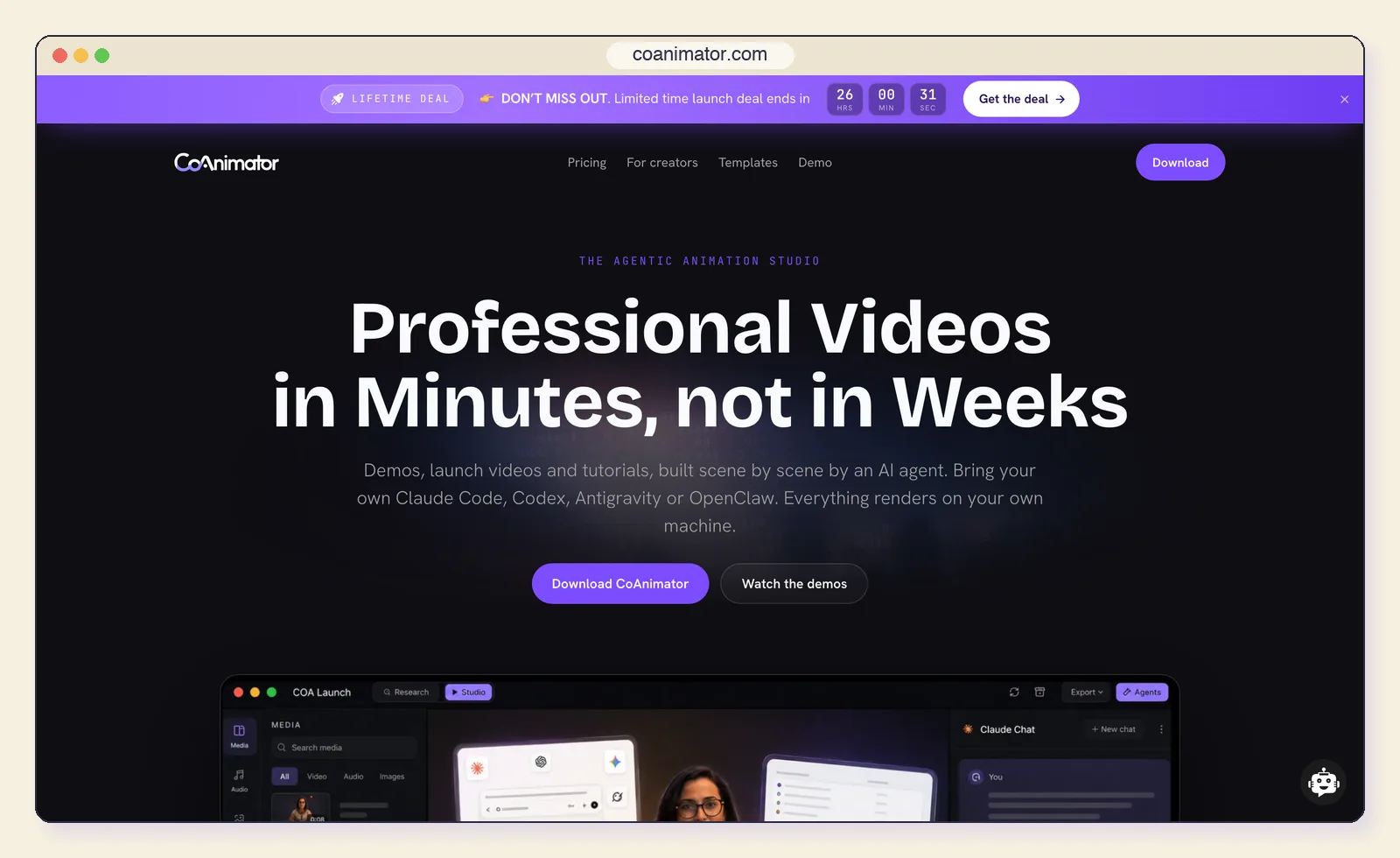
Key features:
- Bring your own agent: Claude Code, Codex CLI, Antigravity CLI and Grok Build CLI, ChatGPT and Grok sign-in, or any agent that speaks ACP (agent docs).
- Live stage and real timeline: agent edits appear on the stage before its next turn, on tracks for animation, footage, voice and music, and you can trim and move clips by hand.
- Voice, captions and music built in: an ElevenLabs plugin places each narration line on the timeline, with animated captions and sound on their own tracks.
- Unmetered local rendering: the
coacommand line renders 720p to 4K at up to 240fps and exits 0 or 1, so it runs in CI. - Nine free templates with agent skills, from Product Demo Video to 3D Explainer and Whiteboard Animation.
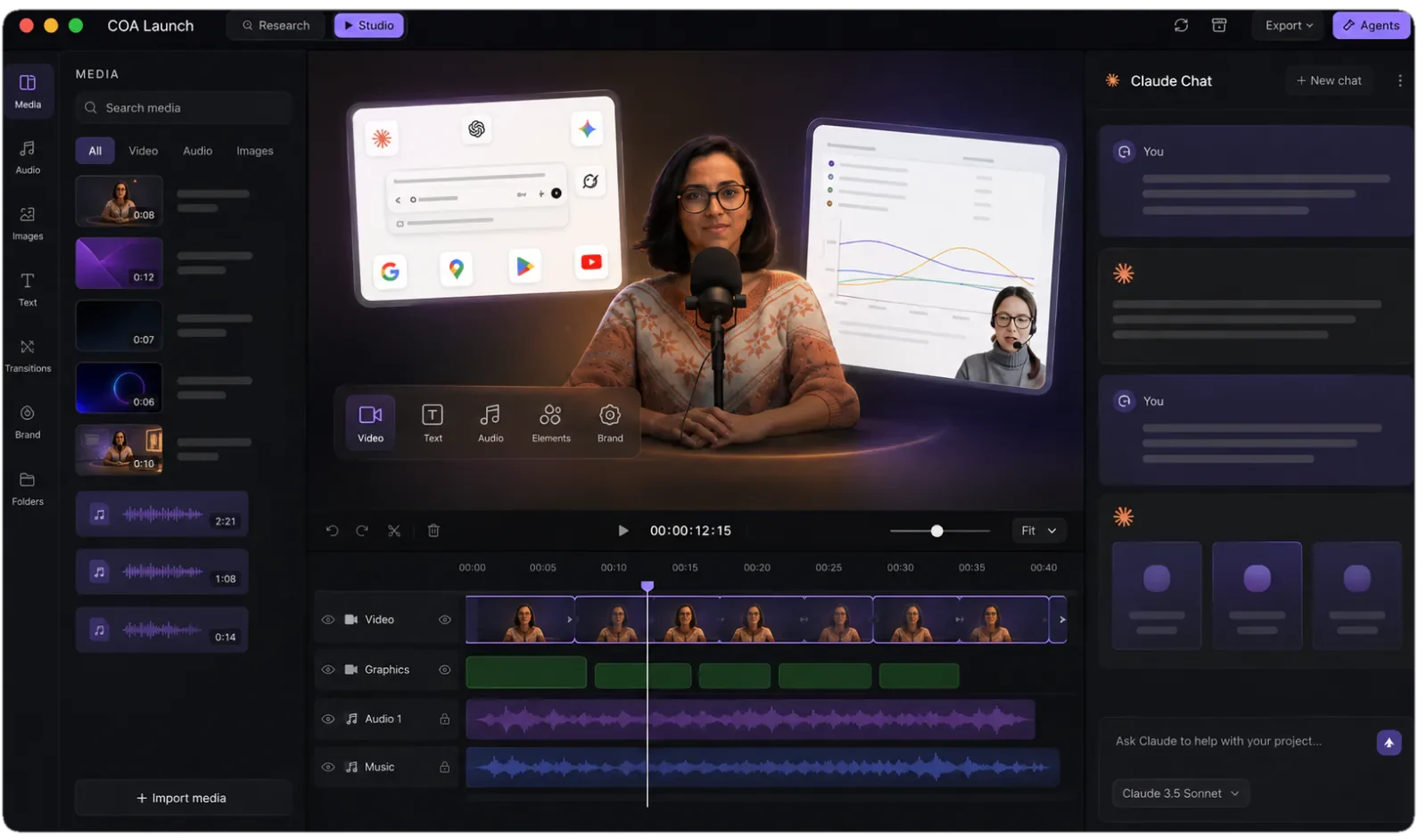
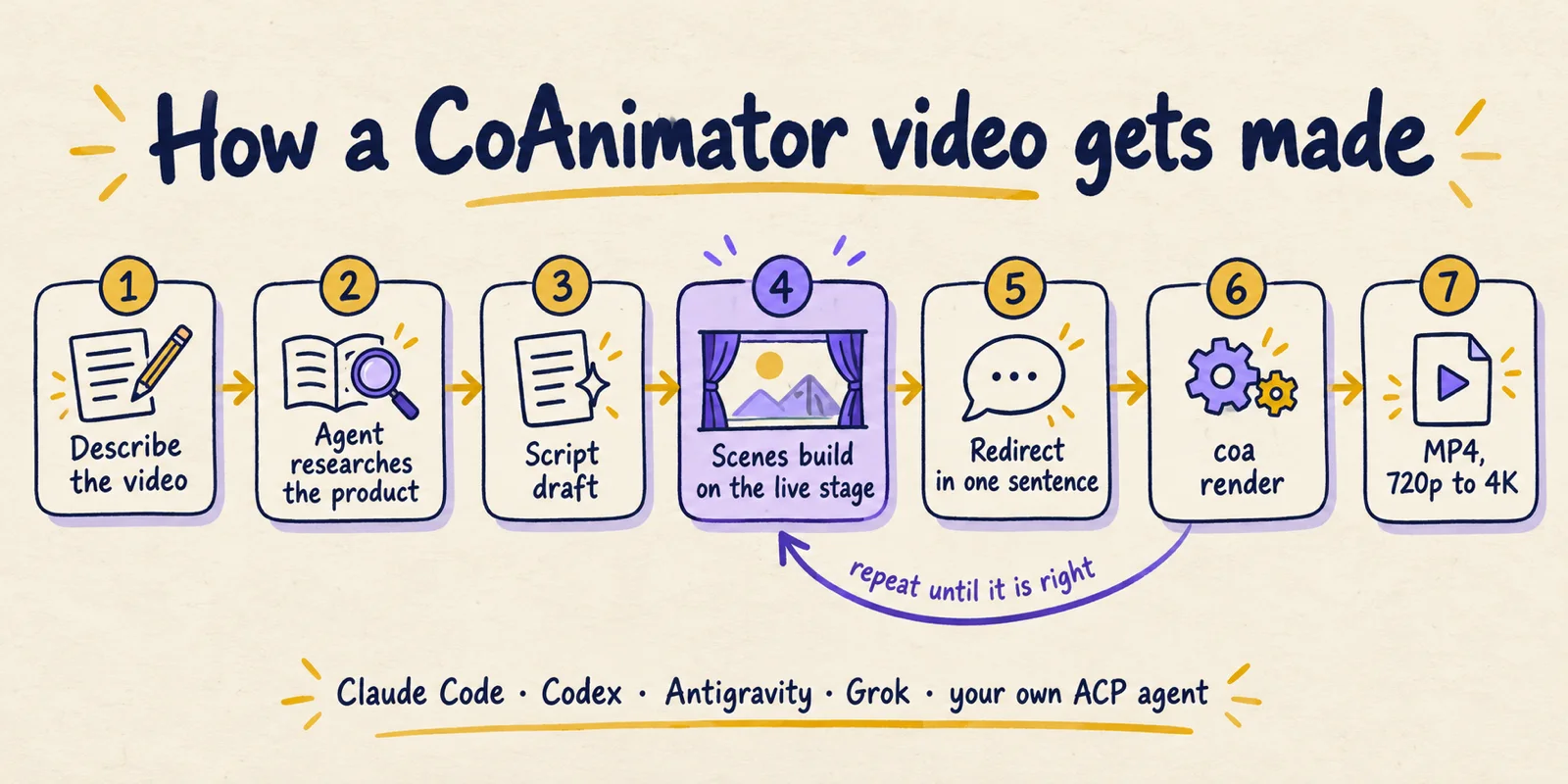
How a video gets made. You describe what you want: a product demo, a launch video, a tutorial or a changelog recap. The agent researches the product, drafts a script for you to review, then builds scenes that appear on the stage as they are written. When something is off you say so in one sentence ("cut the pricing section") and the change appears before the agent's next turn. A storyboard is optional, though a clear brief helps; our storyboarding guide covers what to decide up front.
Projects stay files. The animation, timeline and narration are plain and editable. A folder project can live in git next to the product it demonstrates, so one pull request can change the UI and its demo video together, and a whole project packs into a single .coa file. The integration is a skill plus the coa command, not a proprietary API, the same skills pattern our Claude Design skills guide explains. CoAnimator's developer page describes a tagged release that renders its own announcement video and a cron job that turns merged pull requests into a changelog video.
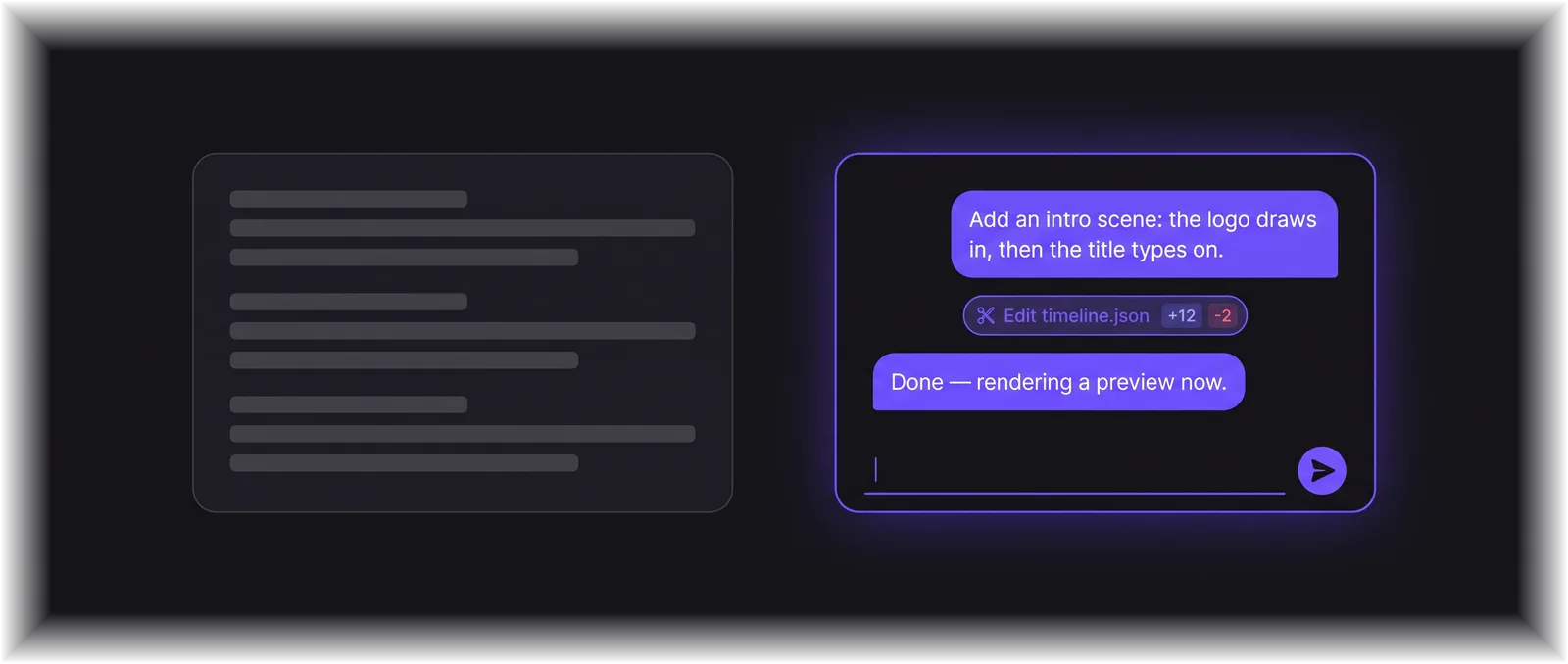
- How it works: You describe the video; your agent researches the product, drafts a script and writes each scene as editable files; the stage updates live;
coa renderexports MP4. - Price: Free with unlimited renders at 720p and a "Made with CoAnimator" watermark. A $99 one-time licence (launch price, list $249) adds 4K, no watermark, premium plugins and research mode on two devices, with a year of updates.
- Remotion limits it removes: All five: no seats or per-render fees, no React, the studio is included, rendering runs on your own machines, and the agent works inside an editor instead of a codebase.
- Best for: Product demos, launch videos, tutorials, explainers and changelog videos, made by teams where not everyone writes code.
- Limitations: Quality depends on the agent and the brief. Export is MP4 only (Lottie is on the roadmap), there is no hosted render farm yet for thousands of videos an hour, and there is no importer for existing Remotion code.
2. HyperFrames: open-source HTML video for agents
HyperFrames is HeyGen's open-source framework that turns HTML, CSS, media and seekable animations into deterministic MP4. It was first published in March 2026 and its repository has already passed Remotion's star count, at about 65,600. There is no build step: headless Chrome seeks each frame and FFmpeg encodes it.
Key features:
- Plain HTML timing:
data-start,data-durationanddata-track-indexattributes place clips on the timeline. - Any web animation library: GSAP, CSS, Lottie, Three.js, Anime.js or the Web Animations API.
- Built for agents: 21 skills behind a
/hyperframesrouter and a Claude Code plugin. - Migration skill:
/remotion-to-hyperframesconverts compositions and flags the parts it cannot translate. - Several render targets: local, AWS Lambda, Google Cloud Run or HeyGen's cloud.
Remotion asks for a React component. HyperFrames asks for an HTML file.
- How it works: Write or generate HTML, preview it, then run
npx hyperframes render; Node 22+ and FFmpeg are required. - Price: Free under Apache-2.0, with no per-render fees or company-size thresholds.
- Remotion limits it removes: The licence cost and the React requirement.
- Best for: Developers who want Remotion-style control in HTML, especially when their motion work is already HTML, CSS or GSAP.
- Limitations: Still a framework, so voice, music and review are yours to assemble. It is months old, and HeyGen calls Remotion Lambda the more mature cloud renderer.
3. Motion Canvas: hand-crafted explainers in TypeScript
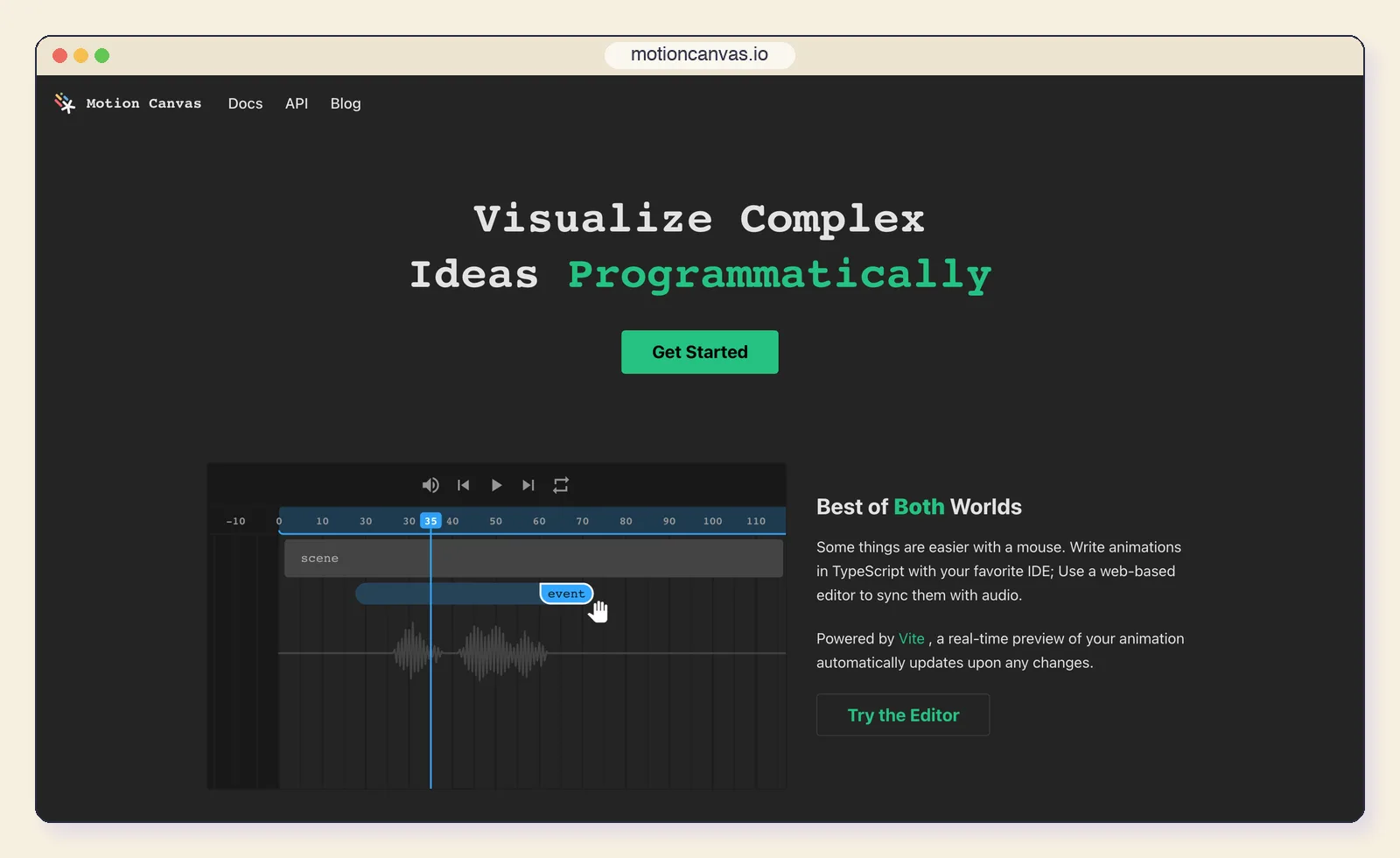
Motion Canvas describes animations as TypeScript generator functions and previews them in a browser editor that syncs to a voiceover track. It was built for its creator's own explainer videos, and timing animation to narration feels more natural here than frame-number maths in Remotion.
Key features:
- Generator-based scenes: each
yieldadvances time, so sequences read top to bottom. - Live editor: a Vite-powered preview that updates as you save.
- Audio sync: the timeline shows the voiceover waveform so you can time animation to speech.
- MIT licence with no company-size rules.
- How it works: Write scenes in TypeScript, preview in the editor, render from it.
- Price: Free, MIT licence.
- Remotion limits it removes: The licence cost.
- Best for: Programmers making carefully timed explainer and educational videos.
- Limitations: Development has slowed (the latest release, v3.17.2, is from December 2024) and there is no built-in headless render API, which is why Revideo forked it.
4. Revideo: Motion Canvas with a render API
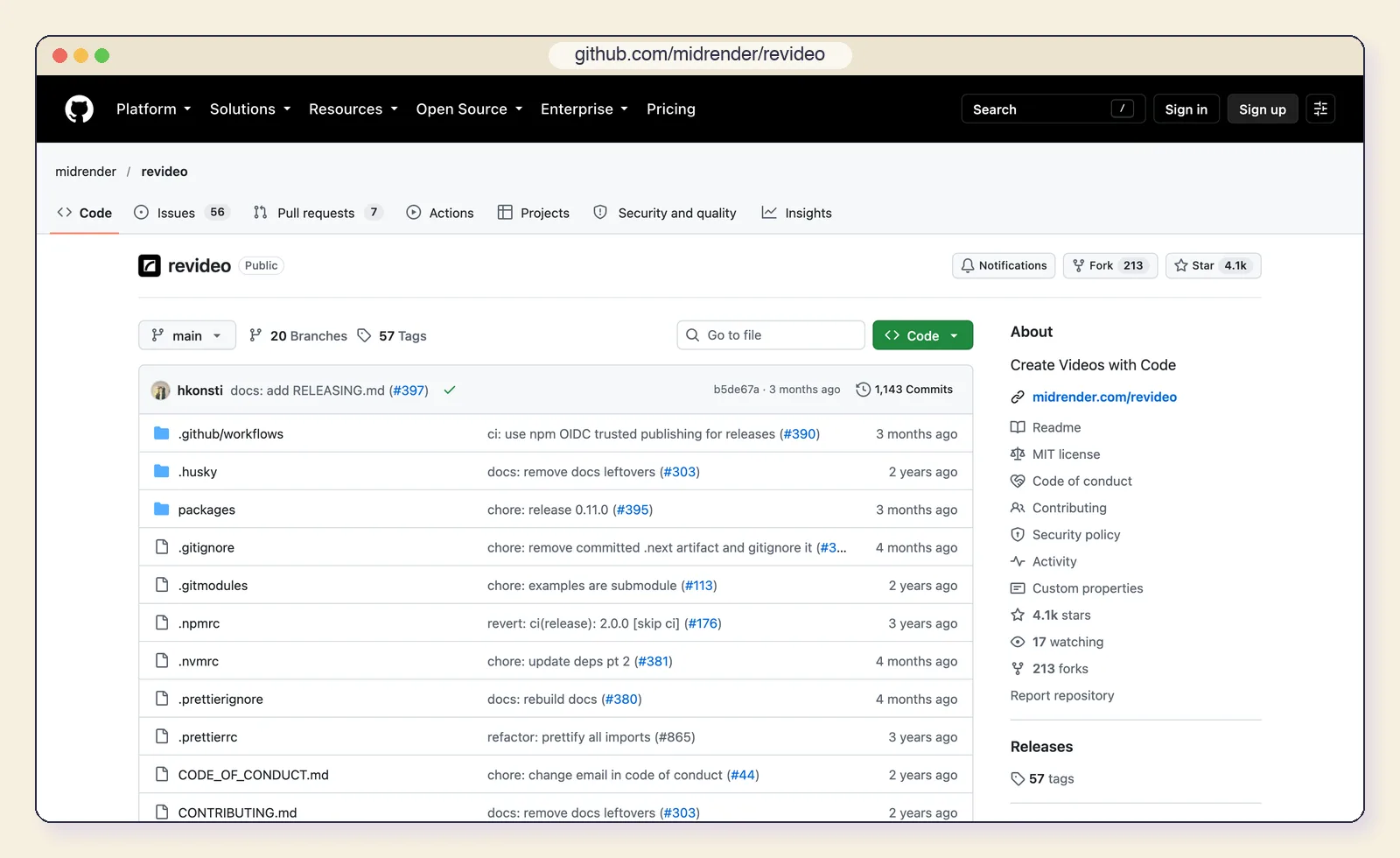
Revideo began as a fork of Motion Canvas that added what product teams asked for: a headless render function, parallel rendering and a player for previews. The repository now lives under Midrender and is described as the engine behind that product.
Key features:
- Headless rendering: call
renderVideo()from your own backend. - Parallel workers: split long renders across processes or serverless functions such as Cloud Run.
- Player for previews inside a web app.
- Motion Canvas syntax: generator-based TypeScript scenes.
- How it works: TypeScript scenes rendered through a programmatic API.
- Price: Free, MIT licence.
- Remotion limits it removes: The licence cost and, partly, the infrastructure burden.
- Best for: Developers who want an MIT-licensed, Remotion-shaped stack for rendering videos from data.
- Limitations: Activity is low (last tag v0.11.0, July 2026) and the roadmap follows Midrender's needs, so check the commit history before building on it.
5. Shotstack: a JSON video API with an MCP server
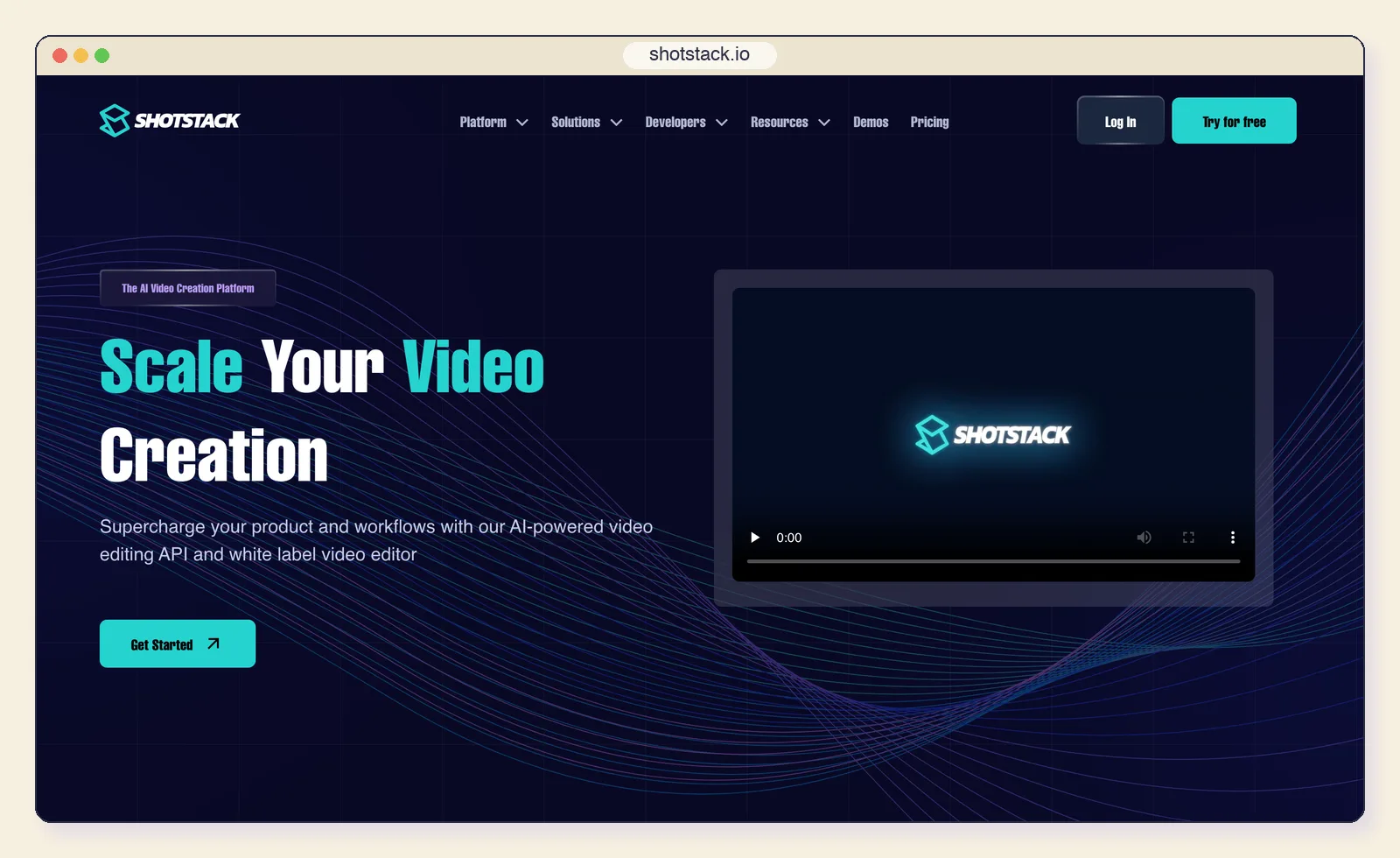
Shotstack replaces your render infrastructure with an API. You post a JSON edit describing tracks, clips, text and transitions, and get a rendered file back. It now has an official MCP server in beta and a Claude Code skill, so an agent can build and submit edits.
Key features:
- JSON timeline: tracks, clips, assets and transitions in one request.
- Hosted rendering, so there is no render farm to run.
- Agent access: an MCP server (hosted or via npx) and a Claude Code skill.
- White-label editor you can embed for your own users.
- How it works: Describe the edit as JSON, send it to the API, receive the video.
- Price: Pay as you go from $10 for 50 minutes; Starter $39/month (250 minutes), Pro $99/month (750 minutes, 4K), Volume $499/month (10,000 minutes).
- Remotion limits it removes: React and the render infrastructure.
- Best for: Personalised and templated video at volume without running AWS yourself.
- Limitations: You pay per rendered minute, you are tied to their cloud, and JSON is a weaker medium than code for bespoke motion design.
6. Creatomate: templates designers can edit
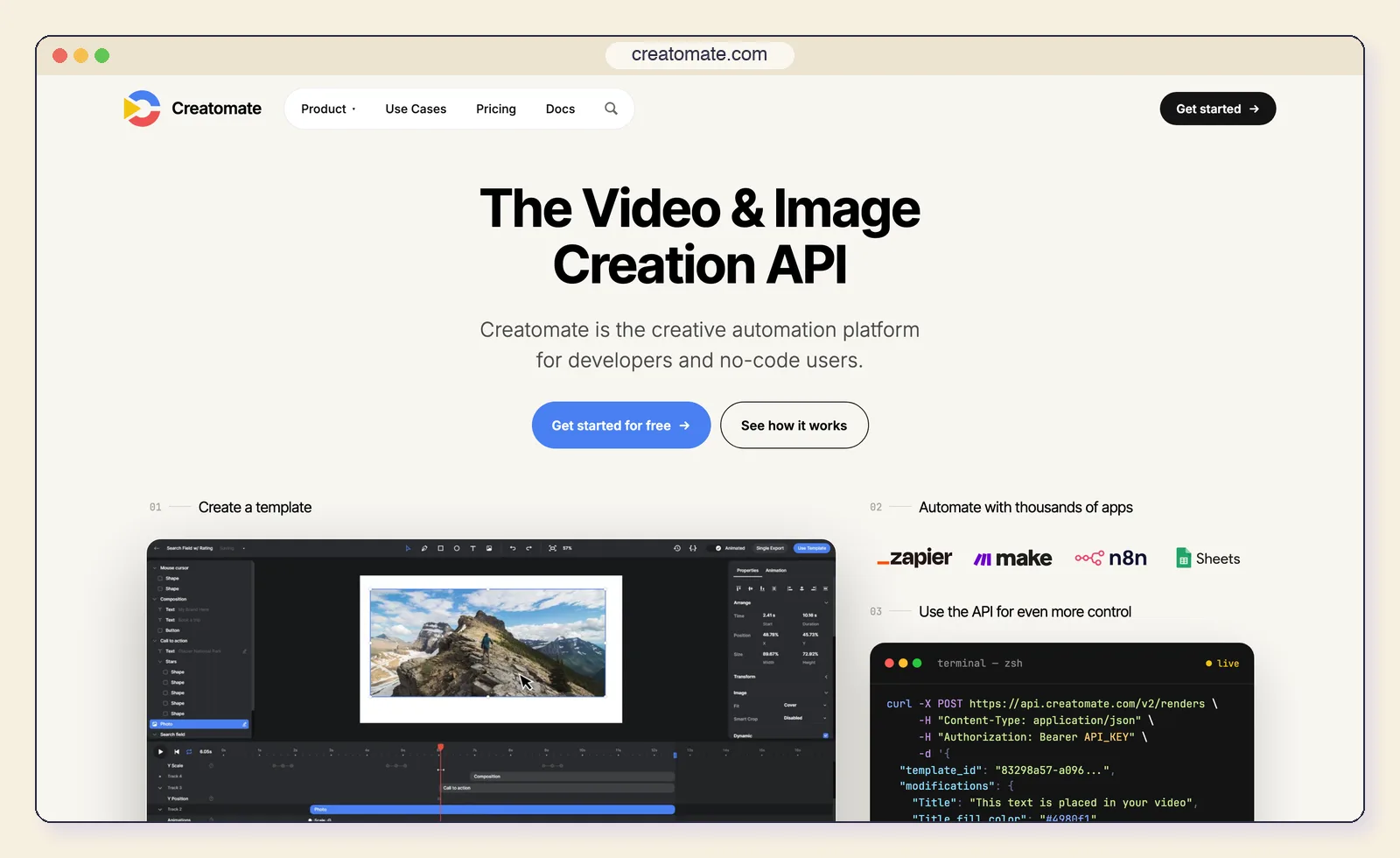
Creatomate pairs a visual template editor with an API. A designer builds the template; developers, spreadsheets or no-code automations fill it with data. That split, design in a GUI and data through the API, is the main reason to choose it over Shotstack.
Key features:
- Visual template editor for video and images.
- REST API that swaps text, media and colours per render.
- No-code connections to automation tools and Google Sheets.
- Free trial with 50 credits and no card.
- How it works: Design a template visually, then render variations through the API or an automation.
- Price: Essential from $54/month and Growth from $129/month according to Creatomate's docs, which point companies to Growth.
- Remotion limits it removes: React (for designers) and the render infrastructure.
- Best for: Marketing teams producing social clips, ads and personalised videos from data.
- Limitations: Credit-based pricing needs modelling before you commit, and we found no official MCP server.
7. Plainly: render After Effects templates through an API
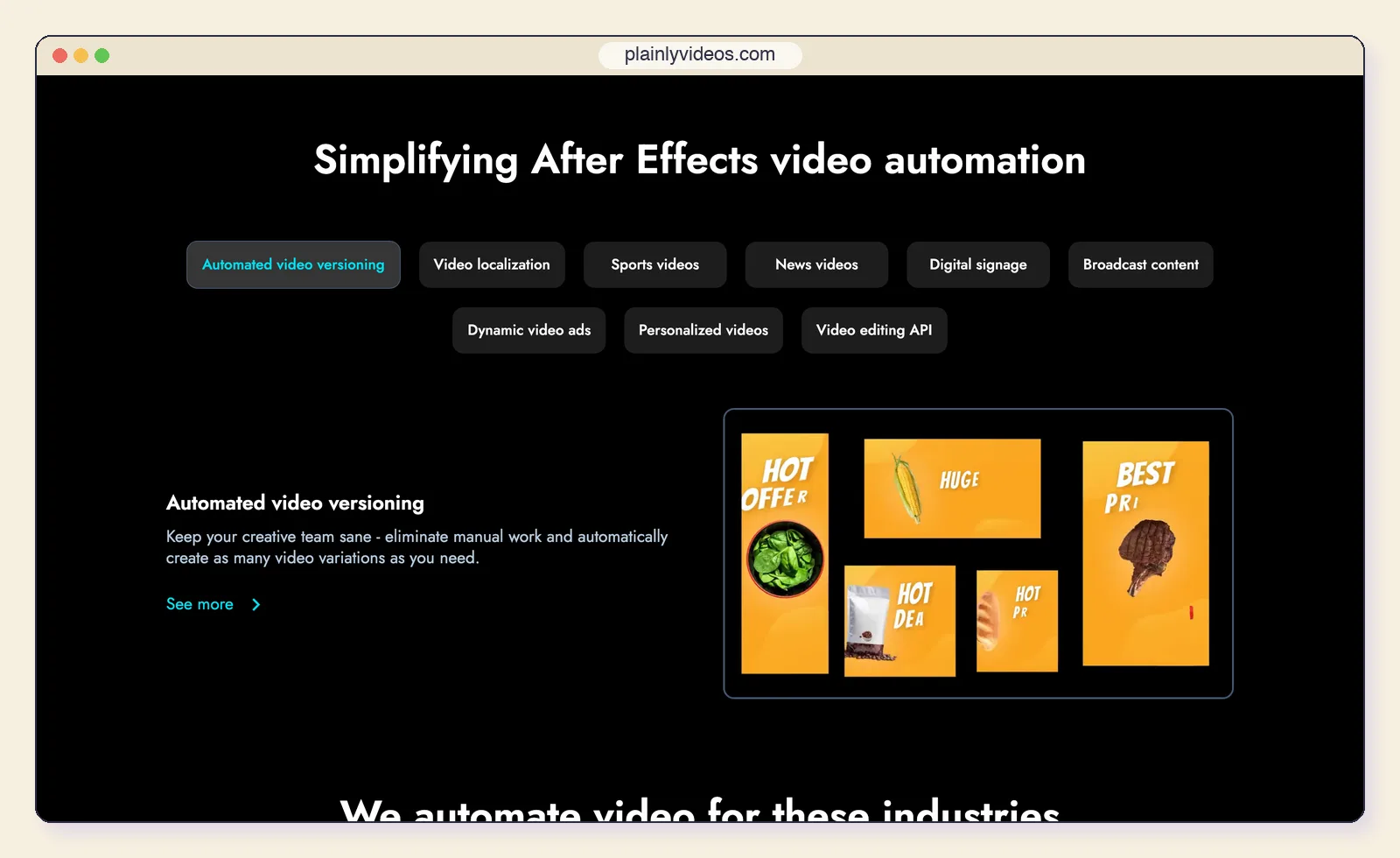
Plainly automates video from After Effects templates. A motion designer builds the template in After Effects, uploads it, and Plainly renders variations from your data, so the design quality of After Effects meets the scale of an API.
Key features:
- After Effects templates with a plugin to prepare them.
- API and layer scripting on every plan.
- Native integrations with common data sources, plus custom ones through the API.
- Up to 4K output and a 14-day free trial.
- How it works: Upload an After Effects template, connect a data source, render variations in Plainly's cloud.
- Price: Starter $69/month ($48/month billed yearly) for 50 render minutes; Team $259/month for 200 minutes.
- Remotion limits it removes: React and the render infrastructure.
- Best for: Brands and agencies that already design in After Effects and need hundreds of versions.
- Limitations: Someone still needs After Effects to build templates, render minutes are expensive at volume, and it is cloud only.
8. JSON2Video: the budget API
JSON2Video is a simpler and cheaper JSON-to-video API with built-in text-to-speech. Credits map to seconds of video, and 4K costs four times as much.
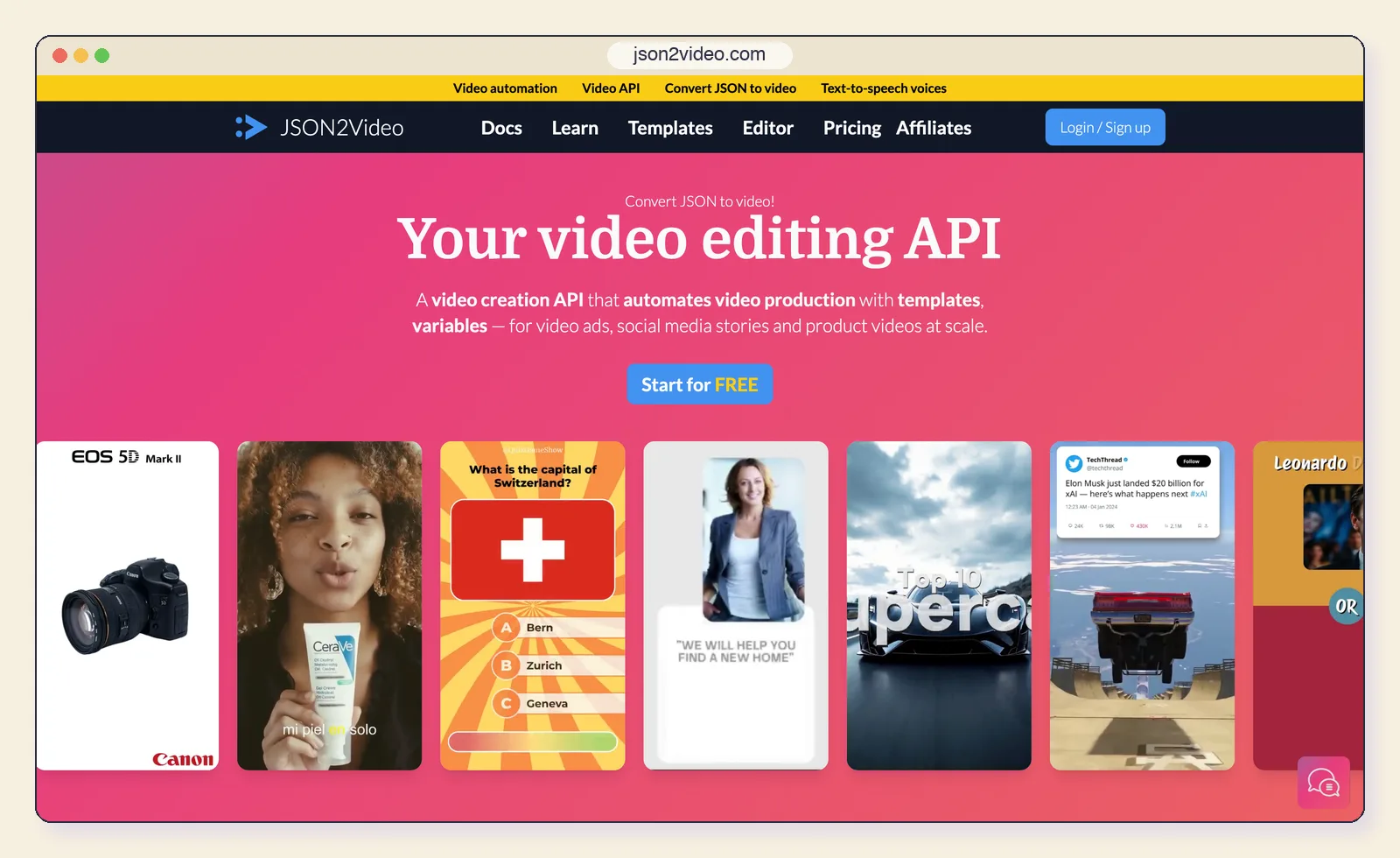
Key features:
- JSON scenes with text, images, video and audio.
- Built-in text-to-speech for narration.
- Templates you can edit and reuse.
- Free tier with watermarked output.
- How it works: Send a JSON movie definition to the API.
- Price: Free with a watermark (600 credits); Hobby $16.63/month billed yearly (about 50 minutes); Professional $49.95/month (about 200 minutes).
- Remotion limits it removes: React and the render infrastructure.
- Best for: Low-volume automations such as turning blog posts or listings into short videos.
- Limitations: Its pricing page says it does not natively generate AI images, video or avatars, and the motion vocabulary is limited.
9. Manim: mathematical animation in Python
Manim, the community edition of the engine behind 3Blue1Brown's videos, is still the best tool for animating equations, graphs and geometric proofs. Version 0.22.0 shipped on October 8, 2026.
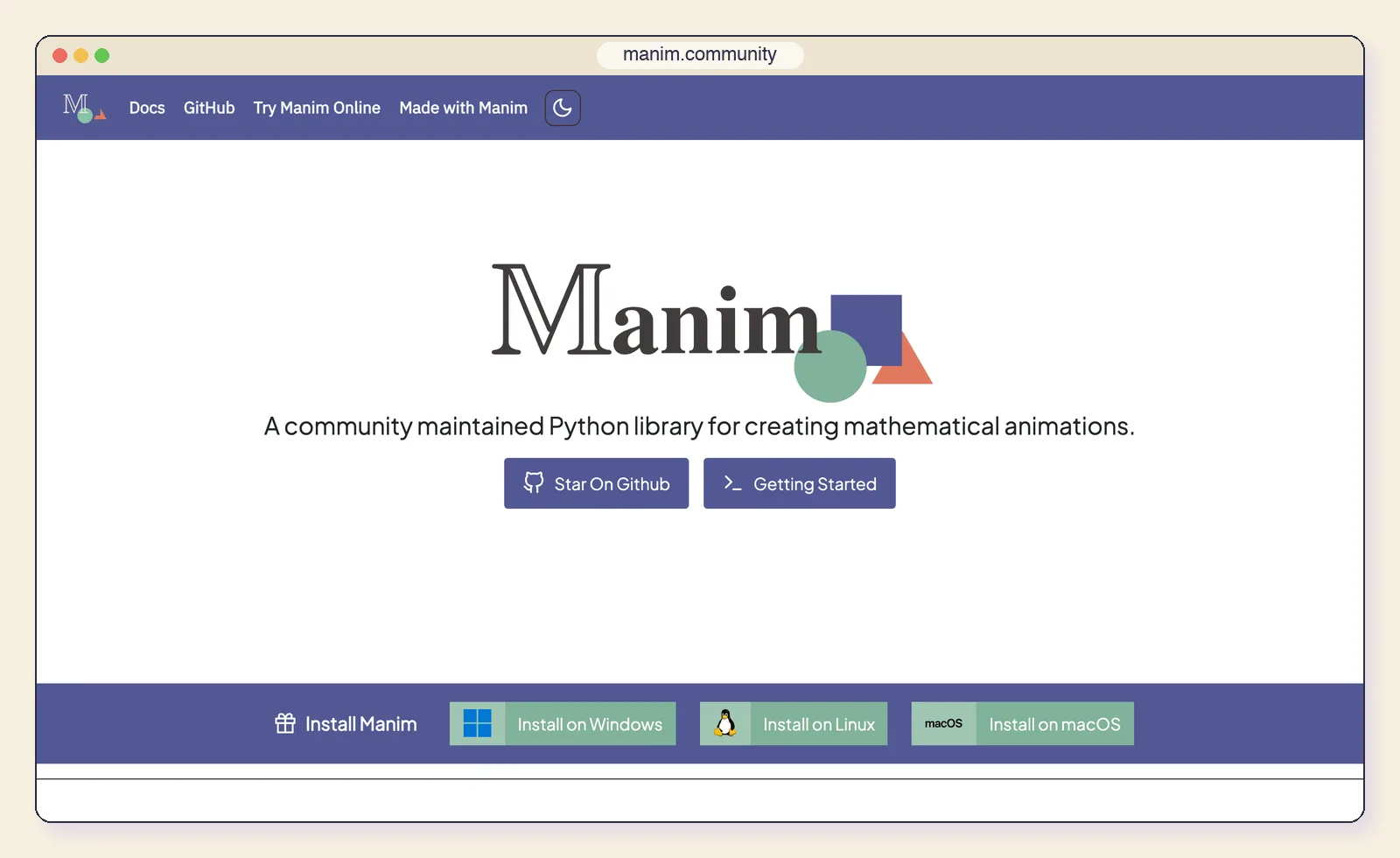
Key features:
- LaTeX equations that transform smoothly into one another.
- Graphs, axes and geometry as first-class objects.
- Python scripts you can version and generate.
- MIT licence and a large community.
- How it works: Write scenes in Python and render them locally.
- Price: Free, MIT licence.
- Remotion limits it removes: The licence cost and the React requirement.
- Best for: Maths, science and engineering explainers.
- Limitations: Python only, and not designed for product UI, brand motion or marketing video. For animated system diagrams, our sequence diagram animation guide is a faster route.
10. Jitter: motion design without code
Jitter is a browser-based motion-design editor in the spirit of Figma: artboards, keyframes and presets, with AI features for generating ideas and turning images into video. It is the right swap when the person making the video is a designer, not a developer.
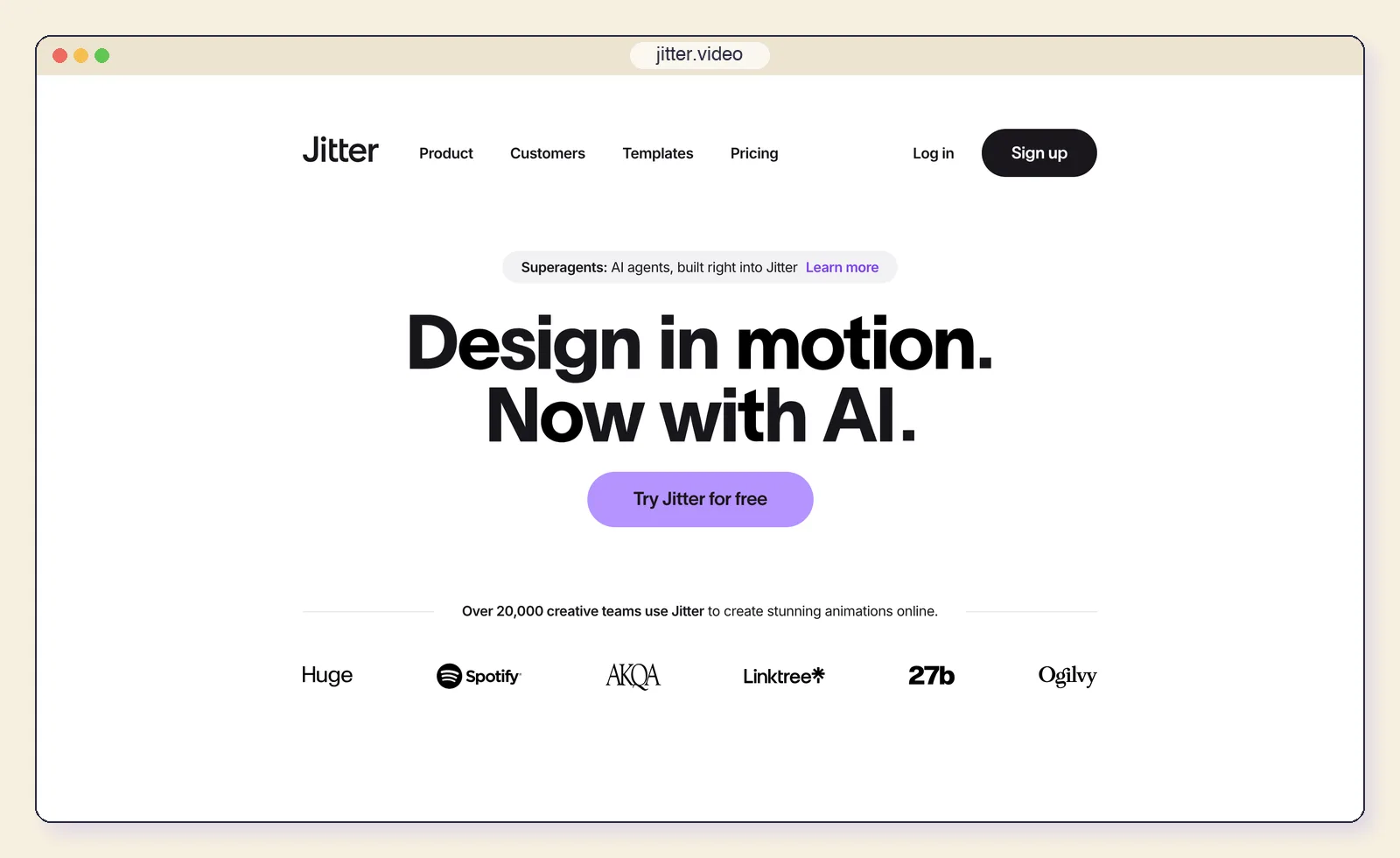
Key features:
- Figma import and familiar design-tool controls.
- Presets and keyframes for UI and product animation.
- Jitter AI credits for ideas and image-to-video.
- Exports to video, GIF and Lottie.
- How it works: Animate artboards in the browser and export.
- Price: Free at 720p30 with Lottie; Pro $15 per editor per month billed yearly ($19 monthly) for 1080p60, ProRes and WebM; Max $35 ($49 monthly) for 4K and transparent export.
- Remotion limits it removes: React and the missing studio, for designers.
- Best for: UI animations, social posts and short product motion pieces.
- Limitations: No code or API workflow, so it does not replace Remotion for automated or data-driven video.
11. Rive: interactive animation that also exports video
Rive is an editor for interactive, state-machine-driven animation with open runtimes for the web, iOS, Android, Flutter and game engines. Its sweet spot is animation that lives inside a product, but it can also export MP4, WebM and GIF.
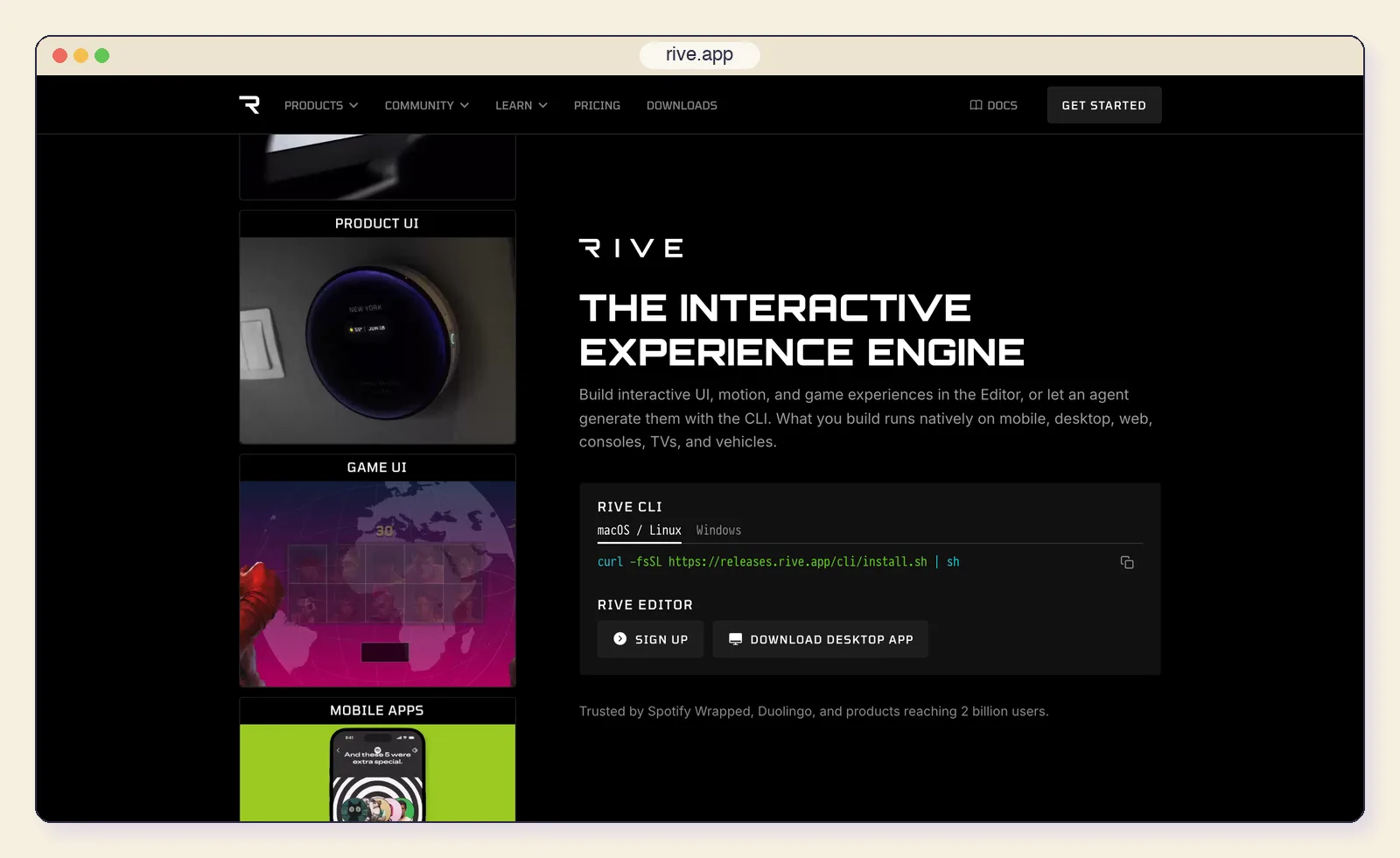
Key features:
- State machines that react to input and data.
- Bones, meshes and constraints for character animation.
- Open runtimes under the MIT licence.
- Rive Agent credits on paid plans.
- How it works: Build interactive animations in the editor and ship them to runtimes, or export video.
- Price: Free (exports carry a splash screen); Cadet $9/seat/month billed yearly; Voyager $32/seat/month with agent credits.
- Remotion limits it removes: React, for in-product animation.
- Best for: Interactive product animation that also needs a video cut for marketing.
- Limitations: An animation tool first and a video tool second, with no timeline for voiceover or footage.
12. Screen Studio: polished screen recordings
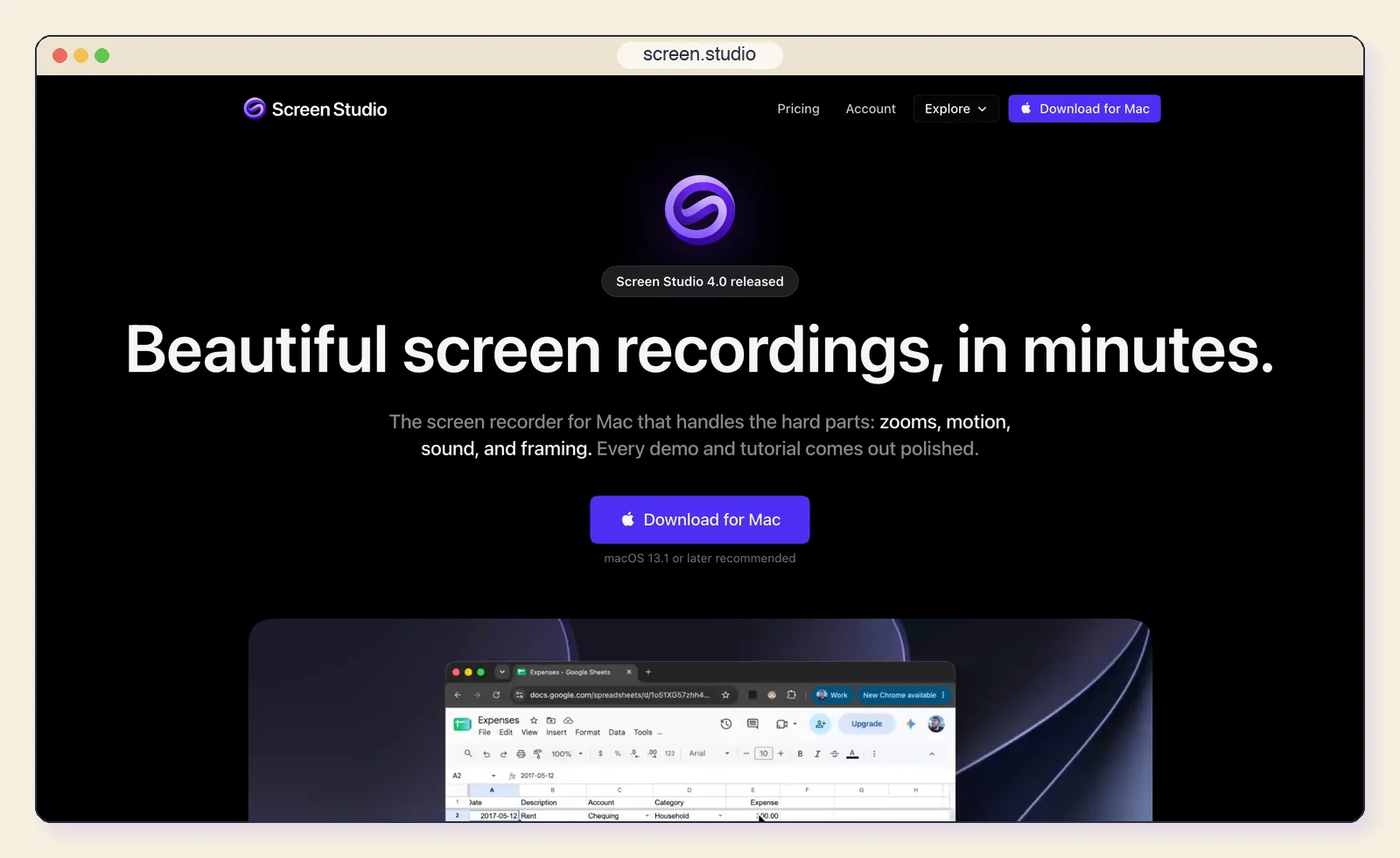
Screen Studio is not a framework at all. It records your screen and adds automatic zoom, smoothed cursor movement and editing, exporting up to 4K at 60fps. Sometimes a well-produced recording is all a demo needs.
Key features:
- Automatic zoom that follows your clicks.
- Smooth cursor movement that hides jittery mouse paths.
- Framing, backgrounds and sound handled for you.
- 4K export at 60fps.
- How it works: Record the screen, let it add zooms and motion, then trim and export.
- Price: $29/month, or $9/month billed yearly.
- Remotion limits it removes: The missing studio and the React requirement, for demos.
- Best for: Quick product walkthroughs where real screen footage is the point.
- Limitations: macOS only, and recordings go stale the moment your UI changes. CoAnimator can add captions and effects to an existing recording if you want both.
CoAnimator vs Remotion: what a four-person team pays in year one
Pricing pages are hard to compare because the units differ: seats, renders, minutes and devices. This table normalises them for one common case, a four-person startup making product videos, with and without an automated render job in CI. These are licence costs only; agent subscriptions, voice APIs and cloud compute are extra in every column.
| Tool | Four people making videos | Plus an automated render job | How we calculated it |
|---|---|---|---|
| Remotion | $1,200 | $2,400 | 4 Creator seats x $25 x 12; Automators adds the $100/month minimum |
| CoAnimator | $157 | $157 | $99 licence + 2 extra device slots at $29; renders are not metered |
| HyperFrames | $0 | $0 | Apache-2.0; you pay for any cloud you render on |
| Shotstack | $468 | $468 | Starter $39/month for 250 render minutes |
| Plainly | $579 | $579 | Starter billed yearly for 50 render minutes a month, plus After Effects for the template author |
Two caveats. Remotion's Creator seats are per person who writes Remotion code, so a team where only two people touch the code would pay $600. CoAnimator's licence is sold by device, so confirm on its pricing page how it applies to your team. Even with those adjustments the gap is wide, and it grows in year two because the CoAnimator licence keeps working whether or not you renew updates.
Tools we considered but did not rank
Seven more names come up in Remotion threads. Why each missed the list:
- Editframe describes video as Web Components and renders in the browser, by CLI or in its cloud, but it is source-available with employee-count tiers much like Remotion's (free to three people, Team $49/month).
- Theatre.js has a fine sequence editor, but its last code push was in August 2024 and it does not render video.
- Lottie with After Effects is a playback format, not a renderer; our After Effects alternatives cover timeline tools.
- Diffusion Studio Core composites video in the browser with WebCodecs; free renders must keep its watermark.
- Twick is a React video-editor SDK under the Sustainable Use License, which is not an open-source licence.
- Etro is a small, GPL-3.0 TypeScript video-editing library.
- FFCreator is a Node.js video library whose last release was in February 2023.
How to choose the right Remotion alternative
Start from the deliverable, not the technology. The same team can need two tools: one for the launch video and one for the thousand personalised clips that follow.
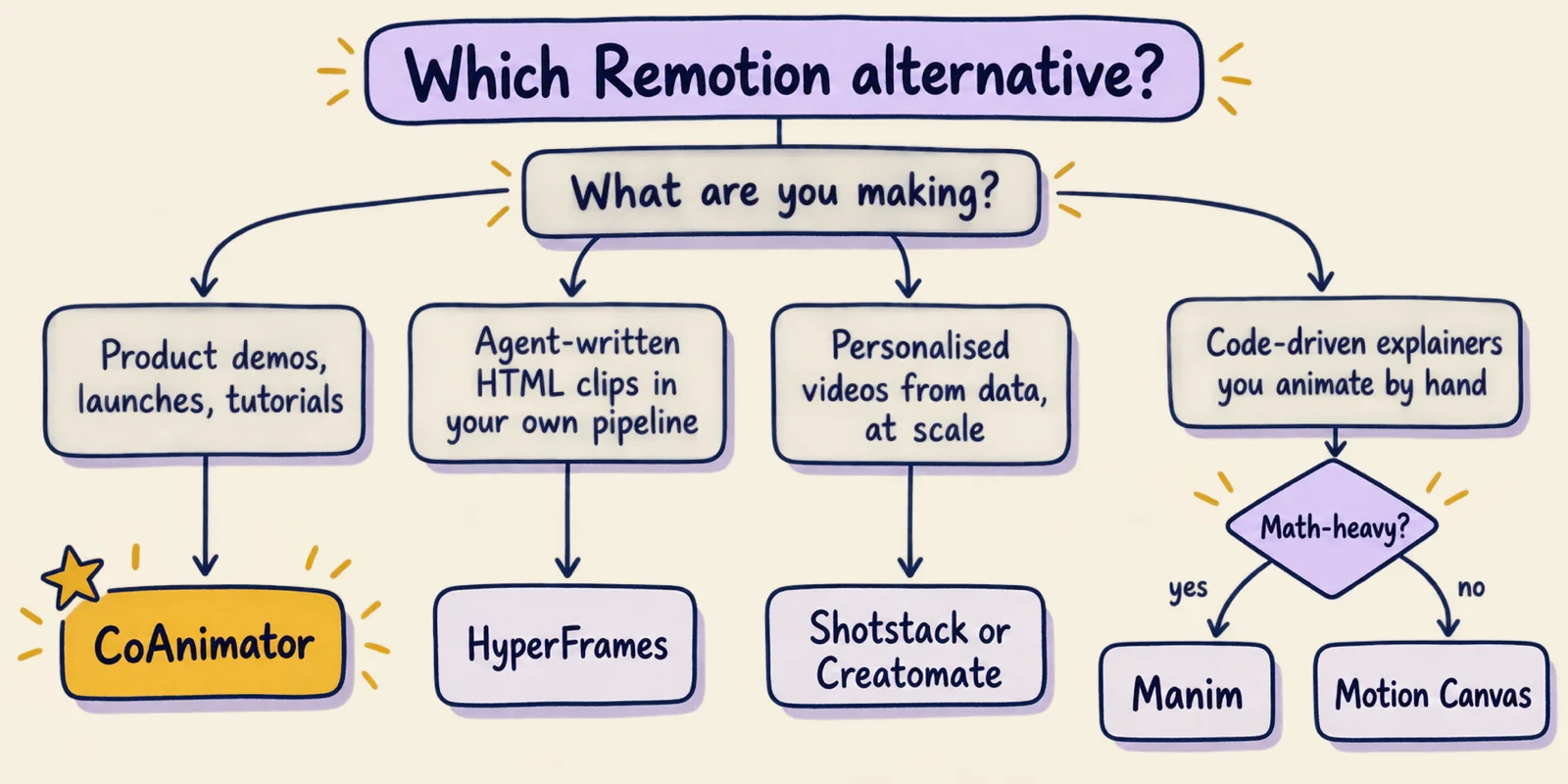
- Who directs the video? If it is a founder, marketer or designer, rule out pure code frameworks and look at CoAnimator, Jitter or Creatomate.
- How many videos, and from what? One launch video a month is a studio job. Ten thousand videos from a database is an API job: Shotstack, Creatomate, Plainly, or Remotion with Lambda.
- What is the licence exposure? Count people, not developers, and check whether contractors count. MIT or Apache tools (HyperFrames, Motion Canvas, Revideo, Manim) remove the question.
- Where must renders run? Local and CI rendering keeps footage on your machines. Hosted APIs remove infrastructure but meter every minute.
- What do you already have? React components favour Remotion. HTML, CSS or GSAP favour HyperFrames or CoAnimator. After Effects templates favour Plainly. A design file raises different questions, covered in our guide to design-to-code mechanisms.
Whichever tool you pick, decide the motion before you brief anyone, human or agent. Motion principles for explaining complex systems is a short checklist for that step.
Moving off Remotion without a rewrite weekend
None of these tools imports a Remotion project directly, so plan the move by video, not by codebase.
- Keep Remotion for what it is good at. If a pipeline renders thousands of videos on Lambda and works, leave it. Most teams move their marketing and product videos first.
- Rebuild one real video as the test. In CoAnimator, open the closest template and brief the agent with your existing script and assets. In HyperFrames, run the migration skill on one composition and review what it flags.
- Compare the edit cycle, not the first render. The second and third rounds of changes are where a studio or a simpler format saves time.
- Move rendering into CI. Both
coa renderandnpx hyperframes renderrun headless, so a release can render its own announcement video, the same agent-works-in-the-tool shift we covered for Figma's use_figma tool.
Frequently asked questions
Is Remotion free? Yes for individuals, non-profits and companies with up to three employees, including commercial work. Companies of four or more pay $25 per seat per month for people who write Remotion code, and automated rendering costs $0.01 per render with a $100 monthly minimum.
What is the best free Remotion alternative? For developers, HyperFrames (Apache-2.0) or Motion Canvas (MIT). For people who would rather describe the video than code it, CoAnimator's free tier renders unlimited videos locally at 720p with a watermark.
Can AI agents make Remotion videos? Yes. Remotion publishes Agent Skills and a Claude Code plugin. The agent writes React code that you then maintain, and at companies of four or more the person directing it still needs a Creator seat.
Is CoAnimator built on Remotion? No. CoAnimator's comparison page says it runs its own animation engine and local render pipeline on the web platform. It works with the agents you already use, including Claude Code and Codex.
Which alternative is best for personalised video at scale? A hosted API such as Shotstack, Creatomate or Plainly, or Remotion itself with Lambda. CoAnimator and HyperFrames can render from scripts and CI, but neither offers a managed render farm today.