Motion and video tools
12 Best After Effects Alternatives in 2026, Free and Paid
After Effects' five limitations, twelve alternatives in one consistent format with screenshots and videos, a three-year cost table, a feature matrix and the tools that no longer exist.
· · Diagram Studio Editorial
Most people do not leave After Effects because it stopped being good. They leave because the cheapest plan is an annual contract with a cancellation fee, because 4K work wants 32GB of RAM, because there is no Linux version, or because they spend their weeks making product videos and titles in a tool built for compositing.
This guide starts with those limitations, then ranks twelve alternatives in one consistent format: what each tool is, a look at it, its key features, a video, its price, which After Effects limits it removes and where it falls short. Prices were checked on October 17, 2026, the year Cavalry and Autograph became free.
Direct answer
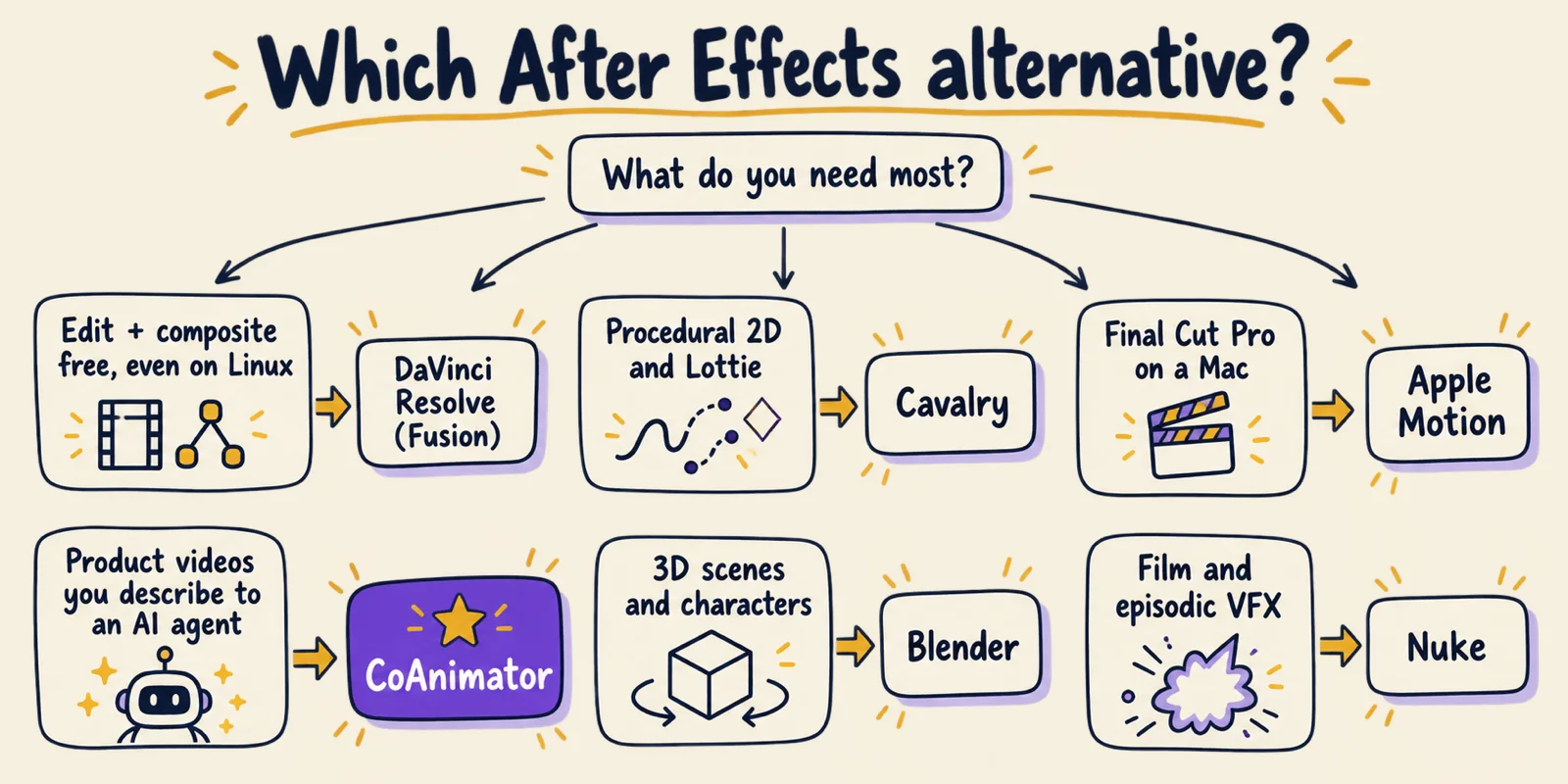
The best After Effects alternatives in 2026 are DaVinci Resolve with Fusion (free, node-based, runs on Linux), Cavalry (procedural 2D, free since April 2026), Apple Motion ($49.99 once on Mac), CoAnimator (an AI agent builds product videos you direct, free or $99 once) and Blender (free 3D). Autograph is also free, and Nuke remains the choice for film VFX.
The limitations of After Effects
After Effects is still the default for motion graphics, and Adobe keeps shipping. Version 26.5 arrived in September 2026, after a year that added AI-powered Object Matte for one-click subject selection, depth of field in the Advanced 3D renderer, Substance 3D materials and a faster mask tracker. Its limits are about cost, commitment, hardware and fit, not missing features.
1. Subscription only, with an exit fee. There is no one-time licence. Most people pick "annual, billed monthly" because it is cheapest per month, and Adobe's subscription terms say that cancelling it after the first 14 days costs a lump sum of 50% of the remaining commitment.
| Plan | Monthly | Annual, billed monthly | Annual, prepaid |
|---|---|---|---|
| After Effects (single app) | $34.49/month | $22.99/month | $263.88/year |
| Creative Cloud Pro (20+ apps) | $104.99/month | $69.99/month | $779.88/year |
2. Heavy hardware. Adobe's system requirements ask for 16GB of RAM as a minimum, 32GB or more for 4K, and a GPU with 4GB of VRAM.
3. No Linux. After Effects runs on Windows and macOS only, which rules it out for Linux studios and render nodes.
4. One way of working. It is a layer-and-keyframe compositor. Node-based VFX, procedural 2D, real 3D and interactive animation all have dedicated tools that do those jobs with less effort.
5. Every revision is manual. A new headline, a new aspect ratio or next month's version of a product video means re-keyframing by hand, which is slow for teams without a full-time motion designer.
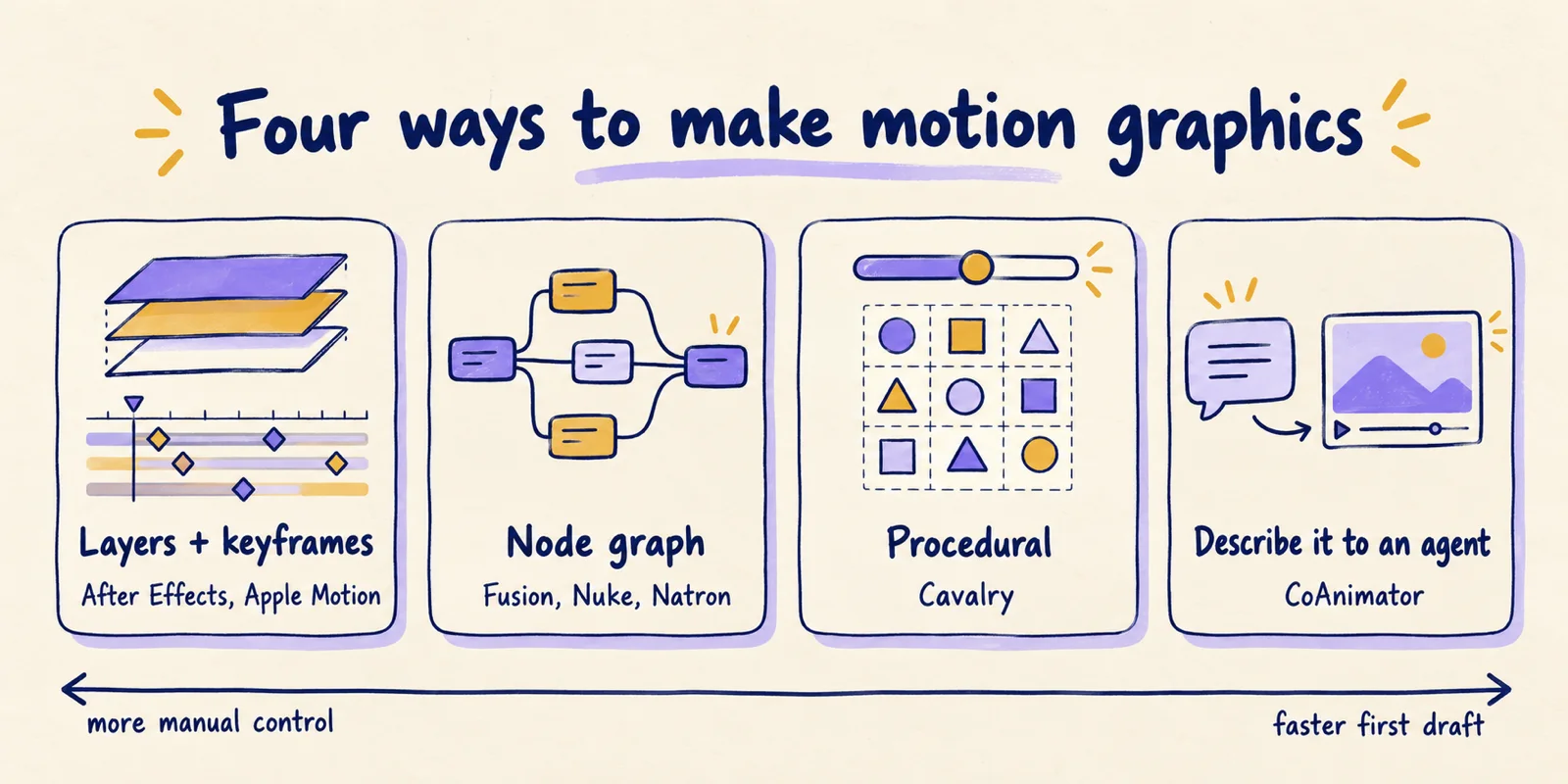
Each alternative below removes at least one of these five limits. The entries share one format, and each says which limits it removes.
The 12 alternatives at a glance
Three of the top five are free, and two more cost less than two months of the After Effects single-app plan, once. Every tool was maintained or on sale on October 17, 2026.
| Tool | Way of working | Runs on | Price |
|---|---|---|---|
| 1. DaVinci Resolve (Fusion) | Node graph inside an editor | Mac, Windows, Linux | Free; Studio $295 once |
| 2. Cavalry | Procedural 2D | Mac, Windows | Free for individuals |
| 3. Apple Motion | Layers, keyframes, behaviors | Mac | $49.99 once |
| 4. CoAnimator | Describe it to an AI agent; edit on a timeline | Mac, Windows, Linux | Free; $99 once |
| 5. Blender | 3D, Grease Pencil, compositor | Mac, Windows, Linux | Free (GPL) |
| 6. Autograph | Layers plus a 3D environment | Mac, Windows | Free |
| 7. Jitter | Browser keyframe editor | Browser | Free; $15/editor/month |
| 8. Nuke | Node graph for film VFX | Mac, Windows, Linux | Indie $499/year |
| 9. Rive | Interactive state machines | Mac, Windows, browser | Free; $9/seat/month |
| 10. Natron | Open-source node graph | Mac, Windows, Linux | Free (GPL-2.0) |
| 11. Linearity Move | Simple 2D animation | Mac, iPad | Free; $8/month |
| 12. Code tools | React, HTML or TypeScript | Anywhere Node runs | Free to licensed |
1. DaVinci Resolve (Fusion): the best free all-rounder
DaVinci Resolve is an editor, colour grader, audio suite and compositor in one free app, and its Fusion page is a full node-based motion graphics and VFX tool. Version 21.1.1 shipped on October 2, 2026.
Key features:
- Node-based Fusion page with hundreds of 2D and 3D tools, keyframe and curve editors.
- Tracking: point, planar and 3D camera tracking, plus rotoscoping and keying.
- 3D particles with gravity, wind and collisions.
- Version 21: more than 100 new motion graphics effects, the Krokodove toolset, and Fusion compositions saved as templates for the edit page.
- AI assistants: version 21.1 integrates with assistants such as Claude, Claude Code and ChatGPT Codex to analyse projects, organise media and batch render.
Fusion is the world's most advanced compositing software for visual effects artists, broadcast and motion graphic designers, and 3D animators.
- Runs on: Mac, Windows and Linux.
- Price: Free. Resolve Studio is $295 once and adds Neural Engine AI tools, more effects and HDR. Standalone Fusion Studio is also $295.
- After Effects limits it removes: The subscription, the Linux gap and the layer-only model.
- Best for: Editors who want motion graphics, compositing and colour in one app, and anyone on Linux.
- Limitations: Nodes replace layers, which is a real mindset shift, and the free version leaves out some AI tools and effects.
2. Cavalry: procedural 2D, now free
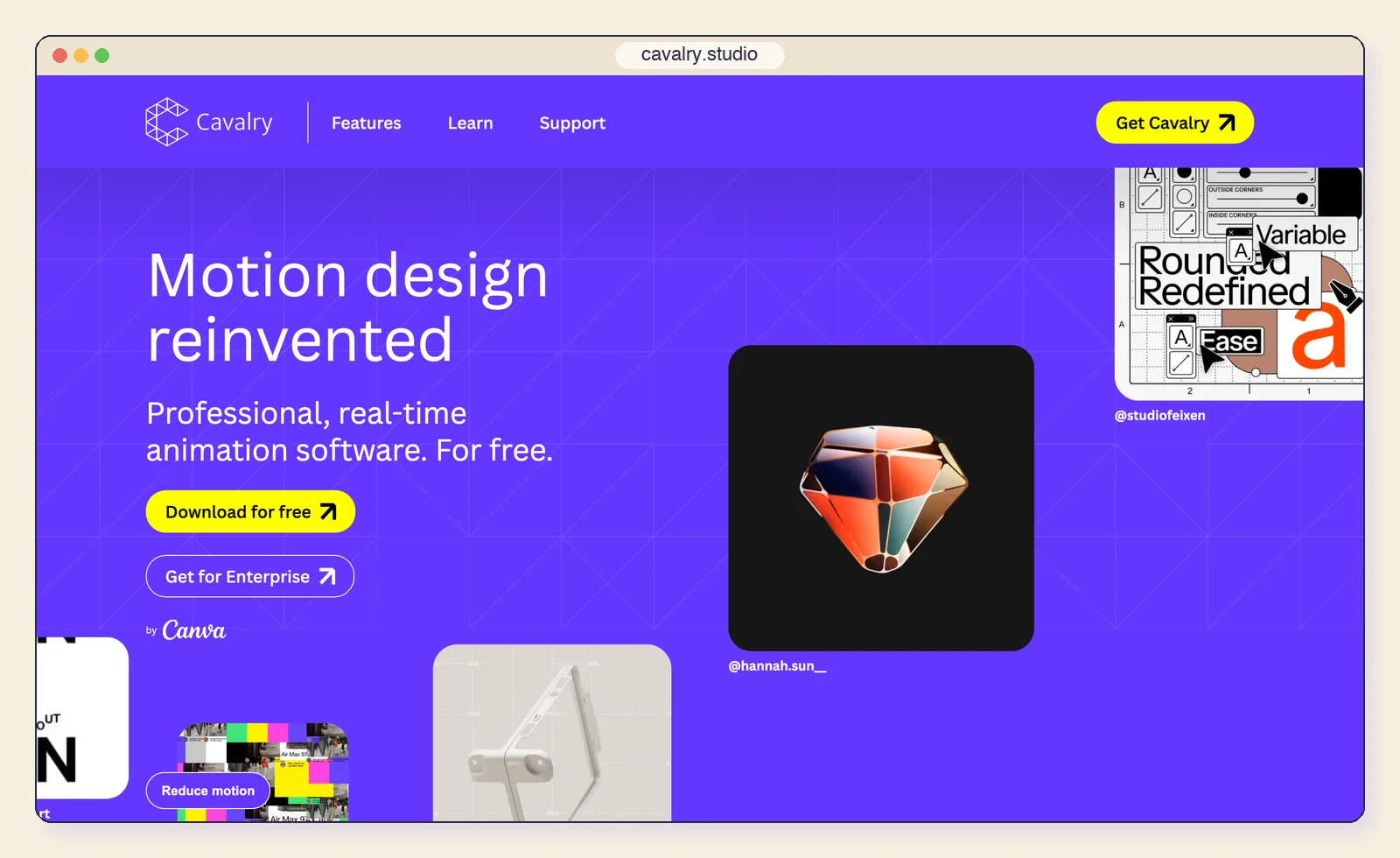
Cavalry is real-time, procedural 2D motion design software. Instead of keyframing each object, you build systems whose properties drive many objects at once. In April 2026, under Canva, it became free for individuals.
Key features:
- Duplicator and Falloffs: spread shapes across grids and drive their properties procedurally.
- Data Import: bind animation to a spreadsheet.
- Rigging tools such as Rubber Hose and rig controls.
- Lottie export built in.
It’s official everyone!! We’re thrilled to share the news that Cavalry is now free!
— Cavalry (@cavalry__app) View on X
Cavalry really is free for individuals — and not in a watered-down way.
- Runs on: Mac (Apple silicon and Intel) and Windows.
- Price: Free for individuals with a Canva account; enterprise access goes through Canva Enterprise or Education.
- After Effects limits it removes: The subscription, and manual keyframing for repetitive or data-driven work.
- Best for: Data-driven graphics, UI motion, rigged 2D characters and anything that must ship as Lottie.
- Limitations: Built for 2D vector work rather than footage, and it needs a Canva account.
3. Apple Motion: the cheapest way off the subscription on a Mac
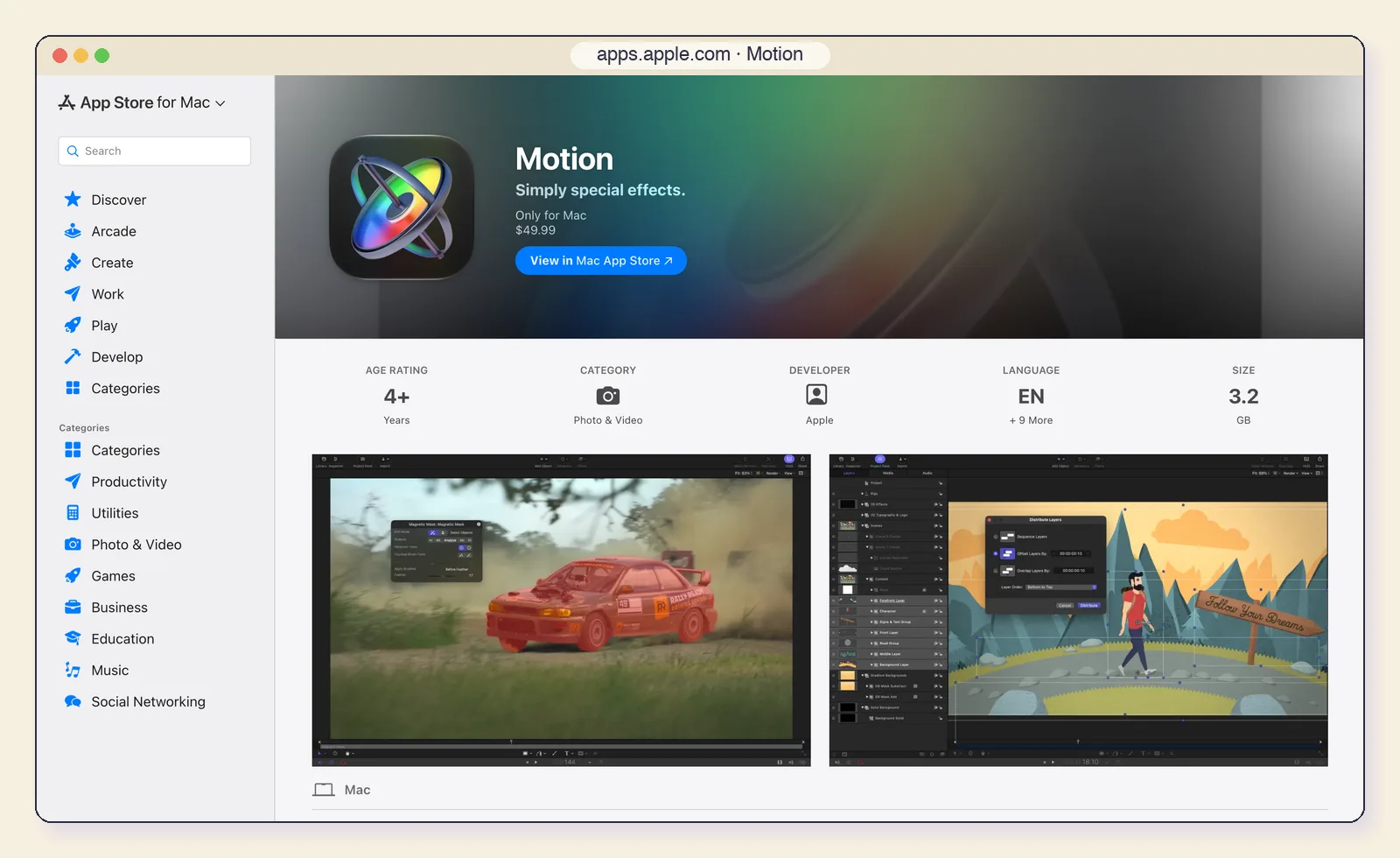
Motion costs $49.99 once on the Mac App Store and covers a large share of everyday After Effects work: 2D and 3D titles, keyframes and behaviors, tracking and effects templates for Final Cut Pro.
Key features:
- Behaviors that animate without keyframes, plus keyframes with curve editing.
- Object tracking accelerated by the Neural Engine.
- Magnetic Mask, an AI tool that tracks and isolates people and objects.
- Smart Motion Templates that publish into Final Cut Pro with editable controls.
- 1,900+ royalty-free graphics and 60 USDZ 3D models.
- Runs on: Mac only (macOS 15.6 or later).
- Price: $49.99 once, or included in Apple Creator Studio at $12.99/month alongside Final Cut Pro and Logic Pro.
- After Effects limits it removes: The subscription and the exit fee.
- Best for: Final Cut Pro editors who need titles, lower thirds and effects templates.
- Limitations: No Windows or Linux, a smaller plugin ecosystem than After Effects, and little use outside Apple's apps.
4. CoAnimator: product videos you direct instead of keyframe
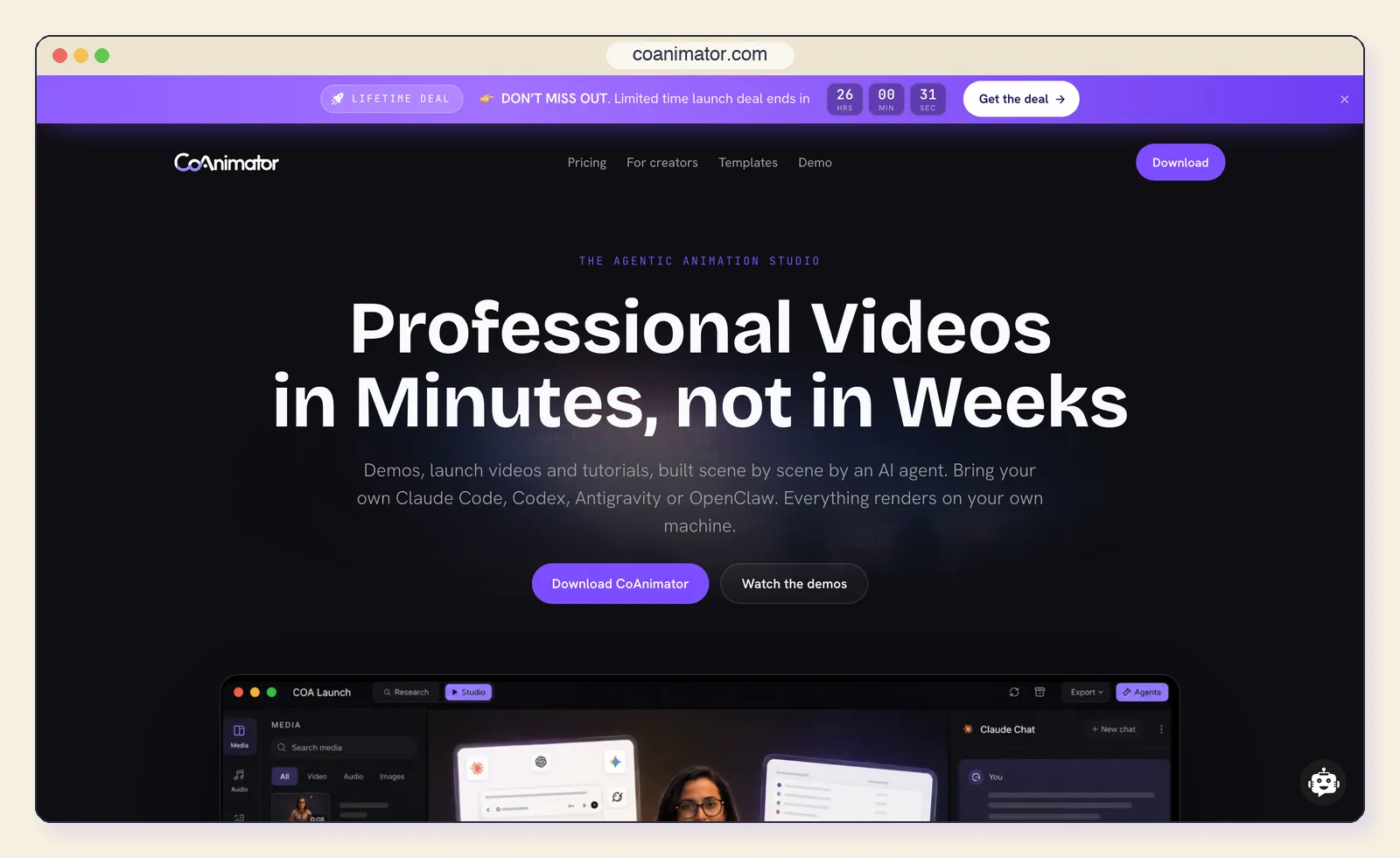
CoAnimator is a desktop studio where an AI agent you already use, such as Claude Code or Codex, builds the animation for you. You describe the video, the agent writes each scene as editable code, and the result appears on a live stage with a multi-track timeline you can also edit by hand.
Key features:
- Motion graphics by description: kinetic typography, animated charts and UI cards, with easing and timing handled by the agent.
- Effects on real footage: text behind the subject, spotlights and cinematic grades.
- WebGL 3D: low-poly scenes, keyframed cameras and imported rigged GLB characters.
- Voiceover on the timeline through an ElevenLabs plugin, with animation timed to the narration.
- Runs on: macOS (Apple silicon), Windows and Linux.
- Price: Free with unlimited 720p renders and a watermark; $99 once (launch price) for 4K and no watermark.
- After Effects limits it removes: The subscription and exit fee, the Linux gap and manual revisions.
- Best for: Product demos, launch videos, explainers and tutorials, especially for teams without a full-time motion designer.
- Limitations: MP4 export only for now, results depend on your agent and brief, and there is no roto or tracking toolset for VFX work.
5. Blender: free 3D, compositing and tracking
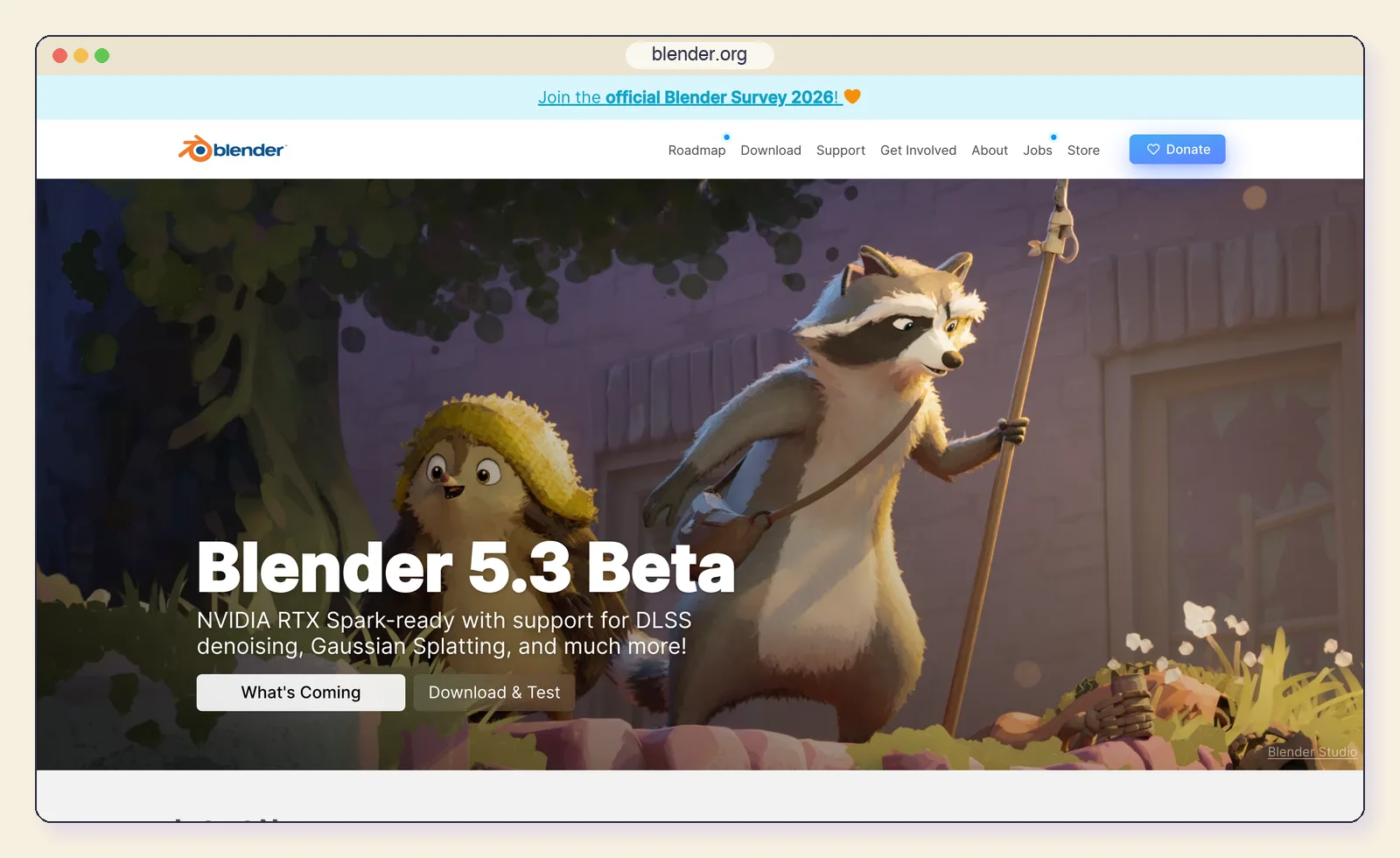
Blender is the free answer when your motion work needs real 3D. Version 5.2.2 LTS is current, with 5.3 due on November 10, 2026.
Key features:
- Full 3D: modelling, rigging, simulation and rendering.
- Grease Pencil for 2D and cut-out animation drawn in 3D space.
- Built-in compositor with multilayer OpenEXR output.
- Camera, object and planar tracking for VFX shots.
- Runs on: Mac, Windows and Linux.
- Price: Free and open source under the GNU GPL.
- After Effects limits it removes: The subscription, the Linux gap and the limits of 2.5D layers.
- Best for: 3D product shots, logo animations, characters and stylised 2D/3D hybrids.
- Limitations: A 3D suite first: simple 2D titles and lower thirds take longer than in a layer-based tool.
6. Autograph: free motion graphics from Maxon
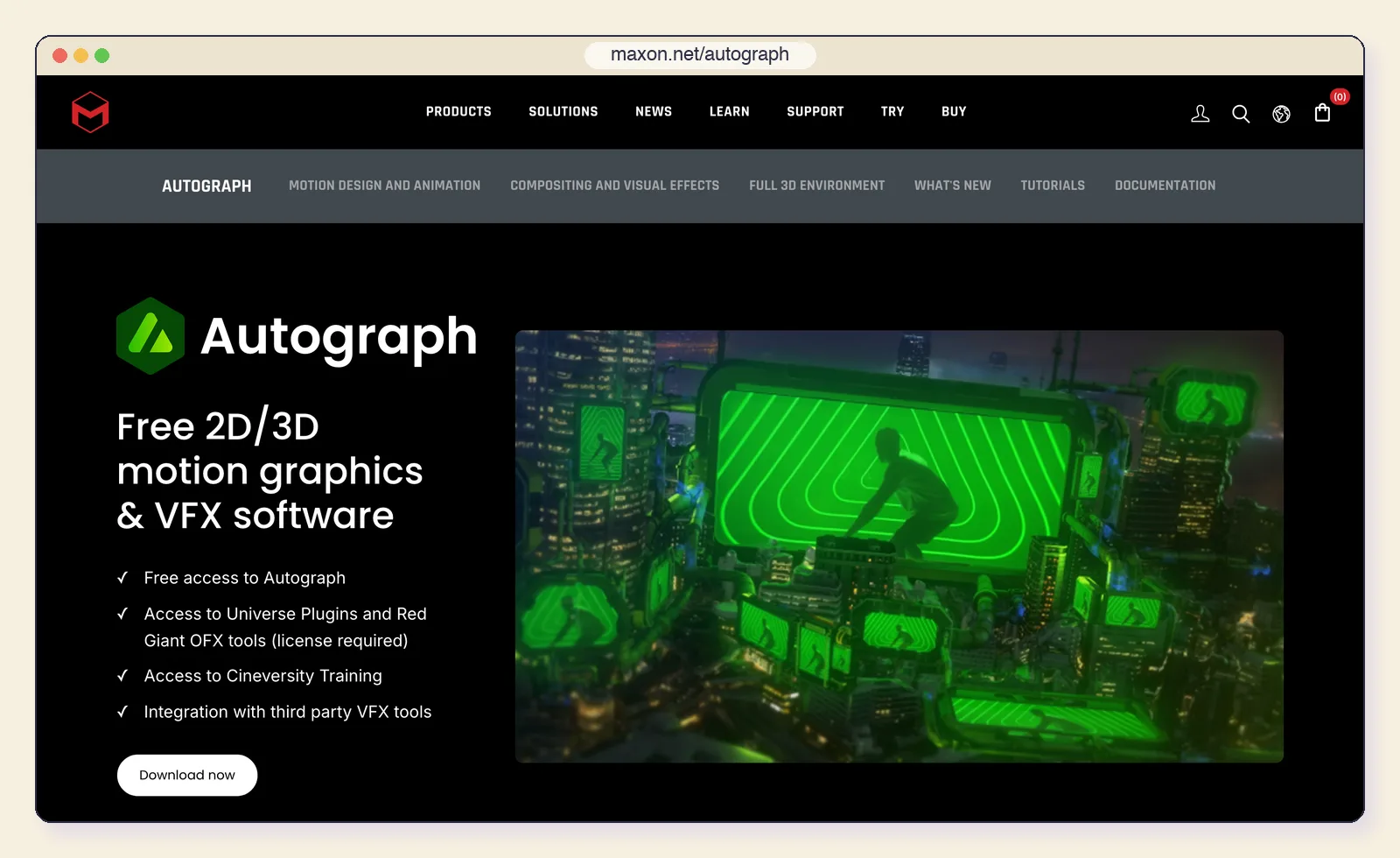
Autograph, now part of Maxon, is the closest thing on this list to a modern rethink of After Effects: motion graphics and compositing in one app, with compositions that adapt to multiple formats. It is free.
Key features:
- Responsive compositions that adapt one design to many aspect ratios.
- 3D environment based on OpenUSD.
- Rotoscoping, 2D and planar tracking.
- OpenFX plugins, ProRes and multichannel EXR, with ACES and OCIO colour.
- Built-in MCP server (Autograph 2027.0) you can switch on so AI assistants operate its tools.
- Runs on: Mac and Windows.
- Price: Free; Maxon's Universe and Red Giant OFX tools need a separate licence.
- After Effects limits it removes: The subscription, and manual re-work for every aspect ratio.
- Best for: Designers delivering one campaign in many formats, and Cinema 4D users.
- Limitations: A smaller community and tutorial library than After Effects, and no Linux.
7. Jitter: motion design in the browser
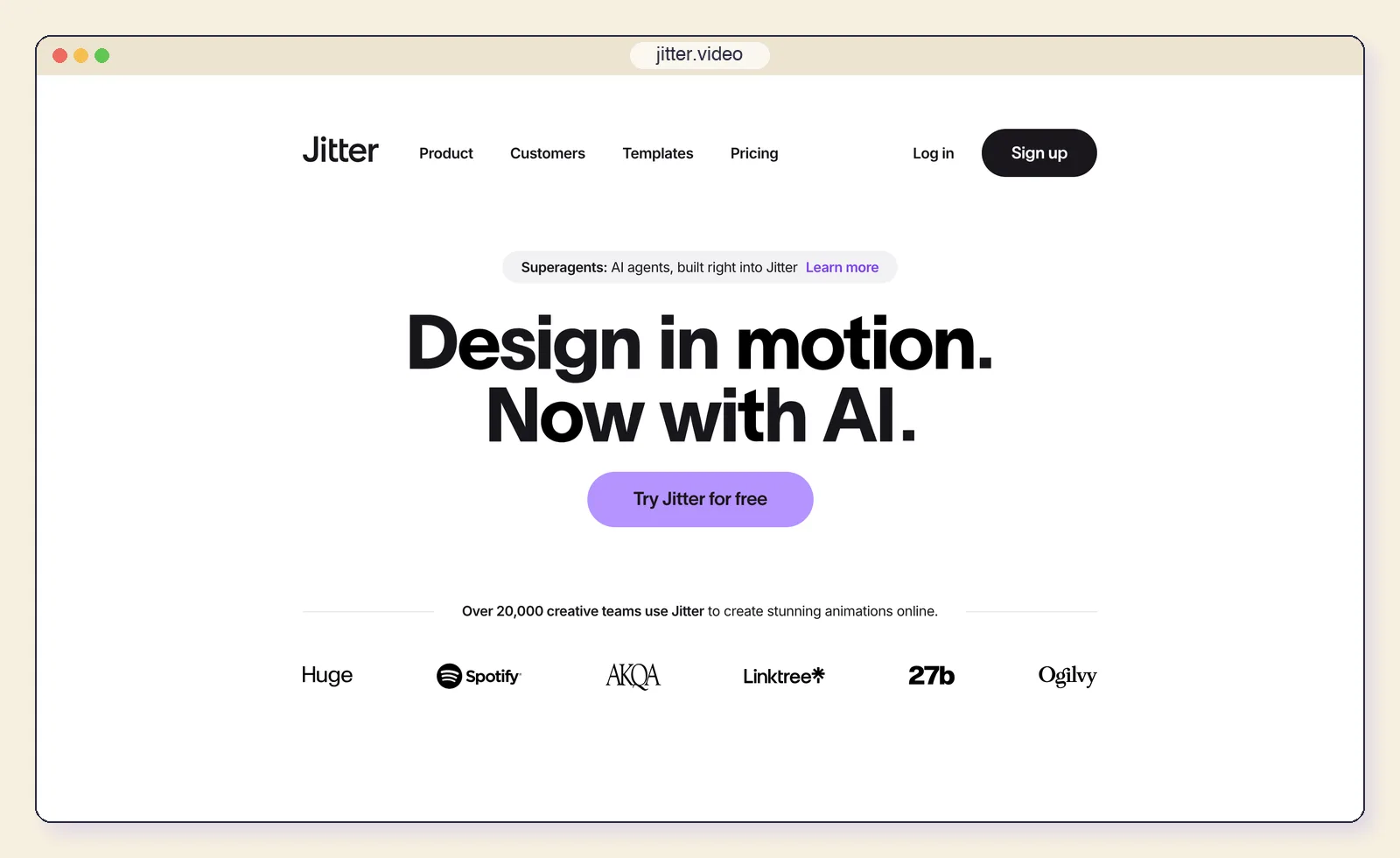
Jitter is a browser-based editor built for UI and product motion, with Figma import and AI credits for generating ideas and turning images into video. It is the fastest way for a product designer to animate a screen without installing anything.
Key features:
- Figma import and familiar design-tool controls.
- Presets and keyframes for UI and product animation.
- Jitter AI credits for ideas and image-to-video.
- Exports to video, GIF and Lottie.
- Runs on: Any modern browser.
- Price: Free with 720p export and Lottie; Pro $15 per editor per month billed yearly ($19 monthly) for 1080p60, ProRes and WebM; Max $35 ($49 monthly) for 4K and transparent export.
- After Effects limits it removes: The hardware bar and the Linux gap, for UI work.
- Best for: App and website animations, social posts and design-system motion.
- Limitations: No compositing or tracking, and transparent export only from the Max plan.
8. Nuke: when the job is film VFX
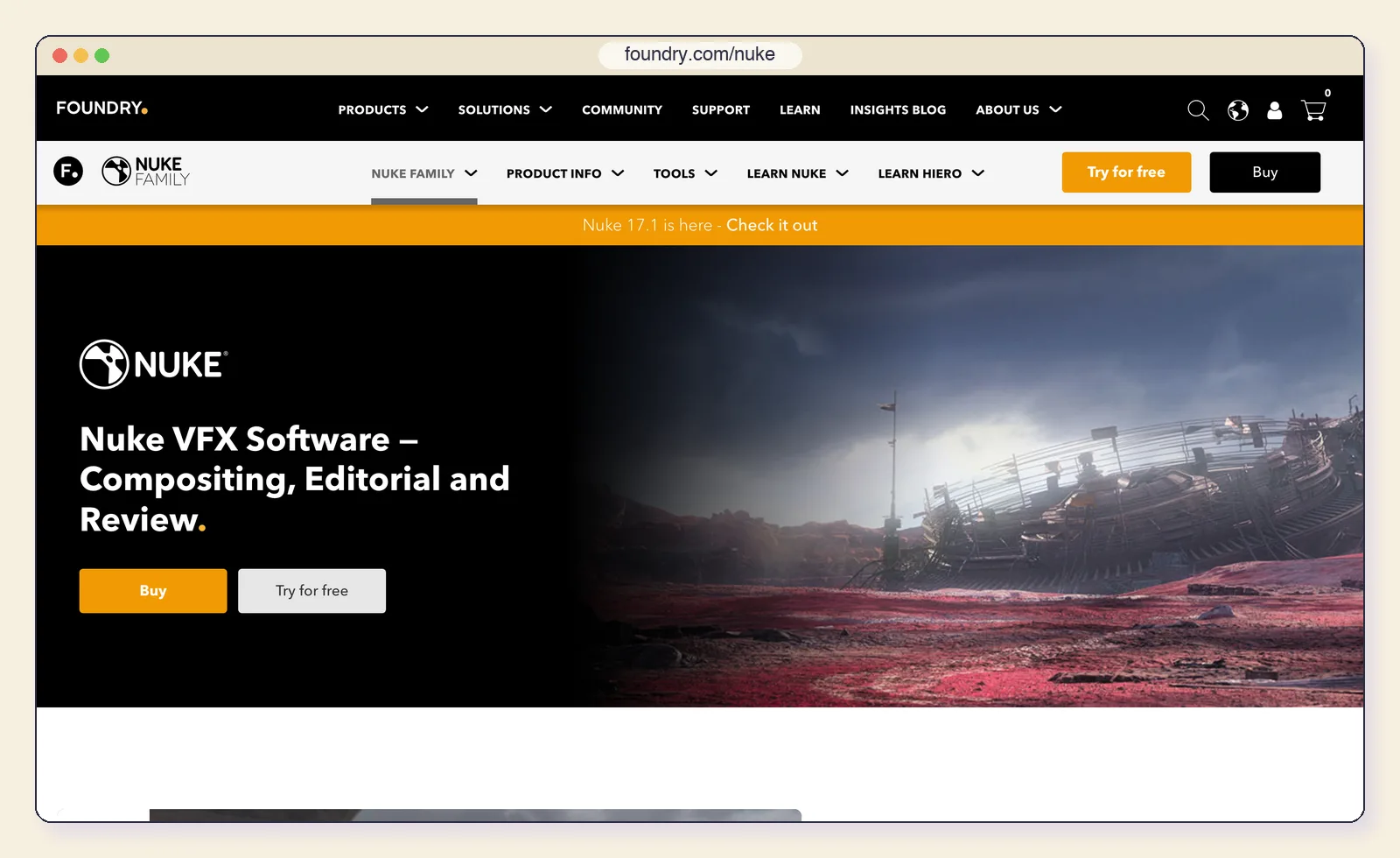
Nuke is the node-based compositor used in film and episodic VFX, and version 17.1 is current. It is overkill for titles and lower thirds, but if your After Effects work is mostly keying, tracking and compositing plates, this is where the industry works.
Key features:
- Node-based compositing built for high-end VFX pipelines.
- CopyCat trains machine-learning tools on your own shots.
- Keying, tracking and 3D compositing tools.
- A free Non-commercial edition for learning, limited to 1920x1080.
- Runs on: Windows, Linux and macOS.
- Price: Nuke Indie is $499/year for people earning under $100,000 a year (export up to 4K, no pipeline use). Full Nuke is $3,839/year.
- After Effects limits it removes: The Linux gap and the layer-only model, for compositing.
- Best for: Freelance and studio compositors.
- Limitations: Price outside Indie, and it is a compositor, not a motion design tool.
9. Rive: interactive animation for apps and games
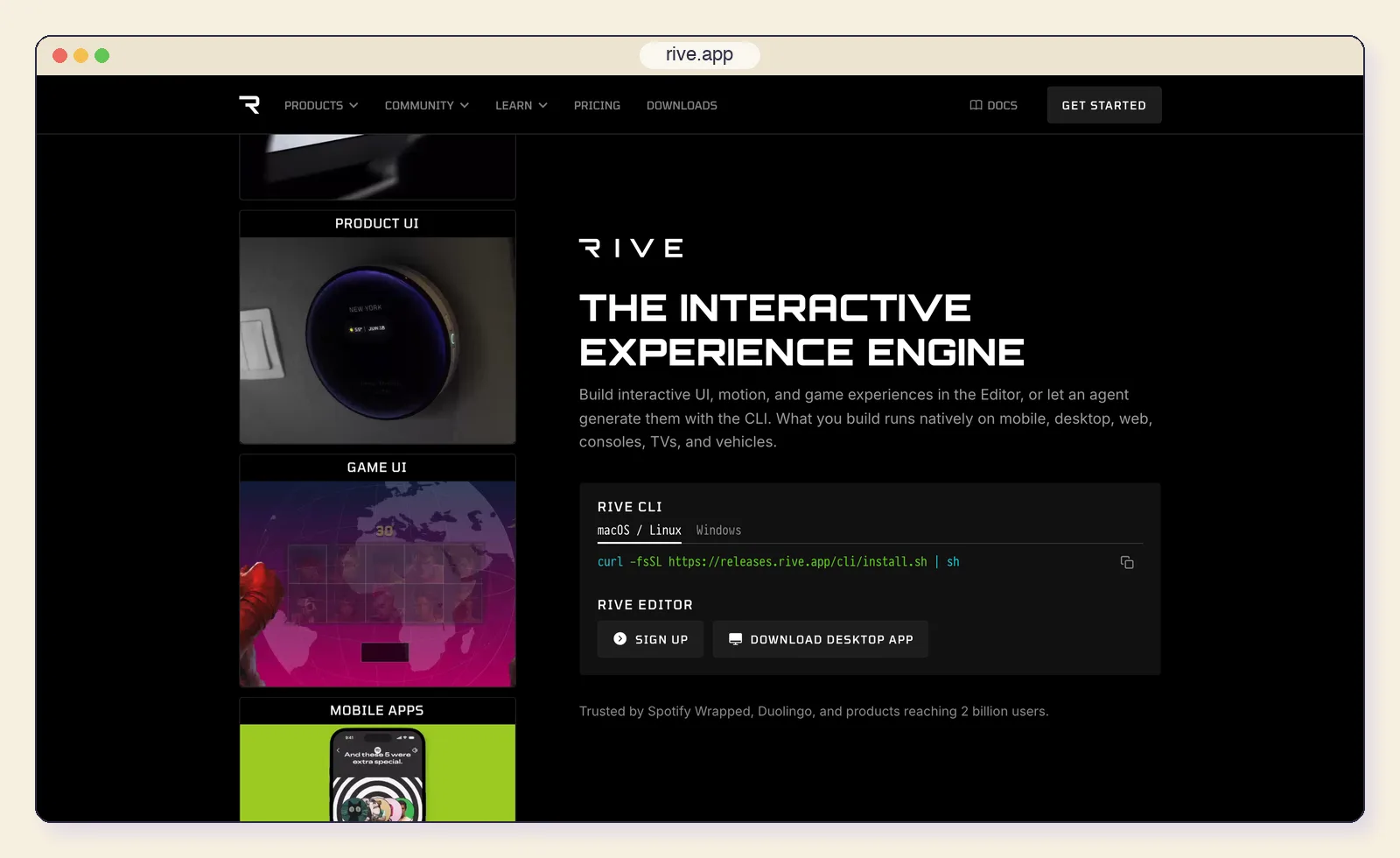
Rive replaces the After Effects-to-Lottie pipeline for teams whose animation lives inside software. You build state machines, bones and meshes, then ship the file to runtimes where it responds to input instead of playing back.
Key features:
- State machines that react to input and data.
- Bones, meshes and constraints for character animation.
- Runtimes for the web, iOS, Android, Flutter, Unity and Unreal.
- Video and GIF export for marketing cuts.
- Runs on: Mac, Windows and browser.
- Price: Free (exports carry a Rive splash screen); Cadet $9/seat/month billed yearly; Voyager $32/seat/month with agent credits.
- After Effects limits it removes: The layer-only model, for interactive work.
- Best for: Interactive UI, onboarding flows and game interfaces.
- Limitations: Not a video compositor, and no footage workflow.
10. Natron: the open-source node compositor
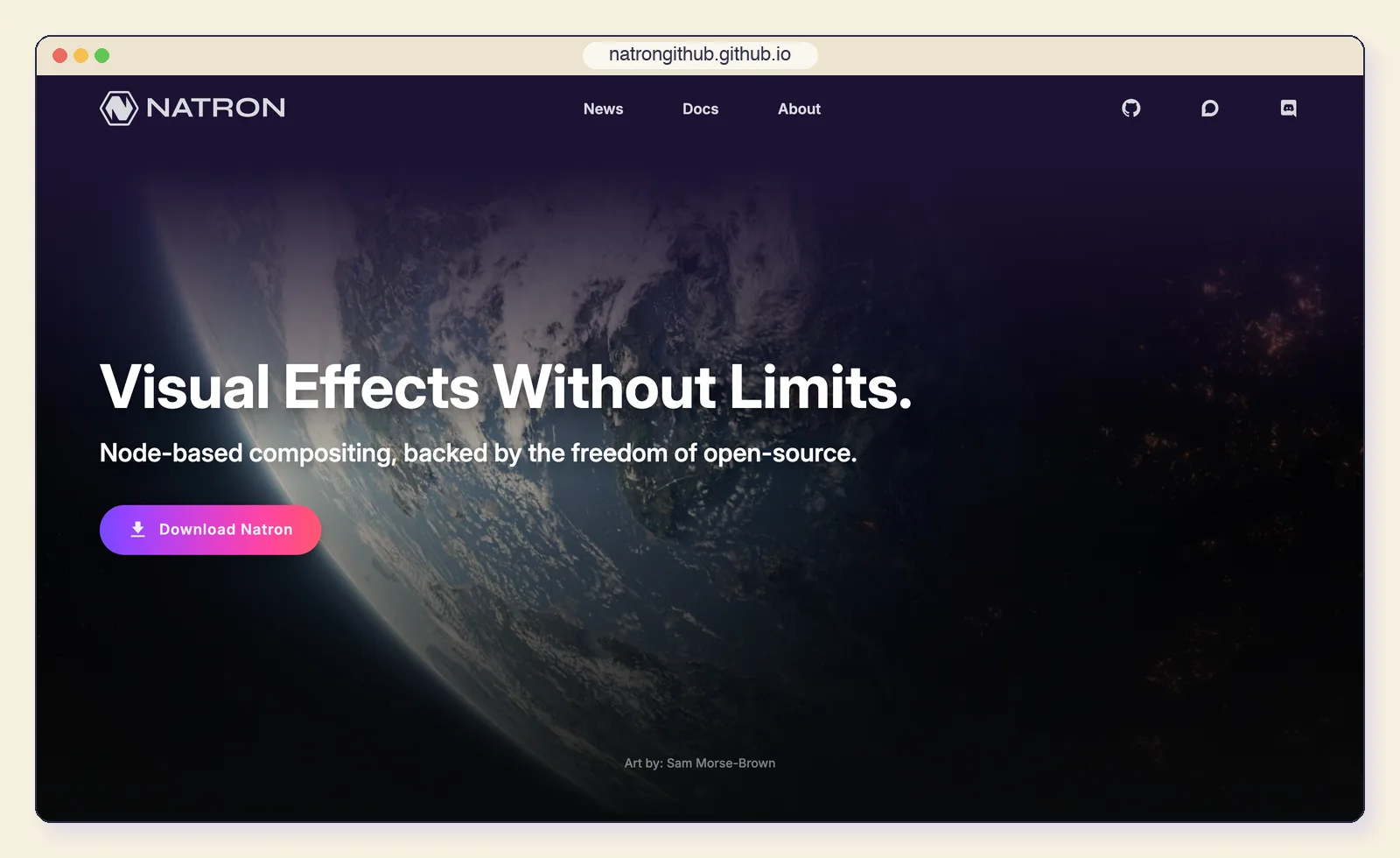
Natron is a free, GPL-licensed node compositor, and the only fully open-source compositor on this list.
Key features:
- OFX plugin support.
- Roto, keying and 2D tracking.
- Curve editor and dope sheet.
- Command-line rendering and Python scripting.
- Runs on: Mac, Windows and Linux.
- Price: Free (GPL-2.0).
- After Effects limits it removes: The subscription and the Linux gap.
- Best for: Learning node compositing, or Linux pipelines that need an open-source tool.
- Limitations: The last stable release, 2.5.0, dates from November 2022, with only pre-releases since, so Resolve's free Fusion page is usually the better choice.
11. Linearity Move: simple 2D animation on a budget
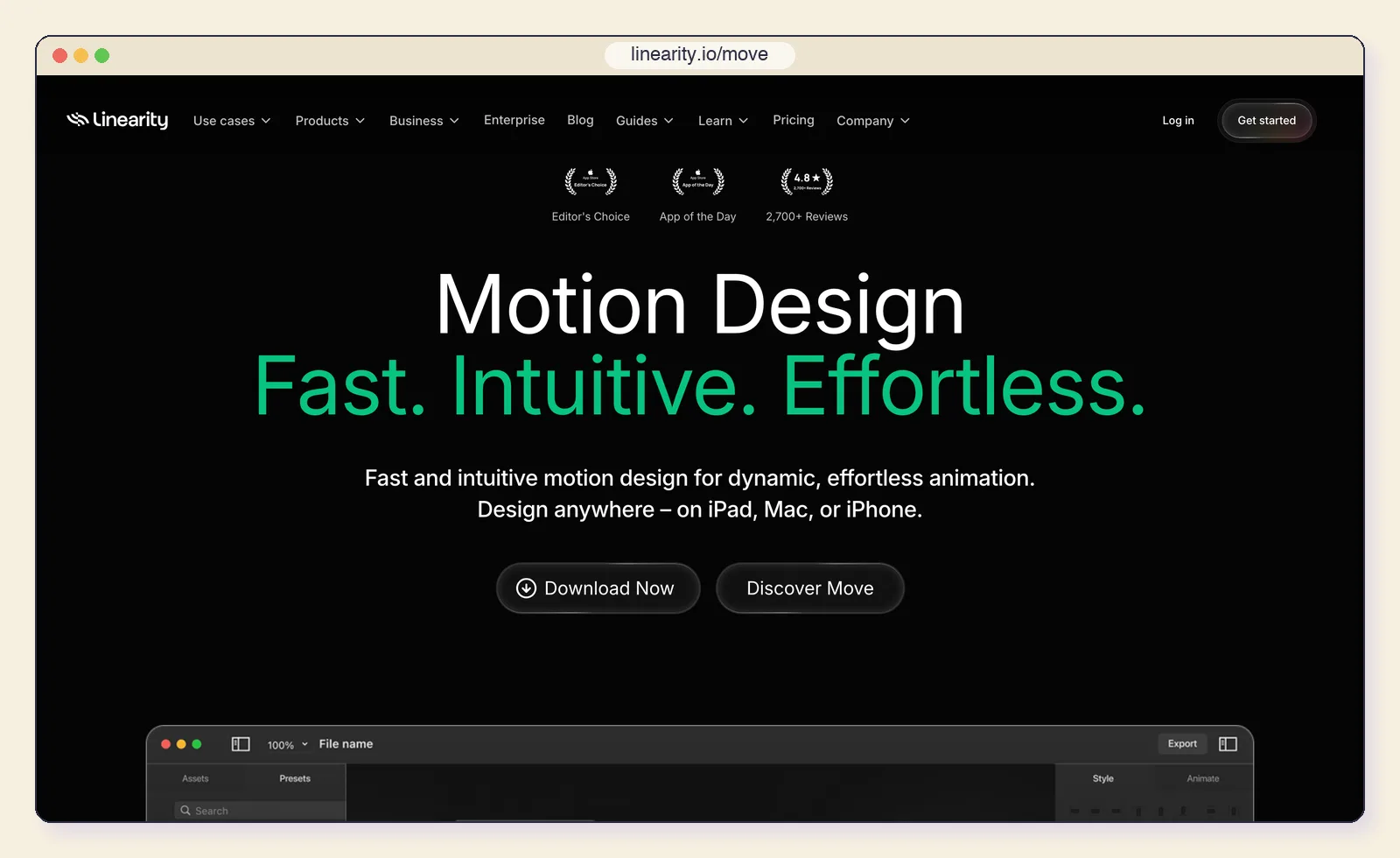
Linearity Move pairs with the Linearity Curve design app to animate vector artwork quickly. It suits marketing and UI animations that do not need the depth of Cavalry or After Effects.
Key features:
- Animate Linearity Curve designs directly.
- Exports MP4, MOV and GIF, with or without a transparent background.
- Adjustable resolution and frame rate.
- Runs on iPad as well as Mac.
- Runs on: Mac and iPad (macOS Big Sur or iPadOS 14 and later).
- Price: Free tier with limits; Pro $8/month billed yearly ($10 monthly) for Curve and Move.
- After Effects limits it removes: Most of the cost, for simple animation.
- Best for: Social graphics and lightweight UI animation.
- Limitations: Limited compared with the tools above: no compositing, tracking or 3D.
12. Code tools: Remotion, HyperFrames and Motion Canvas
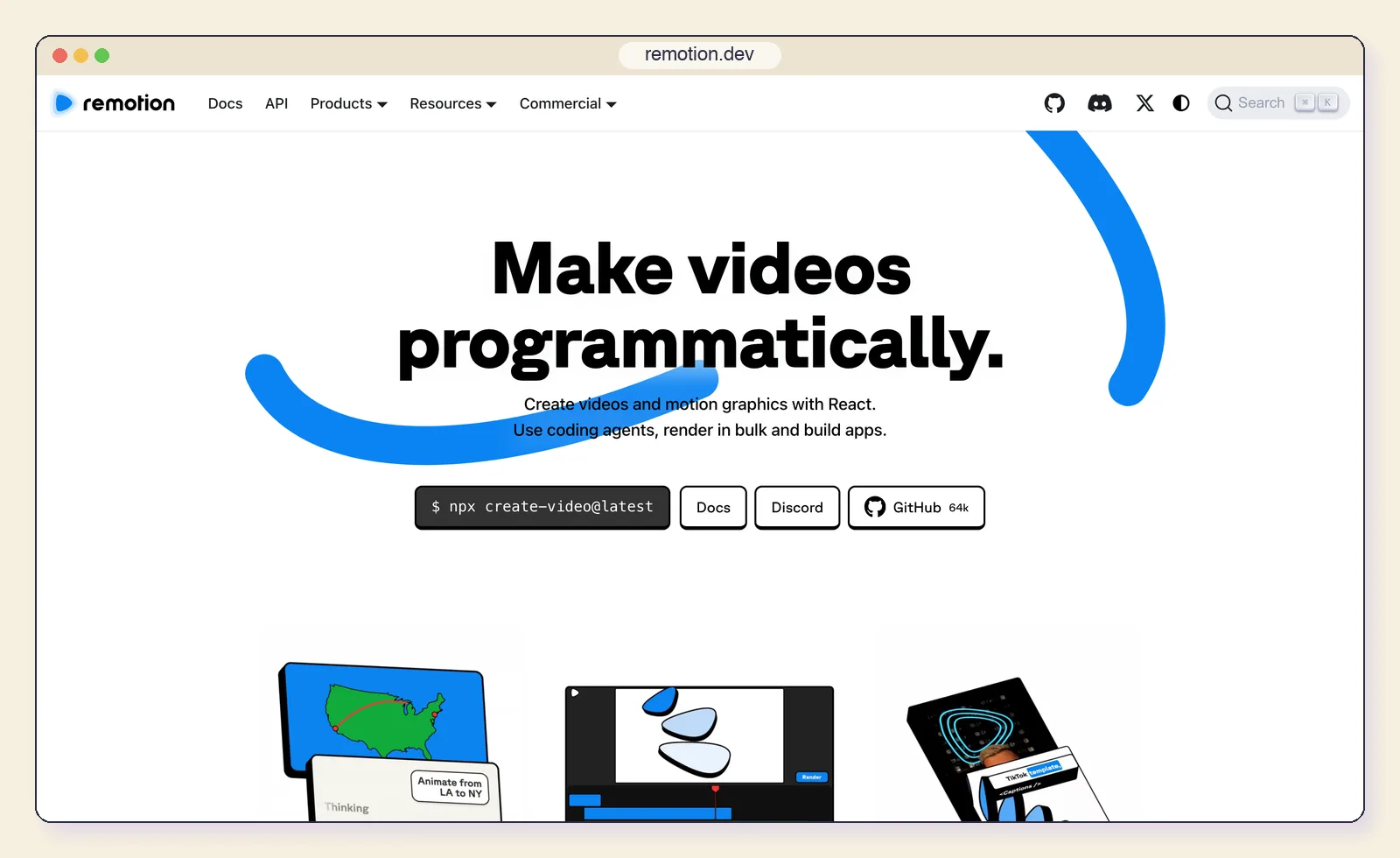
If your motion graphics are really data or templates, such as a thousand personalised videos or charts that update every week, a code framework beats any timeline. These render video from React, HTML or TypeScript.
Key features:
- Remotion renders React components to video; free for individuals and companies of up to three employees.
- HyperFrames renders HTML, CSS and GSAP to video under Apache-2.0 and is built for AI agents.
- Motion Canvas is an MIT-licensed TypeScript animation editor for explainers.
- All three render from scripts, so videos can be generated and versioned like code.
For diagram-style motion, such as an architecture or a sequence of API calls, you may not need a video tool at all; the Mermaid to animated diagram tool exports an animated GIF from text.
- Runs on: Anywhere Node.js runs.
- Price: Free to licensed: Remotion charges companies of four or more; HyperFrames and Motion Canvas are free.
- After Effects limits it removes: Manual revisions and the subscription, for data-driven video.
- Best for: Developers generating many videos from data or templates.
- Limitations: You write code for every change. Our Remotion alternatives guide compares these and nine more in depth.
What three years of each tool costs one designer
Subscriptions look cheap per month and expensive over time. This table puts every option on the same footing: one person, three years, licence cost only, using each vendor's cheapest normal plan for that person.
| Tool | Three-year cost | How we calculated it |
|---|---|---|
| After Effects | $827.64 | $22.99/month on the annual plan x 36 |
| Creative Cloud Pro | $2,519.64 | $69.99/month on the annual plan x 36 |
| DaVinci Resolve | $0 (Studio $295) | Free version, or Studio bought once |
| Cavalry, Blender, Autograph, Natron | $0 | Free |
| Apple Motion | $49.99 | One-time App Store purchase |
| CoAnimator | $0 to $257 | Free tier; or $99 licence plus two optional years of updates at $79 |
| Linearity Move | $288 | $8/month billed yearly x 36 |
| Rive Cadet | $324 | $9/month billed yearly x 36 |
| Jitter Pro | $540 | $15/month billed yearly x 36 |
| Nuke Indie | $1,497 | $499/year x 3 |
The free tools are not free of cost: they cost learning time, and plugins and stock assets add up. But three years of the After Effects single-app plan pays for a Resolve Studio licence, an Apple Motion licence and a CoAnimator licence with about $380 to spare.
Features side by side
Feature lists blur together, so this table checks only the capabilities After Effects users ask about most. A dash means the vendor does not offer or document it.
| Tool | Tracking | 3D | Lottie export | AI or agent hooks |
|---|---|---|---|---|
| After Effects | Yes | Yes | Via the Bodymovin plugin | Object Matte |
| Resolve (Fusion) | Point, planar, 3D camera | Yes | - | AI assistants (21.1), Neural Engine in Studio |
| Cavalry | - | - | Yes | - |
| Apple Motion | Object tracking | Yes | - | Magnetic Mask |
| CoAnimator | - | WebGL, GLB characters | On the roadmap | Built around your agent |
| Blender | Camera, object, planar | Yes | - | - |
| Autograph | 2D, planar | Yes (OpenUSD) | - | Built-in MCP server |
| Jitter | - | - | Yes | Jitter AI credits |
| Nuke | Yes | Yes | - | CopyCat |
The last column is the one moving fastest. Resolve, Autograph and CoAnimator all let an AI assistant operate the tool in 2026, the same shift we covered for design files in Figma's use_figma tool. Agents learn each tool through skills, which our Claude Design skills guide explains.
Tools that are no longer an option
Older "After Effects alternatives" lists still recommend these, so check before you download:
- HitFilm was discontinued by Artlist on January 15, 2025, along with Imerge; there are no updates or new registrations (CG Channel).
- Fable, the browser motion tool, shut down in November 2024 and its domain no longer resolves.
- Olive, the open-source editor, has had no commits since December 2024.
Two newer tools are worth watching but did not make the list: Spline for interactive 3D on the web (free, paid from $12/seat/month), and Unreal Engine's Motion Design toolset for broadcast graphics.
How to choose
Start from the work you do most weeks, not the most complex shot you have ever made.
- List your last ten projects. If most were titles, social clips and product videos, you need speed more than compositing depth.
- Check your platform. Linux rules out After Effects, Cavalry, Apple Motion and Autograph; Windows rules out Apple Motion.
- Check your output. Lottie for apps points to Cavalry or Jitter, and interactive files to Rive. Video with transparency needs a tool and plan that export alpha (Jitter only from Max, for example). MP4 for social works everywhere.
- Rebuild one real project. Pick a recent piece and remake it in your top two choices before cancelling anything.
- Time your exit. Cancel an annual Adobe plan at renewal, not mid-term, to avoid the early-termination fee.
Whichever tool you pick, the motion decisions travel with you. Motion principles for explaining complex systems is a short checklist for them, and if the animation must ship inside a product, our guide to design-to-code mechanisms covers what survives the handoff.
Frequently asked questions
What is the best free After Effects alternative? DaVinci Resolve for compositing, editing and VFX in one app, Cavalry for procedural 2D and Lottie, and Blender for 3D. Autograph is also free and the closest in spirit to After Effects.
Is there an After Effects alternative for Linux? Yes: DaVinci Resolve (Fusion), Blender, Natron, Nuke and CoAnimator all run on Linux.
Can AI replace After Effects? For product demos, explainers and title work, AI agent tools such as CoAnimator can produce a first version in minutes and revise it from plain-language feedback. For frame-level VFX, roto and complex compositing, a manual tool is still the better choice.
What is the cheapest paid alternative? Apple Motion at $49.99 once on a Mac, then CoAnimator's $99 one-time licence, which also covers Windows and Linux.
Can I open After Effects projects in these tools? Generally no. Plan on rebuilding projects; Lottie files exported through Bodymovin are the main format that moves between tools.